GENESYS User Manual Issue 1
2T Operation
5.1 Mixing Mode
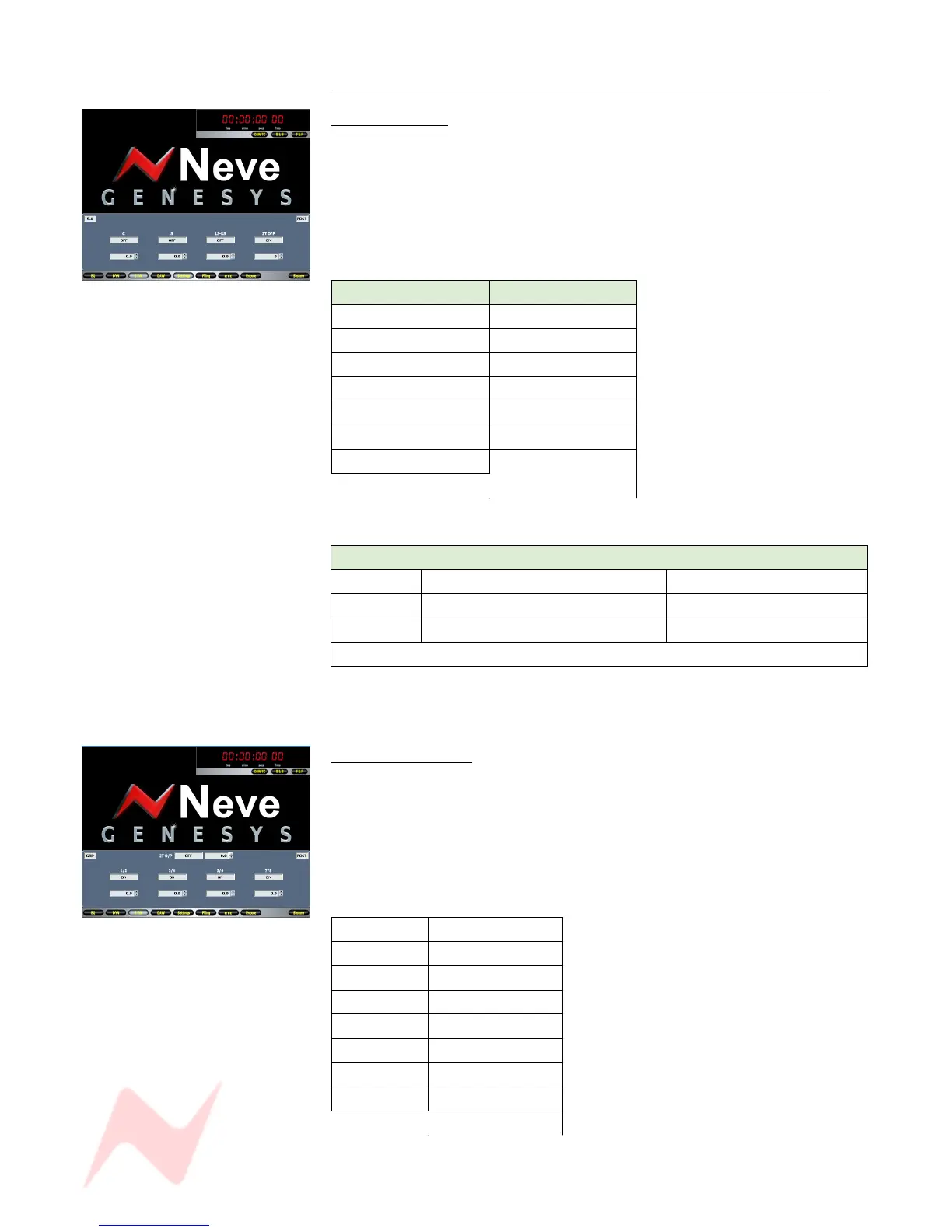
On-screen icons will display:
• 5.1 (as opposed to Group)
• Whether the feeds are sourced Pre- or Post- the 8T
• Trim values for the C, S and LS/RS.
The 8T Outputs are fed to the 2T Outputs in the following way:
8T Output 2T Destination
1 (Left) Left
2 (Right) Right
3 (n/a) (n/a)
4 (n/a) (n/a)
5 (Left Surround) Left
6 (Right Surround) Right
7 (Centre)
Left and Right
8 (Sub)
The four encoders have the following function in 5.1 Mode.
Encoder Push-switch function Rotary function
1 On / Off contribution to C +/- 10dB Trim
2 On / Off contribution to S +/- 10dB Trim
3 On / Off contribution to LS / RS +/- 10dB Trim
4 2T Output On / Off Level control, -∞ to 0dB
The Trim values will be displayed on-screen as you set them.
Group Mixing Mode
On-screen icons will display:
• Group (as opposed to 5.1)
• Whether the feeds are sourced Pre- or Post- the 8T faders
• 2T Output level
• 2T On / Off state
In Group Mode, the 8T Outputs are fed to the 2T in the following way:
8T Output 2T Destination
1 Left
2 Right
3 Left
4 Right
5 Left
6 Right
7 Left
8 Right
- 56 -



 To Next Page