GENESYS User Manual Issue 1
automatically dimmed by 25dB.
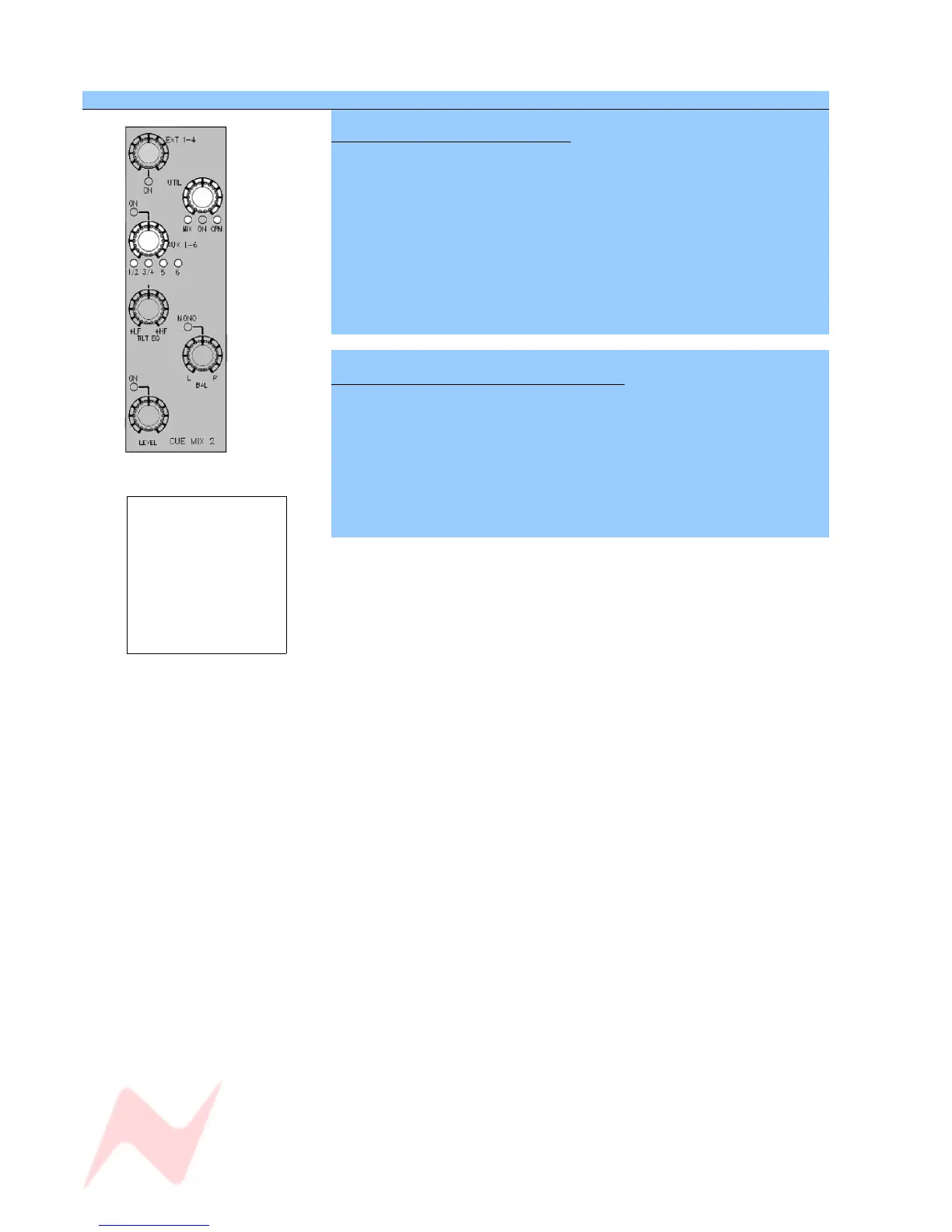
SEL Mode on the CUE MIX Section
To select the Aux feeding the Cue
> Put the Monitor panel into SEL Mode.
Pressing the Aux 1-6 knob will cycle the Auxes that feed into the Cue:
> Aux 1 / 2
> Aux 3 / 4
> Aux 5
> Aux 6
> Exit SEL Mode to keep this assignment.
To set the Utility path feeding into the Cue
> Put the Monitor panel into SEL Mode.
Pressing the UTIL control will cycle the feed into the Utility path between:
> MIX (main stereo mix)
> CRM (whatever source is selected to the Control Room Monitors)
Exit SEL Mode to keep this assignment.
- 45 -
A mono Aux can be
sent to both the L
and R of the stereo
Cue by using a
combination of the
MONO switch and
hard panning the Aux
when in non-Sel
mode.



 To Next Page