GENESYS User Manual Issue 1
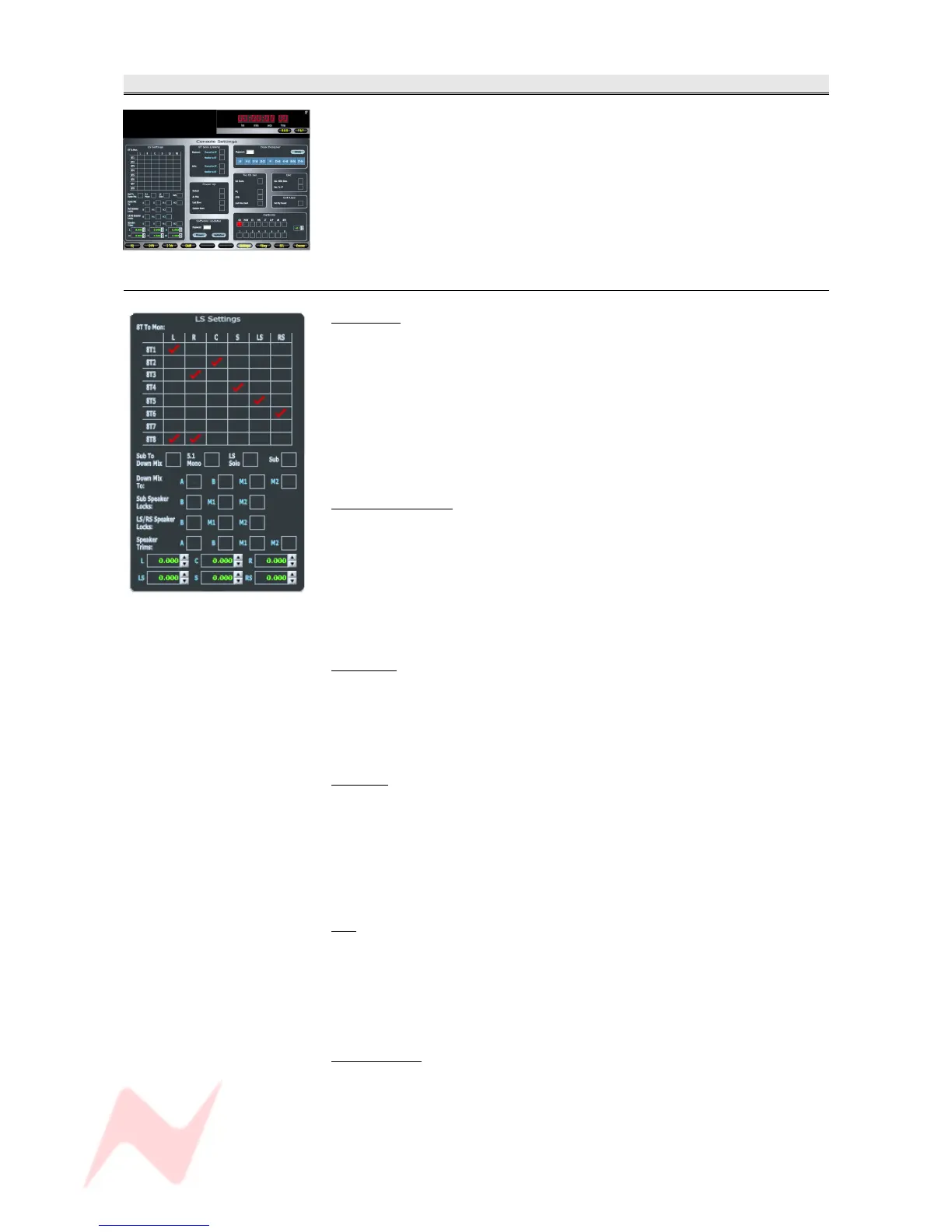
Settings
Contains system-wide parameters regarding:
• Console layout
• 8T to Loudspeaker routing
• Solo linking
• Path calibration
• Loudspeaker settings
• Access to Software Updates
LS Settings
8T To Mon
This matrix allows any of the 8T to be fed to any of the speakers.
There are no limits as to which 8Ts feed which speakers.
> Click in the junction of the speaker and the 8T to make or break the
route.
A red
will be placed on screen when a route has been made.
NB. This set up can also be accomplished by using Sel Mon mode if you do
not wish to use the setting screen.
Sub To Down-mix
The Down-mix is when a Surround Mix is collapsed down to either Stereo
or Mono.
Ticking this option includes the Sub when the mix is collapsed to stereo,
otherwise it will be not be included.
NB. This set up can also be accomplished by using Sel Mon mode if you do
not wish to use the setting screen.
5.1 Mono
Allows the collapse of a 5.1 Surround mix down to Mono.
NB. This set up can also be accomplished by using Sel Mon mode if you do
not wish to use the setting screen.
LS SOLO
Sets the L, C, R, LS, S and RS speaker buttons to act as SOLO, rather
than CUT.
The LS SOLO led above the speaker buttons will light when selected.
NB. This set up can also be accomplished by using Sel Mon mode if you do
not wish to use the setting screen.
SUB
Applies a fixed Lo-pass filter (at 82Hz) to the Sub speaker for checking
purposes.
NB. This set up can also be accomplished by using Sel Mon mode if you do
not wish to use the setting screen.
Down-Mix To
When a Surround mix is collapsed down to Stereo, this down-mix can also
be tied to a set of loudspeakers.
If for example M1 is selected (a Stereo set of speakers), then when the
surround mix is collapsed down to stereo from a 5.1 set, it will force it to
- 70 -


 To Next Page