GENESYS User Manual Issue 1
> Alternatively, right-click on the folder/file(s) to be copied and from the
fly-out menu select the Copy option.
> Right-click on the destination location in the upper window and select
the Paste option.
A copy of the file will be placed in the destination location, providing a file
or folder of the same name does not already exist in that location.
If a file/folder of the same name already exists in the location you are
copying to, you will asked to either Overwrite the file or Cancel the
operation.
Delete
> Select the file by clicking on it.
This could either be an individual Mix, Recall store or a higher level folder.
> Press Delete. You will be asked to confirm your actions.
> Click Yes, and the selected file will be removed.
RTE
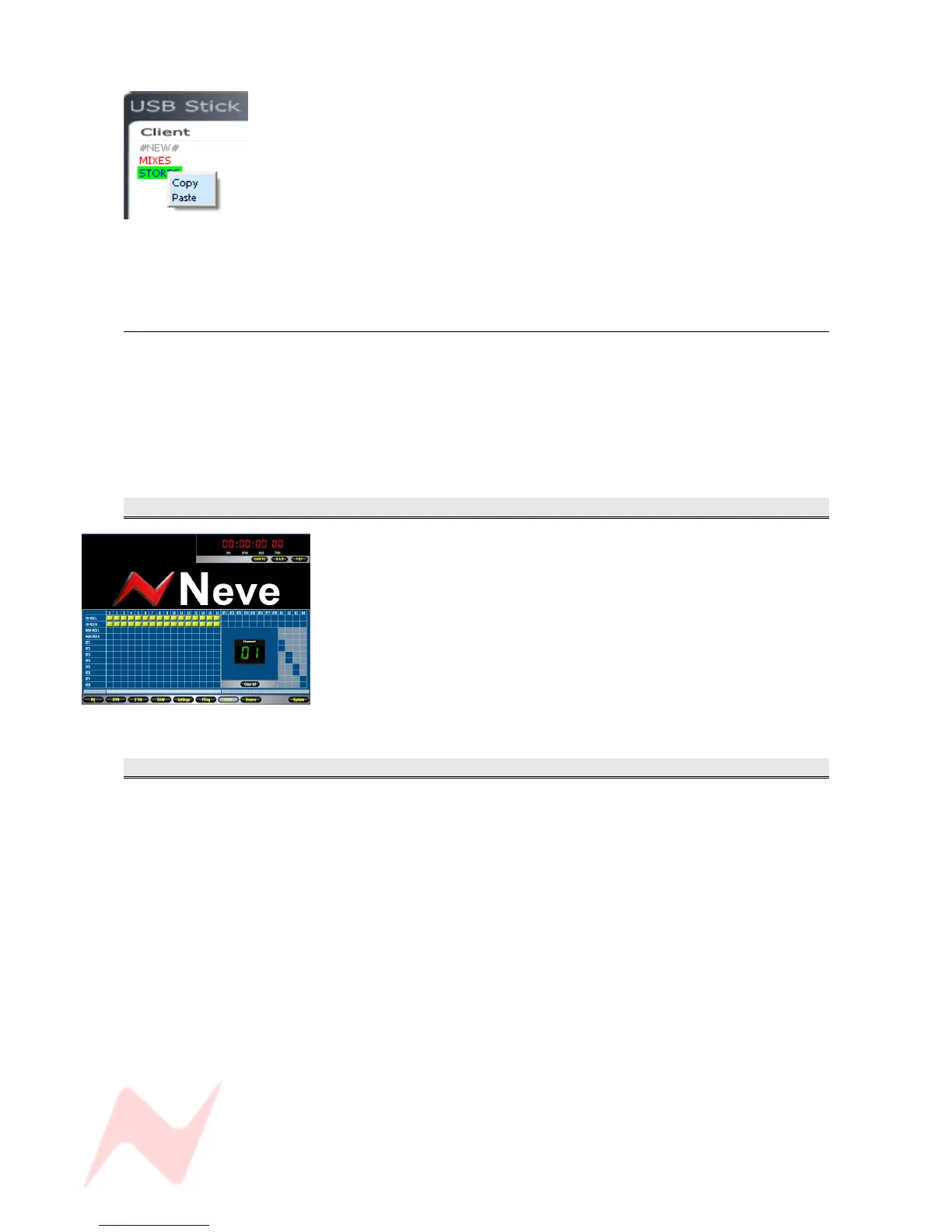
This screen is a graphic representation of the internal routing of the
console and is shown whenever the RTE SEL button is pressed
(depending on how this Preference is set up in the Settings screen).
If this screen is open when routes are made on the console, the screen
will reflect this.
Likewise, it is possible to click on-screen in the relevant junctions to put
these routes in place if this is preferred.
Unavailable routes are greyed out.
ENCORE
Encore Automation setup.
Not yet available for this release of software.
- 76 -



 To Next Page