GENESYS User Manual Issue 1
To Route 8T Outputs to specific loudspeakers
It is possible to route the 8T Outputs directly to individual loudspeakers.
> Press the RTE SEL button on the Route Sel panel and press 8T.
> It is now possible to scroll through all of the 8T Outputs using the
Monitor Knob, the selected 8T appearing on the alpha display (if there are
routes already in place, as you scroll through the 8T paths using the
Monitor Knob these will be displayed via the Loudspeaker CUT buttons).
> When you have selected the 8T you wish to configure, select the
loudspeaker you wish to send this path to using the individual LS CUT
buttons. The speaker button will light when selected.
It is possible to send any of the 8T Outputs to more than one speaker
destination at a time.
> Exit SEL Mode to lock these routes into place.
On exiting RTE SEL Mode, the 2T and SEL buttons will cease flashing and
the screen will revert to showing it's previous display, or if 2T control was
selected will show the 2T Mixer screen.
2T
Lights yellow when selected and allows control of the 2T mixer.
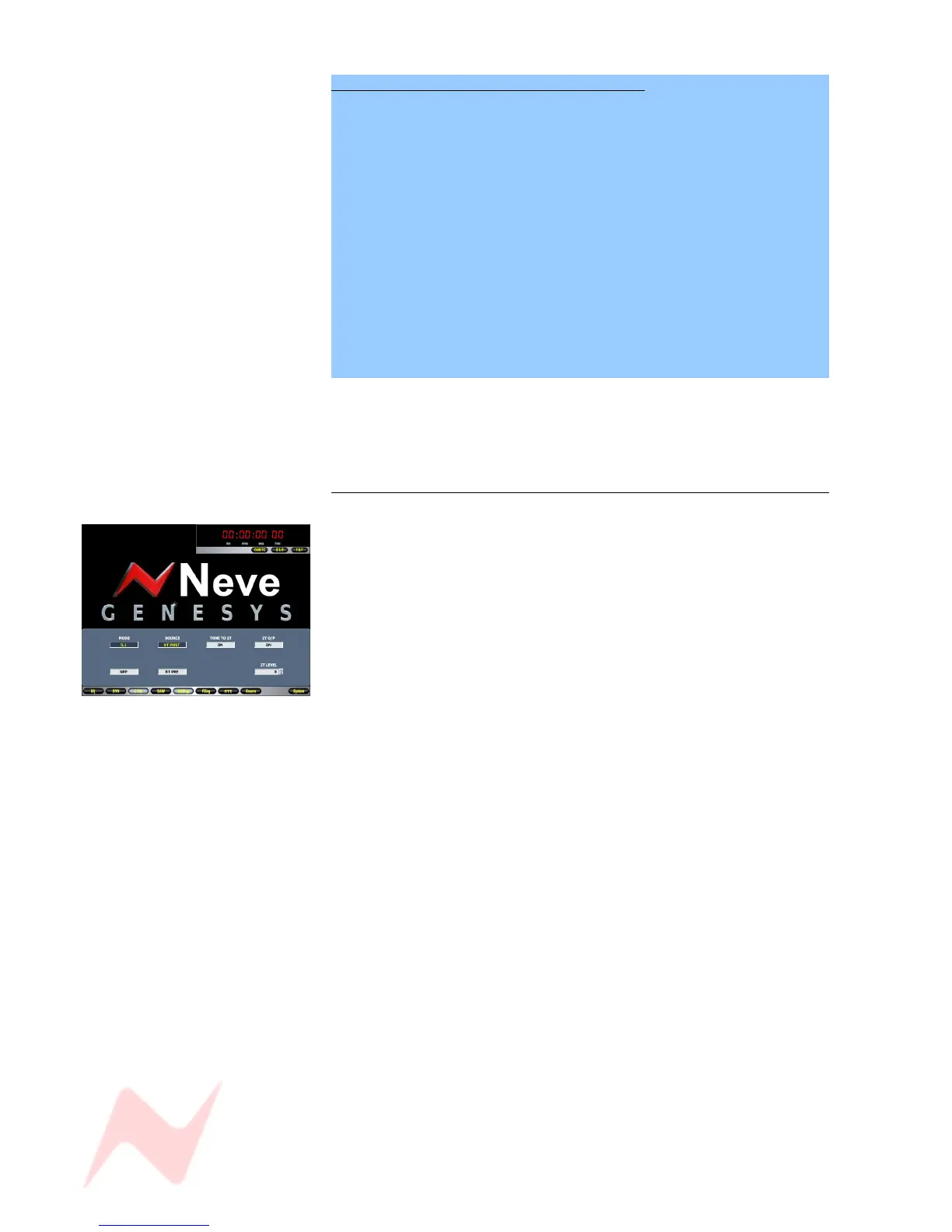
It will open the 2T Setup screen as shown left.
It is possible to set up the 2T mixer using the 2T Mon Sel or 2T screen to
configure the following:
5.1 or Group Mode:
Group mode is useful for folding down stereo groups. The 5.1 mode will
set up your Down Mix of the 5.1 mix being made by the 8T system.
Pre / Post:
This screen allows the source to the 2T mixer to be Pre- the 8T faders or
Post- the 8T faders.
Tone to 2T
Sends tone to all the 2T Outputs.
2T Output / 2T Level
Allows you to globally turn all of the 2T Outputs On/Off, and trim them by
+/-10dB.
NB
In Pre-mode, the 8T Inserts should be selected to be Pre- to pickup the
pre-processing pre-fade 8T signal.
- 52 -



 To Next Page