GENESYS User Manual Issue 1
use the M1 set of speakers, and swap the monitoring accordingly.
NB. This set up can also be accomplished by using Sel Mon mode if you do
not wish to use the setting screen.
Sub Speaker Locks
Click the speaker set buttons that you wish to lock to the S to.
These buttons are not interlocked so it is possible to create more than one
lock to the S.
NB. This set up can also be accomplished by using Sel Mon mode if you do
not wish to use the setting screen.
LS/RS Speaker Locks
Click the speaker set buttons that you wish to lock to the LS/RS to.
These buttons are not interlocked so it is possible to create more than one
lock to the LS/RS.
NB. This set up can also be accomplished by using Sel Mon mode if you do
not wish to use the setting screen.
Speaker Trims
> Click the speaker set button you wish to set the Trims for (A, B, M1 or
M2).
For each of the six speakers, you now have +/-10dB of Trim to apply in
0.1dB steps.
> Use the up/down arrows to scroll the value for each speaker.
NB. This set up can also be accomplished by using Sel Mon mode if you do
not wish to use the setting screen.
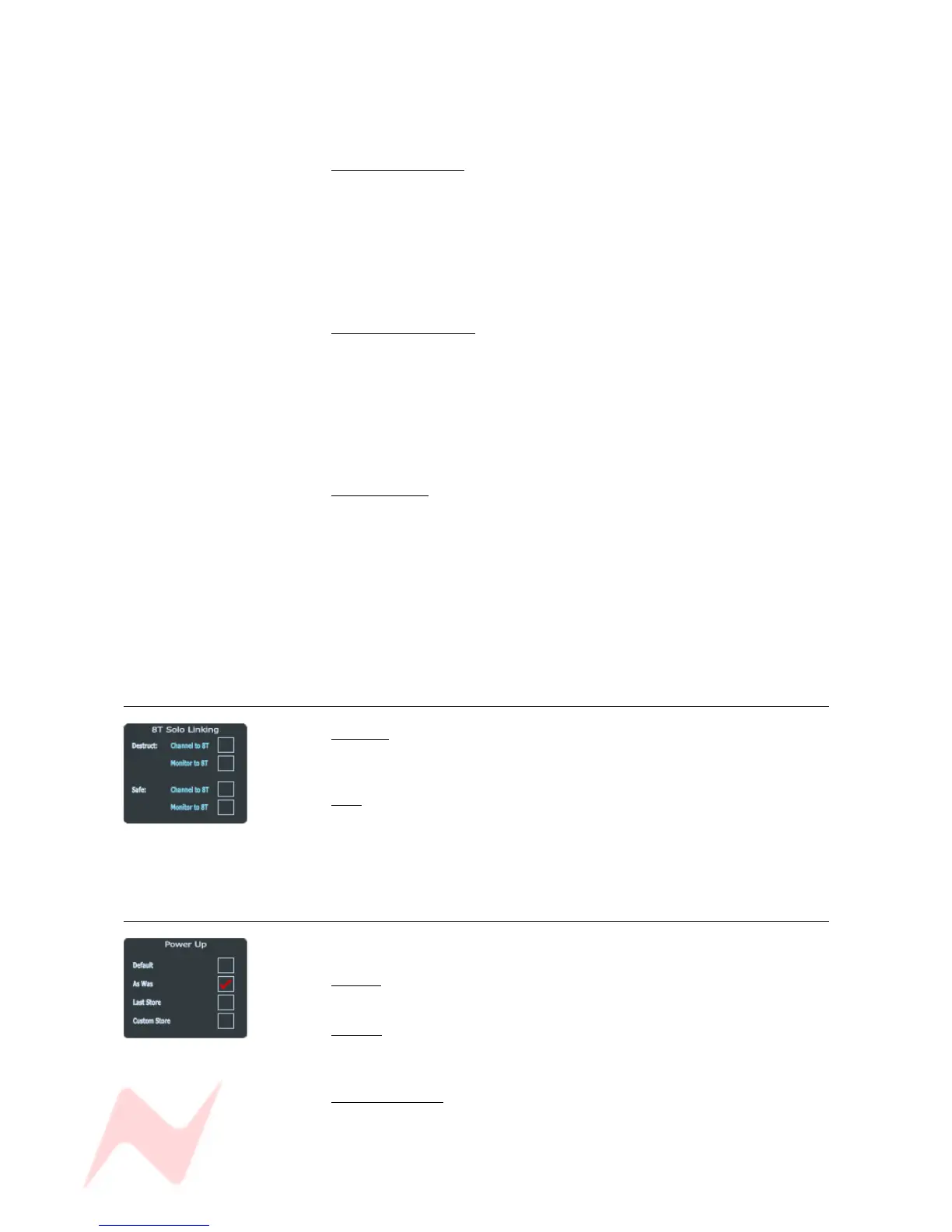
8T Solo Linking
Destruct
Links the Channel or Monitor SOLOs to the 8T, so that pressing any
Channel or Monitor SOLO will cut the 8Ts.
Safe
Links the Monitor or Channel SOLOs to the 8T, so that pressing any
Monitor or Channel SOLO will not cut the 8Ts and the 8T solo's will be
safe within their system as well.
Power Up
On power-up, the console can be set to default to one of four states:
Default
This is the AMS-Neve default Read-Only setup.
As Was
The console will be loaded with all the same settings as they were when
the power was removed.
Last Store Made
Loads the last store that was created.
NB: this is the last store Saved, not the last one Loaded.
- 71 -



 To Next Page