GENESYS User Manual Issue 1
CONTROL ROOM MONITOR Section
Sets the monitoring and controls the various sources sent to the
loudspeakers.
AUX 1 – 6
Lights yellow when selected and will send that Aux to the speakers.
CUE 1 & CUE 2
When selected will light yellow and send that Cue to the loudspeakers.
MIX
When selected will light yellow and send the Main bus output to the
speakers.
8T
Lights yellow when selected, and sends the 8T mix to the loudspeakers.
The setup for this is done by either putting the Monitor Panel into SEL
Mode or from the on-screen setup page.
In non-SUM mode, all the above buttons above will be interlocked.
In SUM mode, any combination of the above can be heard.
NB:
The AUX, CUE, MIX, 2T and 8T buttons form the internal monitor, and
will only be heard if INT is selected.
2T
Lights yellow and selects the 2T to the main monitoring.
Will only work if INT is also selected, and is always interlocked with 8T
even when in Surround mode.
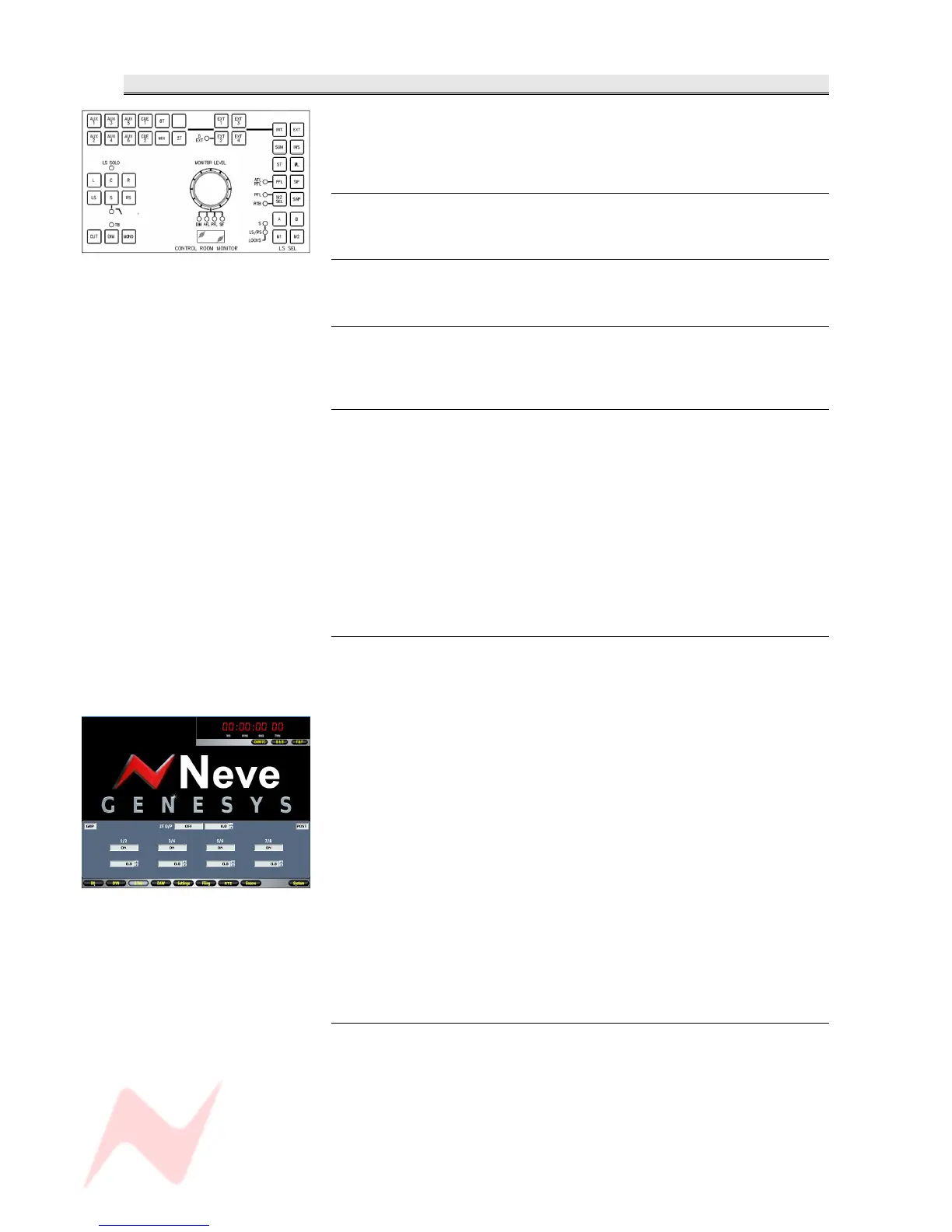
The screen on the left shows the page that will open when working in
Group Mode.
It is possible to turn each 2T On and Off via this page by clicking
underneath the relevant 2T, plus a global On/Off that will turn all of the 2T
feeds On/Off.
Each 2T also has +/-10 dB of trim available, which is set using the scroll
arrows next to each Trim field.
It is also possible to set the overall global level of the 2T.
This ranges from –∞ to 0dB.
This screen will also show whether you are working in Group or 5.1 Mode
(displayed mid left) and whether the 2Ts are fed Pre- or Post- fader
(displayed mid right).
EXT 1 & EXT 2
When selected, will light yellow and selects either of the 6-wide External
inputs to the monitor system.
For EXT 2, pressing the button again will light the D-EXT led as well, so
the 2nd set of 6-wide External paths will be taken from the AD/DA
cassette (if present) instead.
All the Externals buttons will interlock unless SUM is selected.
- 46 -



 To Next Page