GENESYS User Manual Issue 1
Custom Store
The user can set up a default store and have this loaded every time the
console powers-up as a custom starting template.
These four options are interlocked.
Software Updates
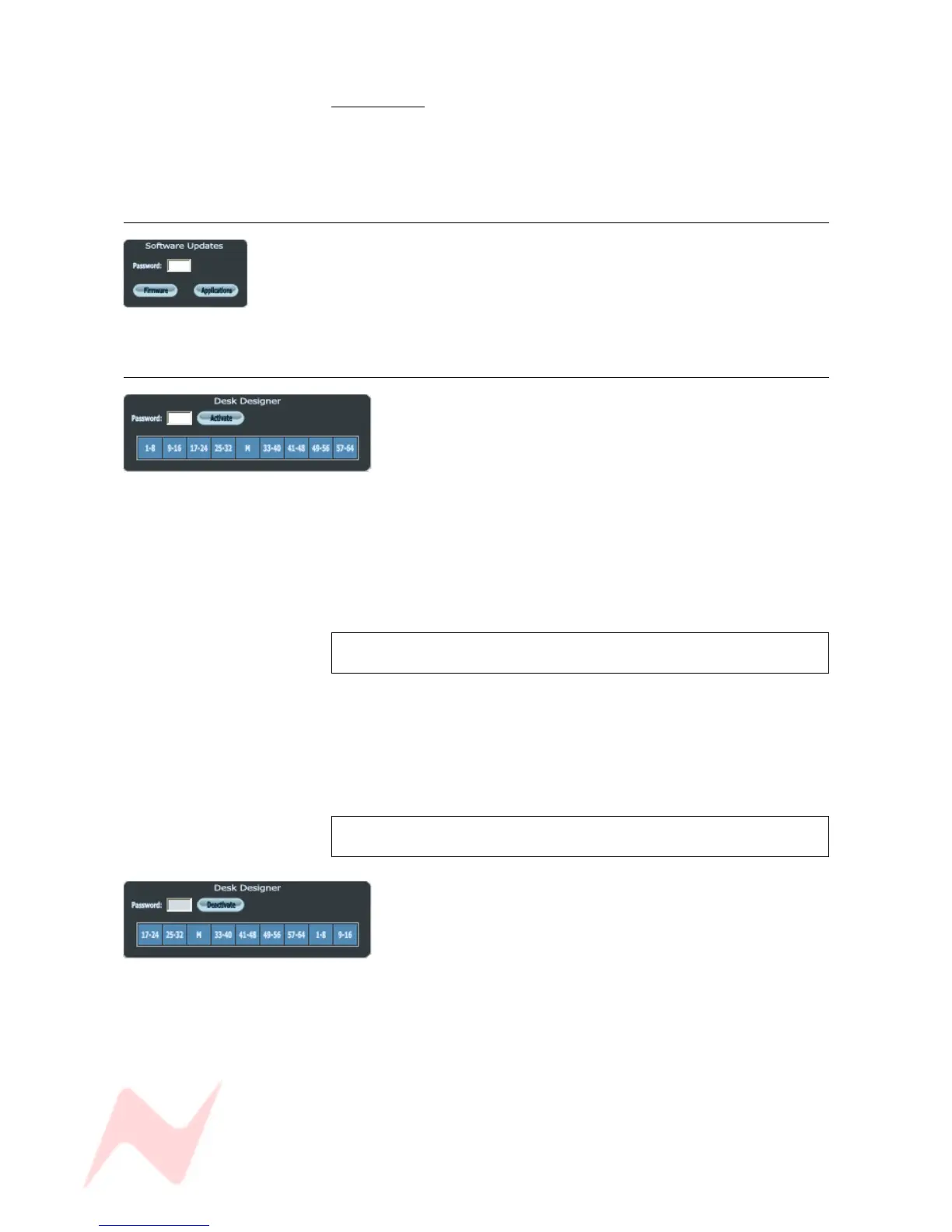
This is a password-protected programme that allows you or an AMS Neve
Representative to check for Firmware and Application software updates
once the computer is connected to the Internet.
> Select either Firmware or Applications before updating.
Desk Designer
In it's default state, it is presumed that the left-most channel
on the console is number 1, and the rest of the channels are
numbered sequentially from there including the Rev Returns.
The Desk Designer allows you to set the order in which the
Channels and the Rev Returns appear on the console surface,
should you wish to alter their default positions.
> Enter the password for using Desk Designer.
> Click the ACTIVATE button (the button will then say DEACTIVATE).
THIS WILL SUSPEND ALL OF THE CONSOLE OPERATION AND
MUTE THE AUDIO.
> It will now be possible to click and drag each block of 8 faders on this
screen to wherever you want them to be, with respect to the other fader
blocks.
(The block labelled M is the centre section of the desk and can be moved
like any other block).
> Once complete, YOU MUST UNTICK THE 'ACTIVATE' BUTTON.
THE DESK WILL BE HELD IN 'ACTIVATE' MODE UNTIL YOU
UNTICK THIS BUTTON
In the example shown left, the first 16 faders have been
reassigned to act as the last 16 faders.
- 72 -



 To Next Page