GENESYS User Manual Issue 1
EQ
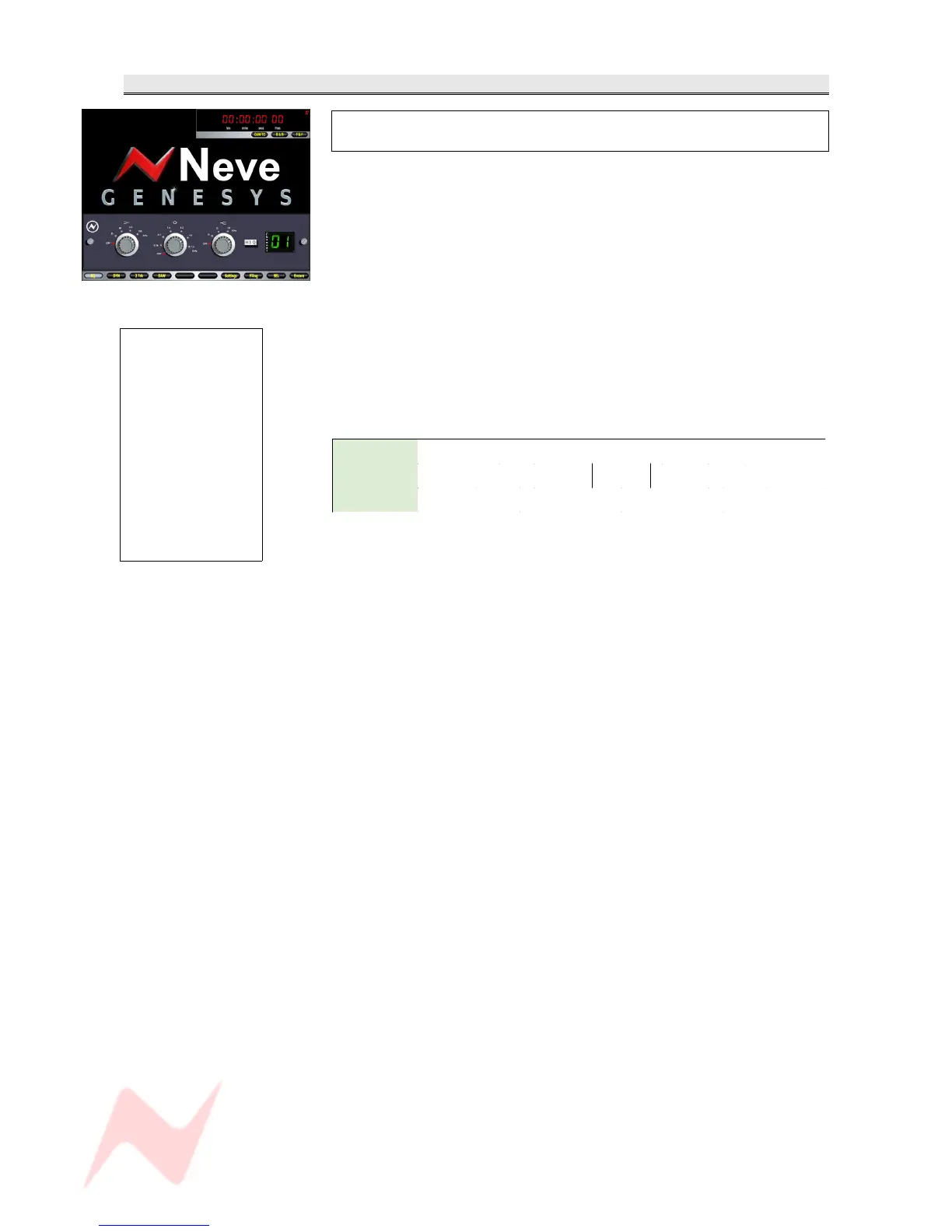
The EQ screen is only available if you have at least
one of the optional EQ cassettes fitted.
The display to the right of the screen displays the current channel.
How and when the EQ screen is displayed is set by CH SEL or EQ on the
Monitor panel.
There are 3 rotary controls which relate to the first three encoders from
the left below the Monitor Panel TFT, all of which have fixed stepped
values.
Frequencies are selected by pushing and scrolling the encoders and
Cut/Boost is actioned by rotating the associated encoders.
The last encoder to the right can be pressed to select Hi Q on the Mid
band frequencies.
From left to right these are:
Lo Shelf OFF 35 Hz 60 Hz 110 Hz 220 Hz
Mid Band OFF 0.36 0.7 1.6 3.2 4.8 7.2
Hi Shelf OFF 16 kHz 12 kHz 10 kHz
- 65 -
>
If you press f1 just
above the DAW
screen, the on-screen
process will be
bypassed, in effect
allowing you to
audition a signal with
and without the
process in place.
Whenever f1 is
pressed, it will show
on screen that the
process is currently
being bypassed.



 To Next Page