E Series Automated Dispensing System
26 www.nordsonefd.com info@nordsonefd.com 800-556-3484 Sales and service of Nordson EFD dispensing systems are available worldwide.
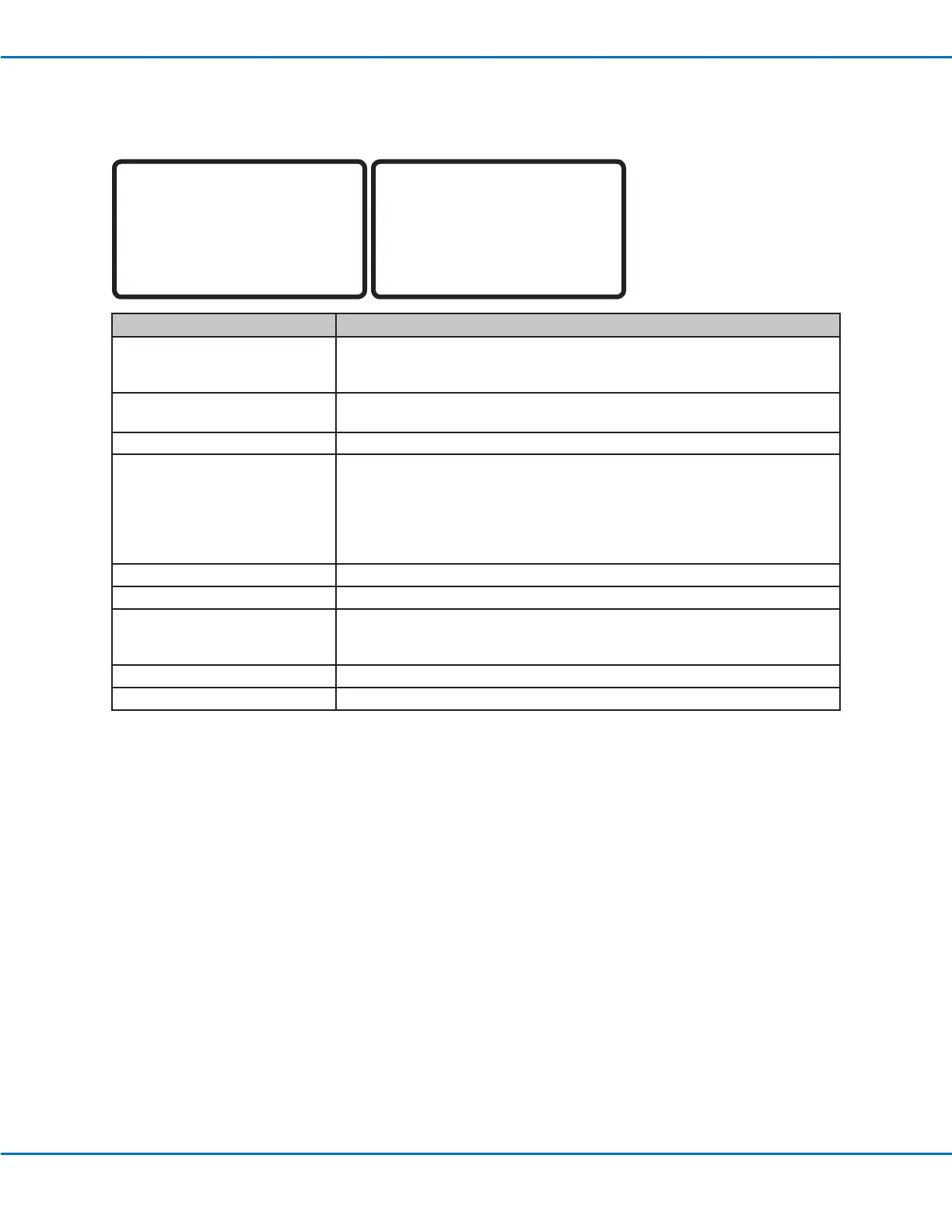
Menu 1
[MENU 1] 1/2
01 Group Edit
02 Ex. Step & Repeat
03 Program Name
04 Axis Limit
05 Initialize Output
06 Jog Acceleration
07 Teach Move Z Clearance
[MENU 1] 2/2
08 Utility Menu
09 Diagnostic
Menu Item Description
01 Group Edit Used to modify a selected group of addresses in a program; available
selections are Copy, Delete, Move, Line Speed, Dispense Time, Z Value, Point
Offset, Offset To, Mirror Points, and Rotate Points.
02 Ex. Step & Repeat Expands all the commands contained in a Step & Repeat command (can only
be undone using the Undo command).
03 Program Name Used to modify the name of the current program.
04 Axis Limit Sets the working area travel limits (X, Y, and Z axes):
• E2 axis limit maximums: 200, 200, 50 mm
• E3 axis limit maximums: 300, 300, 100 mm
• E4 axis limit maximums: 400, 400, 100 mm
• E5 axis limit maximums: 500, 500, 150 mm
• E6 axis limit maximums: 620, 500, 150 mm
05 Initialize Output Used to specify which outputs (1–8) switch ON at the beginning of a program.
06 Jog Acceleration Sets the FAST jog speed; available selections are Low, Medium, or High.
07 Teach Move ZClearance Sets how high the tip lifts as it moves between points in the Teach Mode.
Refer to “Teach Move ZClearance (How High the Tip Lifts in the Teach Mode)”
on page34.
08 Utility Menu Refer to “Utility Menu” on page27.
09 Diagnostic Refer to “Diagnostic Menu” on page28.
Teach Pendant Menu Item Descriptions (continued)



 To Next Page