E Series Automated Dispensing System
49www.nordsonefd.com info@nordsonefd.com 800-556-3484 Sales and service of Nordson EFD dispensing systems are available worldwide.
Working with Programs and Commands (continued)
How to Change a Group of Addresses (Group Edit)
You can use the selections under Group Edit to make a global change to a batch, or group, of selected addresses in
a program.
PREREQUISITES
The system is in the Teach Mode. Refer to “How to Switch from Run Mode to Teach Mode” on page44.
The program you want to edit is currently open. Refer to “How to Open and Edit a Program” on page45.
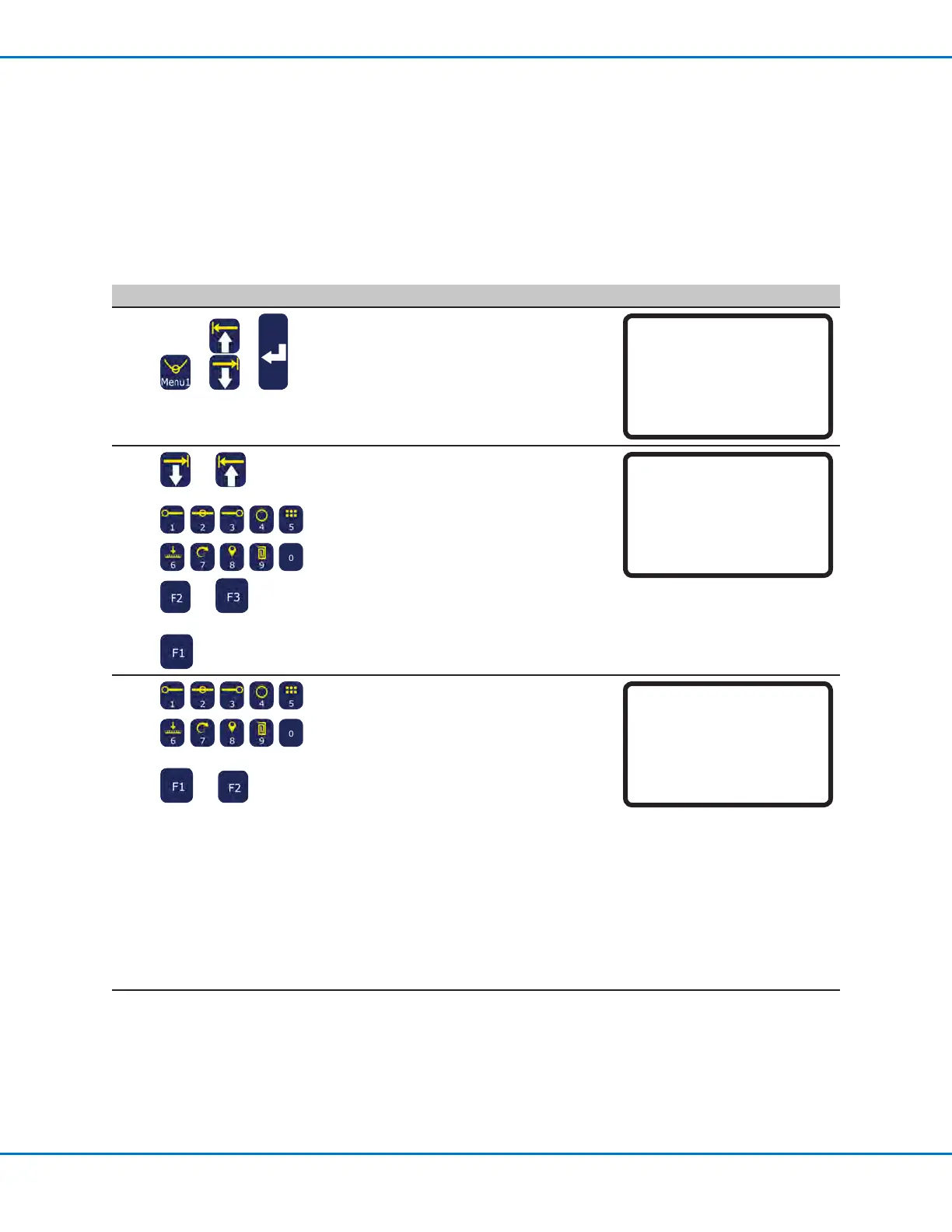
# Key Press Step Teach Pendant Display
1
> >
• Press MENU1.
• MOVE UP / DOWN to GROUP EDIT.
• Press ENTER.
[MENU 1] 1/2
01*Group Edit
02 Ex. Step & Repeat
03 Program Name
04 Axis Limit
05 Initialize Output
06 Jog Acceleration
07 Teach Move Z Clearance
2
or >
or
or >
Do one of the following:
• MOVE UP / DOWN and use the number
keys to enter the range of addresses.
• Press F2 to select all the addresses in
the program.
• Press F3 to select all the addresses
from the current address to the end of
the program.
• Press F1 to continue.
Group Edit
------------------------------
From Address: 1209
To Address: 1254
[F1] OK [F2] All [F3] End
3
>
or
• Press the number for the operation you
want to perform for the specied range
of addresses, or
• Press F2 to move to the next screen.
1 — Copies the selected addresses
2 — Deletes the selected addresses
3 — Moves the selected addresses to a
new address number
Group Edit 1209-1254 1/2
------------------------------
1 Copy 5 Line Speed
2 Delete 6 Z Value
3 Move 7 Point Offset
4 Dispense Time 8 Offset To
Select: _
[F1] OK [F2] Next
4 — For Dispense Dot commands only,
changes the Dispense Time value
for all selected addresses by the
specied percentage.
5 — Changes the Line Speed value
for all selected addresses by the
specied percentage.
Continued on next page



 To Next Page