E Series Automated Dispensing System
28 www.nordsonefd.com info@nordsonefd.com 800-556-3484 Sales and service of Nordson EFD dispensing systems are available worldwide.
Menu 2
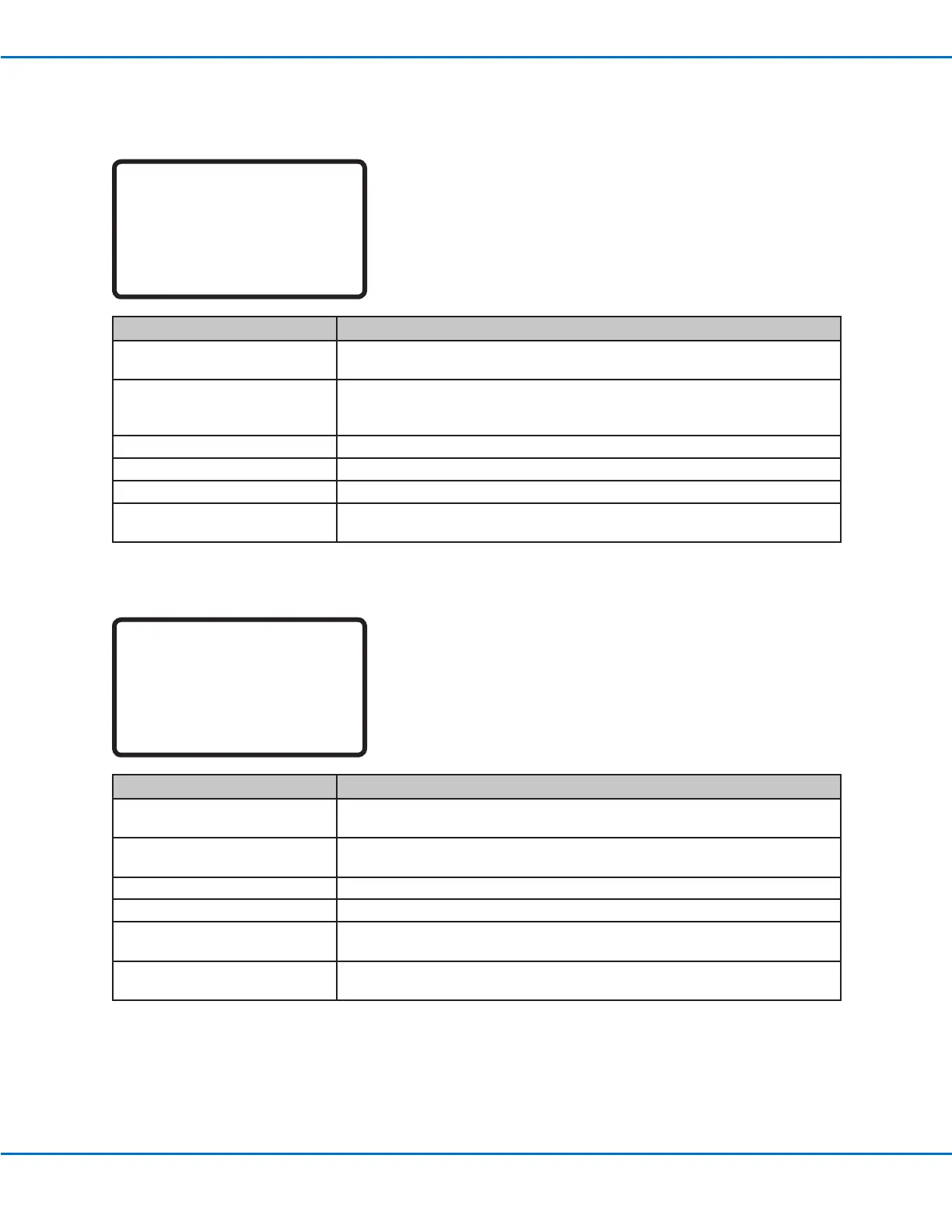
[MENU 2] 1/1
01 Coordinate Absolute Move
02 Coordinate Relative Move
03 Undo Command
04 Redo Command
05 Go To Park Position
06 Jump
Menu Item Description
01 Coordinate Absolute Move Used to manually input coordinates to move the tip to a new location relative
to the origin position (0, 0, 0).
02 Coordinate Relative Move Used to manually input coordinates to move the tip to a new location relative
to its current position.
03 Undo Command Undoes the last command; this can also be done by pressing SHIFT > Menu2.
04 Redo Command Redoes the last command; this can also be done by pressing SHIFT > 7.
05 Go To Park Position Moves the tip to the Park Position. Park Position is the same as the Home
Position (0, 0, 0) unless modied (see Park Position under the Setup menu).
06 Jump Jumps to a specied address or label number within the dispense program
(useful for long programs).
Diagnostic Menu
[DIAGNOSTIC] 1/1
01 Home Sensor
02 Front Panel
03 Input/Output
04 Teach Pad
05 RS232
06 Motor
Menu Item Description
01 Home Sensor Checks the home sensors for each axis as you manually move the robot Z axis
or xture plate.
02 Front Panel (and tip detector) Checks the status of the robot’s front panel buttons (START, DISPENSER
PURGE, and EMERGENCY STOP); also checks the status of the needle
sensor on the optional tip detector.
03 Input/Output Checks the status of each input and output signal and the dispenser signal.
04 Teach Pad Checks the status of the each of the Teach Pendant keys.
05 RS232 Checks the status of the RS232 port.
06 Motor Checks the motor axis movement; when selected, the motors move back and
forth 10 mm.
Teach Pendant Menu Item Descriptions (continued)



 To Next Page