E Series Automated Dispensing System
32 www.nordsonefd.com info@nordsonefd.com 800-556-3484 Sales and service of Nordson EFD dispensing systems are available worldwide.
Setup
After installation and before creating any programs, perform these setup procedures as applicable for your
automated dispensing system.
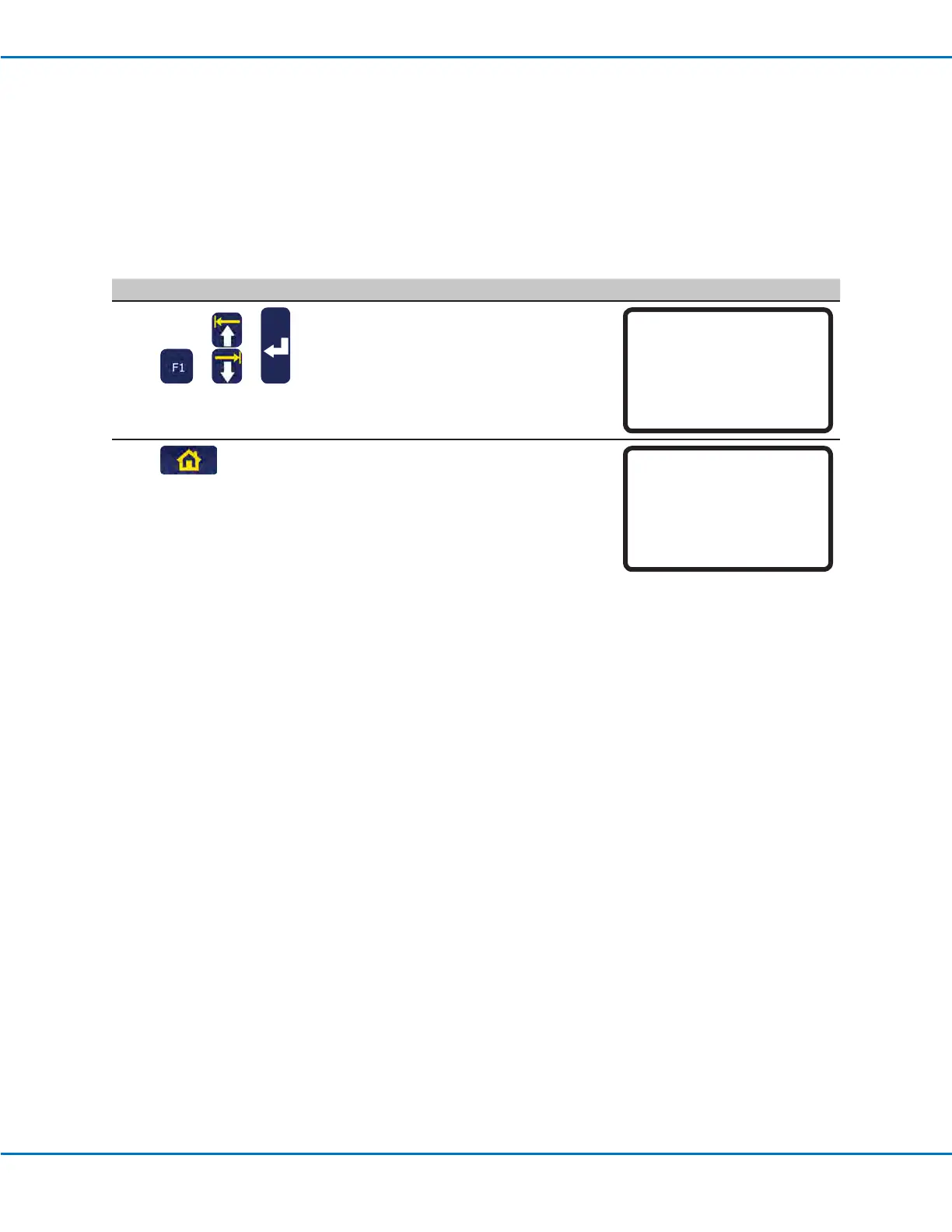
Switching from Run Mode to Teach Mode
When the system is switched on, the default mode of operation is the Run Mode. To modify system settings, the
system must be in the Teach Mode. Refer to “Run Mode vs. Teach Mode” on page21 for more information on the
modes of operation.
# Key Press Step Teach Pendant Display
1
> >
• Press F1.
• MOVE UP / DOWN to TEACH/RUN.
• Press ENTER.
[PROGRAM MENU] 1/1
01*Teach/Run
02 Program List
03 Reset Counter
04 Program Offset
05 Needle Adjust
06 Auto Needle Adjust
2
• Press HOME. If prompted, enter a
password.
[ TEACH MODE ]
PRESS [HOME]
TO INITIALIZE SYSTEM
Setting System Parameters
The factory system settings are appropriate for most applications. Use these procedures as needed to view or
change system settings. Important system settings include:
• XY or Z Move Speed: The speed at which the dispensing tip moves along the X, Y, or Z axes.
• Jog Acceleration: How the robot accelerates when the FAST button is pressed (applies to program creation in
the Teach Mode).
Refer to “Setup Menu” on page29 for default and maximum / minimum settings.



 To Next Page