E Series Automated Dispensing System
74 www.nordsonefd.com info@nordsonefd.com 800-556-3484 Sales and service of Nordson EFD dispensing systems are available worldwide.
Working with Inputs / Outputs
If you connected inputs/outputs, refer to these procedures as applicable to use the inputs / outputs. There are
several ways to use inputs / outputs:
• As a program command (SET I/O) to enable or disable outputs in a program.
• As a setting change under INITIALIZE OUTPUT.
• As a setting change under PROGRAM OUTPUT STATUS.
NOTE: The last two bullets apply if you want the system to automatically change the behavior of an output.
Enable or Disable an Input / Output
Inputs / outputs can be switched on or off within a program using the SET I/O command. SET I/O is also used to
make the system check the status of an input signal at a specic point in the program.
PREREQUISITES
The system is in the Teach Mode. Refer to “How to Switch from Run Mode to Teach Mode” on page44.
The program you want to edit is currently open. Refer to “How to Open and Edit a Program” on page45.
Input / output wiring is properly connected. Refer to “I/O Port” on page87 for wiring diagrams.
# Key Press Step Teach Pendant Display
1
> >
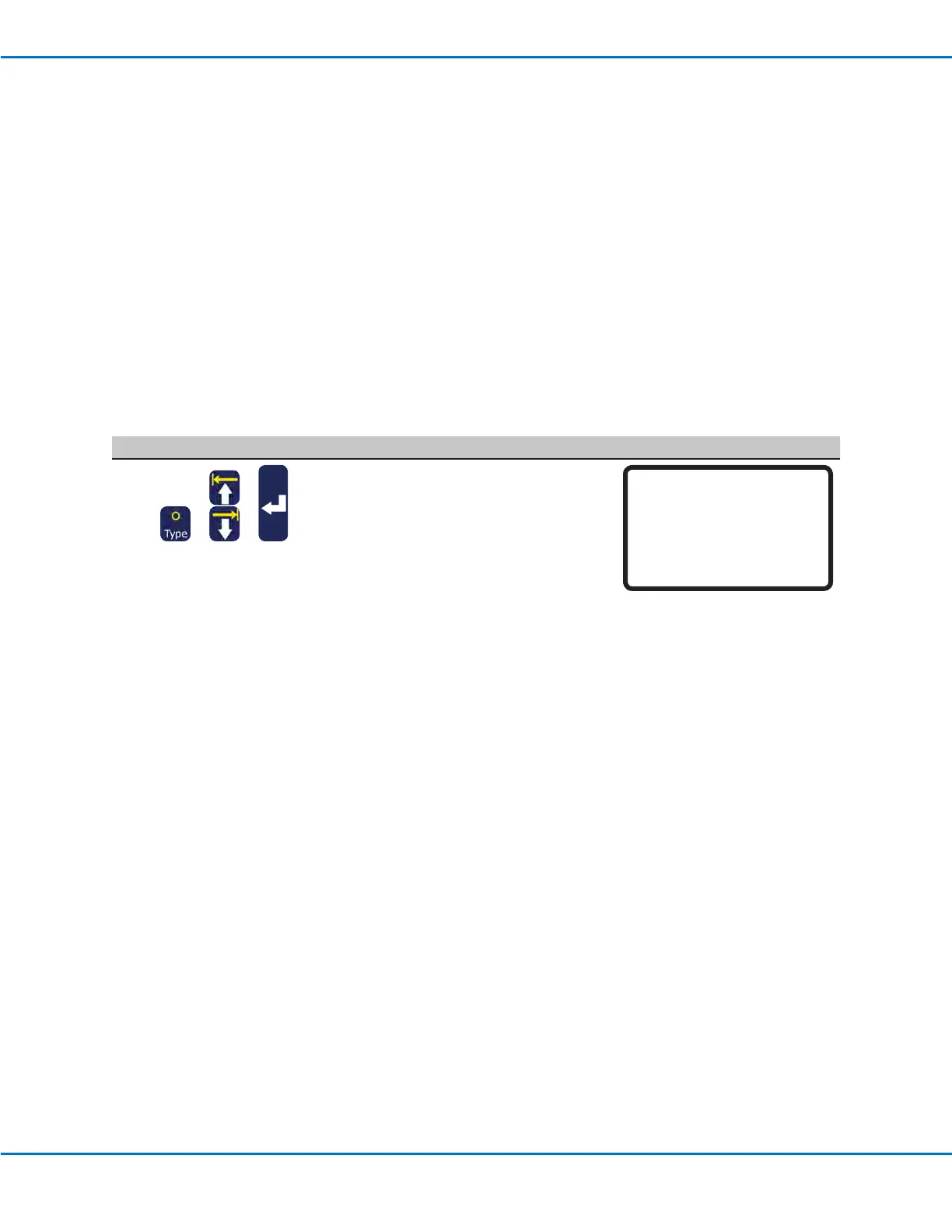
• Press TYPE.
• MOVE UP / DOWN to SET I/O.
• Press ENTER.
The Set I/O menu appears. Refer to
“21 Set I/O” on page105 for detailed
information on the Set I/O command.
[TYPE] 3/4
15 Dispense Port
16 Call Pattern
17 End Pattern
18 Call Subroutine
19 End Subroutine
20 Call Program
21*Set I/O



 To Next Page