E Series Automated Dispensing System
48 www.nordsonefd.com info@nordsonefd.com 800-556-3484 Sales and service of Nordson EFD dispensing systems are available worldwide.
How to Jump to a Specific Address or Label
Use the Jump function to quickly move to a specic address line or label number within a dispense program.
The system is in the Teach Mode. Refer to “How to Switch from Run Mode to Teach Mode” on page44.
The program you want to edit is currently open. Refer to “How to Open and Edit a Program” on page45.
# Key Press Step Teach Pendant Display
1
> >
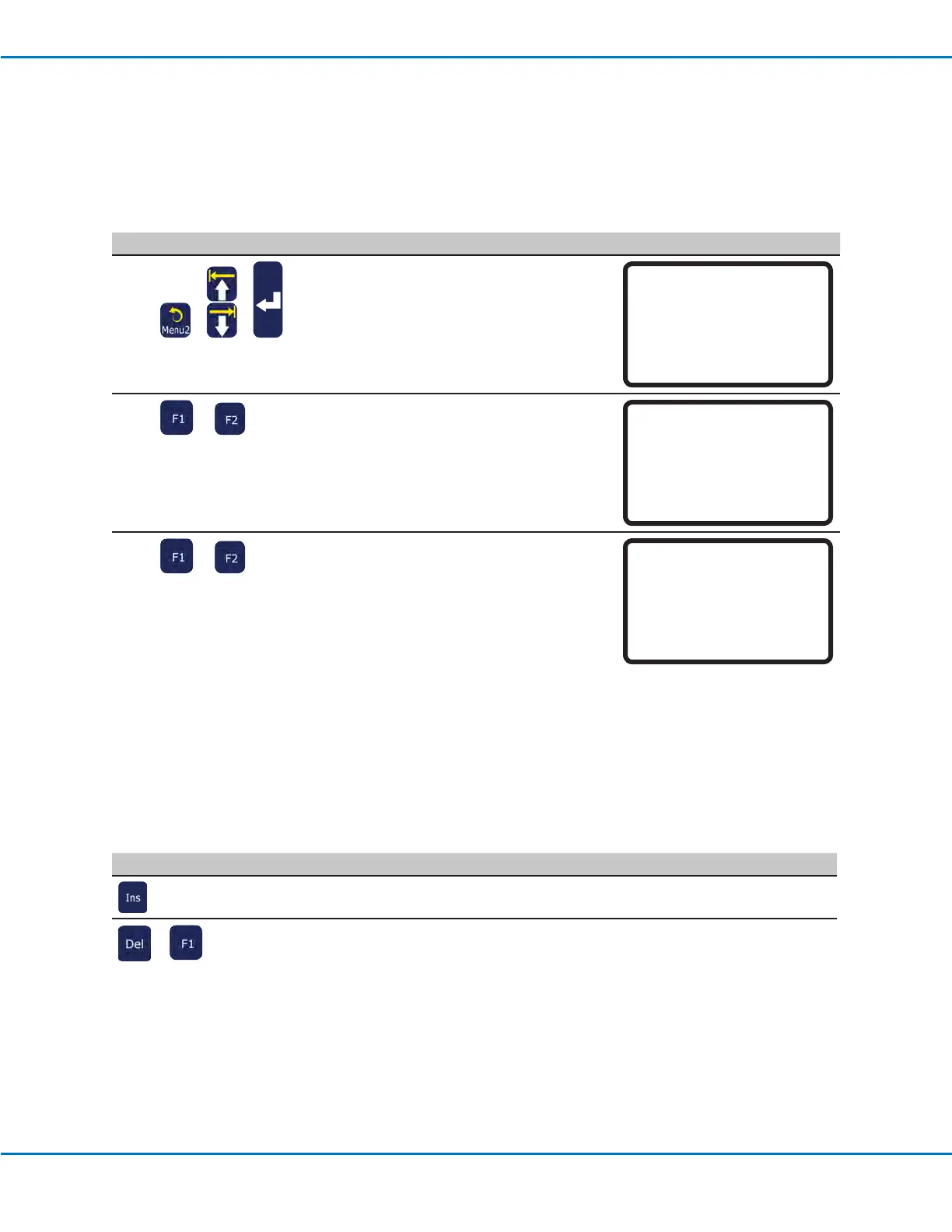
• Press MENU 2.
• MOVE UP / DOWN to JUMP.
• Press ENTER.
[MENU 2] 1/1
01 Coordinate Absolute Move
02 Coordinate Relative Move
03 Undo Command
04 Redo Command
05 Park Position
06*Jump
2
or
• To jump to a specic address, use the
number keys to enter the address, then
press F1.
• To jump to a Label, press F2. The Jump
Label screen appears.
Jump
------------------------------
Address: 1267
[F1] OK [F2] Label
3
or
• To jump to a specic label, use the
number keys to enter the label number,
then press F1.
• To return to the Jump to Address
screen, press F2.
Jump
------------------------------
Label: 9999
[F1] OK [F2] Address
Working with Programs and Commands (continued)
How to Insert or Delete a Command
PREREQUISITES
The system is in the Teach Mode. Refer to “How to Switch from Run Mode to Teach Mode” on page44.
The program you want to edit is currently open. Refer to “How to Open and Edit a Program” on page45.
Key Press Function
To insert a command, press INS. The command currently shown in the display increments by
one address and a new, empty address is inserted at the current address.
>
To delete a command, make sure it is shown in the Teach Pendant display, then press DEL > F1.



 To Next Page