E Series Automated Dispensing System
38 www.nordsonefd.com info@nordsonefd.com 800-556-3484 Sales and service of Nordson EFD dispensing systems are available worldwide.
Setting System Parameters (continued)
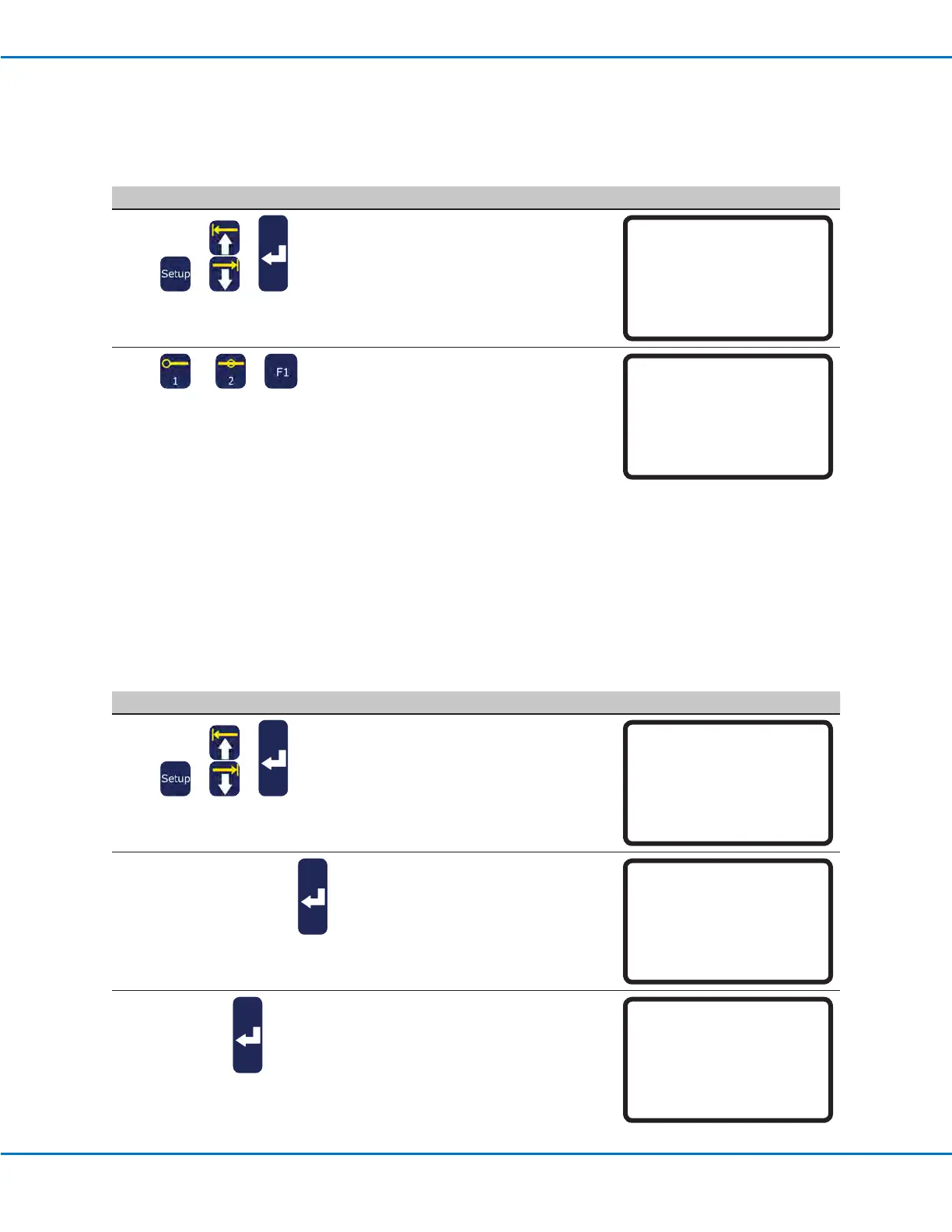
Measurement Unit
The System can display units of measure in millimeters or inches.
# Key Press Step Teach Pendant Display
1
> >
• Press SETUP.
• MOVE UP / DOWN to MEASUREMENT
UNIT.
• Press ENTER.
[SETUP] 3/3
15*Measurement Unit
16 Password Setup
17 Remote Command
18 Height Sensor
19 Language
20 System Information
2
or >
• Press 1 to display units in mm.
• Press 2 to display units in inches.
• Press F1 to save or exit.
Measurement Unit (mm)
------------------------------
1 mm
2 inch
Select: _
[F1] OK
Password Setup
Use Password Setup under the Setup menu to change the default password. The following functions are password
protected: Reset Counter, Memory, System Lockout, and Password Setup. If you want to protect all functions
accessible in the Teach Mode, change the default password to a new password.
NOTES:
• The default password is blank.
• If the password is forgotten, use the master password (00000000) to gain access.
• A password can include only numbers and is limited to eight digits.
# Key Press Step Teach Pendant Display
1
> >
• Press SETUP.
• MOVE UP / DOWN to PASSWORD
SETUP.
• Press ENTER.
[SETUP] 3/3
15 Measurement Unit
16*Password Setup
17 Remote Command
18 Height Sensor
19 Language
20 System Information
2
[blank] or xxxxxxxx >
• Enter the current password. The default
password is blank (no digits).
• Press ENTER.
Password Setup
Password: _
[F1] OK
3
xxxxxxxx >
• Type the new password and press
ENTER, type the new password again to
conrm, then press F1.
or
• To restore password protection to the
default settings, clear all characters
from the New Password eld and press
F1.
Password Setup
------------------------------
New Password :
Confirm Password:
[F1] OK



 To Next Page