E Series Automated Dispensing System
55www.nordsonefd.com info@nordsonefd.com 800-556-3484 Sales and service of Nordson EFD dispensing systems are available worldwide.
Working with Programs and Commands (continued)
How to Lock or Unlock the System
Use System Lockout under the Utility menu to prohibit unauthorized access to dispense programs.
PREREQUISITES
The system is in the Teach Mode. Refer to “How to Switch from Run Mode to Teach Mode” on page44.
A system password has been set (the default is blank). Refer to “Password Setup” on page38.
To Lock the System
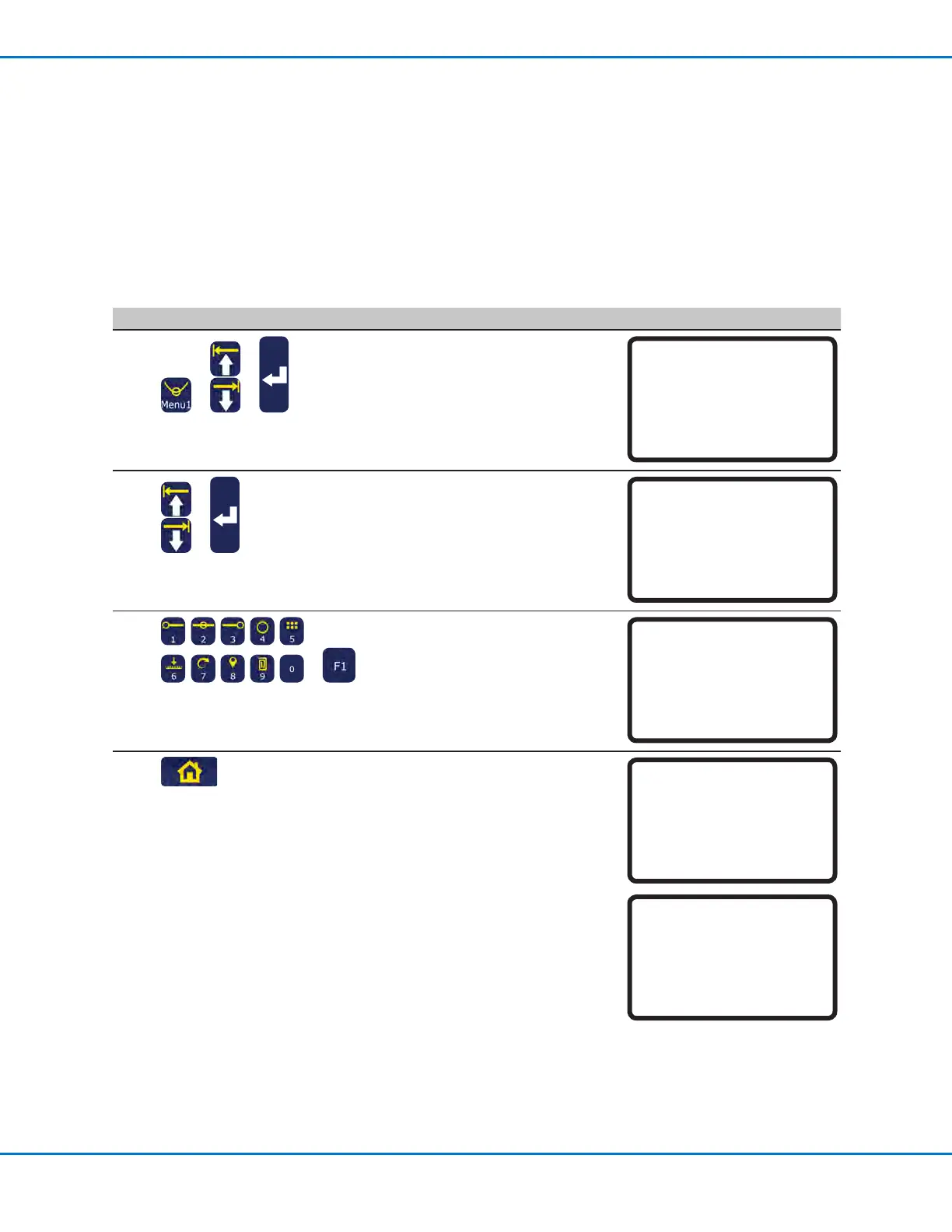
# Key Press Step Teach Pendant Display
1
> >
• Press MENU1.
• MOVE UP / DOWN to UTILITY
MENU.
• Press ENTER.
[MENU 1] 2/2
08*Utility Menu
09 Diagnostic
2
>
• MOVE UP / DOWN to SYSTEM
LOCKOUT.
• Press ENTER.
[UTILITY] 1/1
01 Program
02 Memory
03 Key Beep
04 Online Signals
05 Barcode Scanner
06*System Lockout
3
>
• Enter the password.
• Press F1.
System Lockout
Password: _
[F1] OK
4
The system is now locked and
automatically switches to the Run
Mode.
• Press HOME to continue.
NOTE: When the system is locked,
the Teach Pendant prompts for a
password every time you want to
switch from the Run Mode to the
Teach Mode. To disable the system
lockout, continue to the next section.
System Locked!
[ RUN MODE ]
PRESS [HOME]
TO INITIALIZE SYSTEM



 To Next Page