E Series Automated Dispensing System
56 www.nordsonefd.com info@nordsonefd.com 800-556-3484 Sales and service of Nordson EFD dispensing systems are available worldwide.
Working with Programs and Commands (continued)
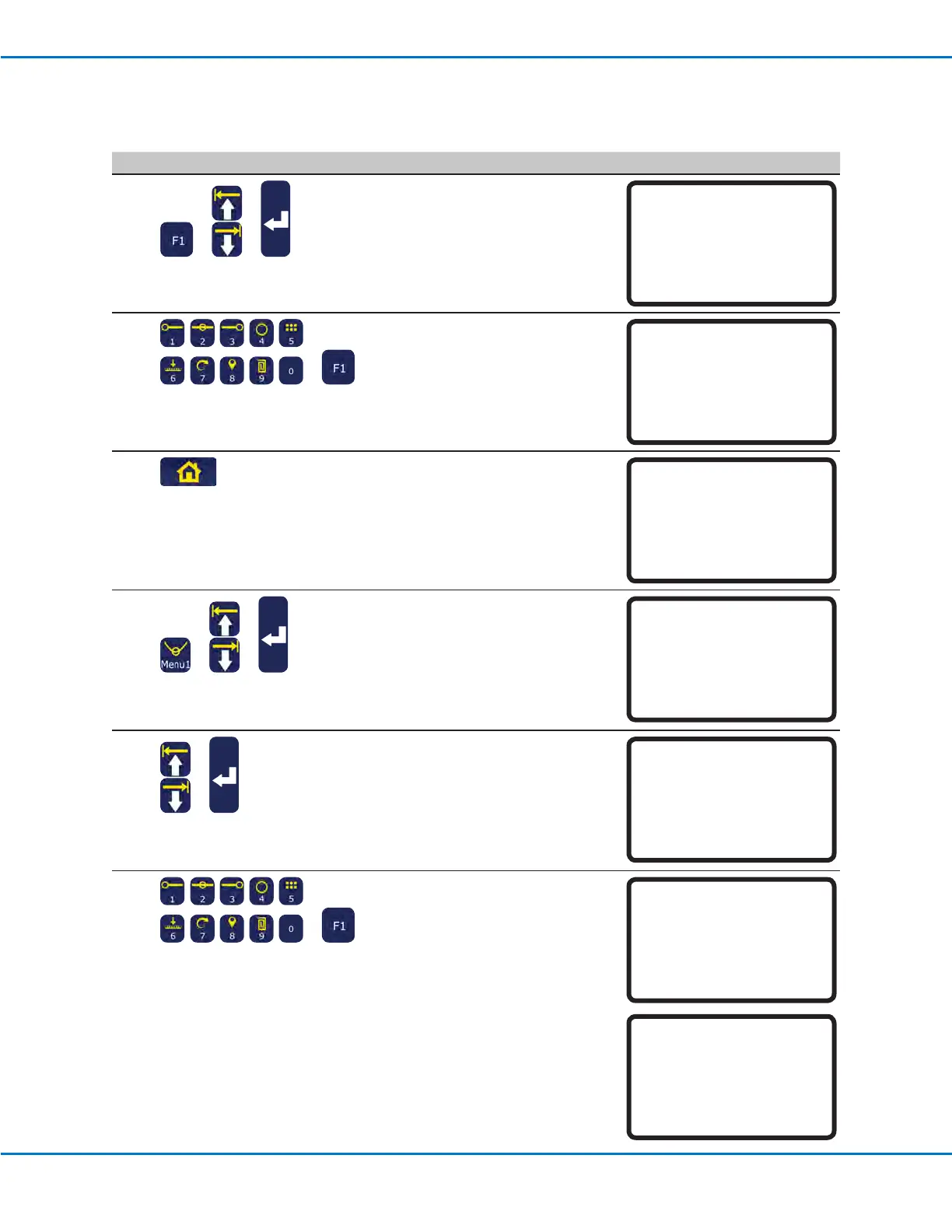
To Unlock the System
# Key Press Step Teach Pendant Display
1
> >
• Press F1.
• MOVE UP / DOWN to TEACH/RUN.
• Press ENTER.
[PROGRAM MENU] 1/1
01*Teach/Run
02 Program List
03 Reset Counter
04 Program Offset
05 Needle Adjust
06 Auto Needle Adjust
2
>
• Enter the password.
• Press F1.
Teach Mode
Password: _
[F1] OK
3
• Press HOME.
[ TEACH MODE ]
PRESS [HOME]
TO INITIALIZE SYSTEM
4
> >
• Press MENU1.
• MOVE UP / DOWN to UTILITY
MENU.
• Press ENTER.
[MENU 1] 2/2
08*Utility Menu
09 Diagnostic
5
>
• MOVE UP / DOWN to SYSTEM
LOCKOUT.
• Press ENTER.
[UTILITY] 1/1
01 Program
02 Memory
03 Key Beep
04 Online Signals
05 Barcode Scanner
06*System Lockout
6
>
• Enter the password.
• Press F1.
The system no longer requires a
password to switch from Run Mode
to Teach Mode.
System Lockout
Password: _
[F1] OK
System Unlocked !



 To Next Page