E Series Automated Dispensing System
33www.nordsonefd.com info@nordsonefd.com 800-556-3484 Sales and service of Nordson EFD dispensing systems are available worldwide.
Axis Limit
Axis Limit sets how far the dispensing tip is allowed to move within the XYZ working area. If a command includes a
point that is outside the specied axis limits, an error occurs.
# Key Press Step Teach Pendant Display
1
> >
• Press MENU1.
• MOVE UP / DOWN to AXIS LIMIT.
• Press ENTER.
[MENU 1] 1/2
01 Group Edit
02 Ex. Step & Repeat
03 Program Name
04*Axis Limit
05 Initialize Output
06 Jog Acceleration
07 Teach Move Z Clearance
2
x >
• Enter the desired values.
- E2 maximums: 200, 200, 50 mm
- E3 maximums: 300, 300, 100 mm
- E4 maximums: 400, 400, 100 mm
- E5 maximums: 500, 500, 150 mm
- E6 maximums: 620, 500, 150 mm
• Press F1 to save or exit.
or
• Press F3 to return to the factory default
settings.
Axis Limit
------------------------------
X Limit: 300.00 mm
Y Limit: 300.00 mm
Z Limit: 150.00 mm
[F1] OK [F3] Default
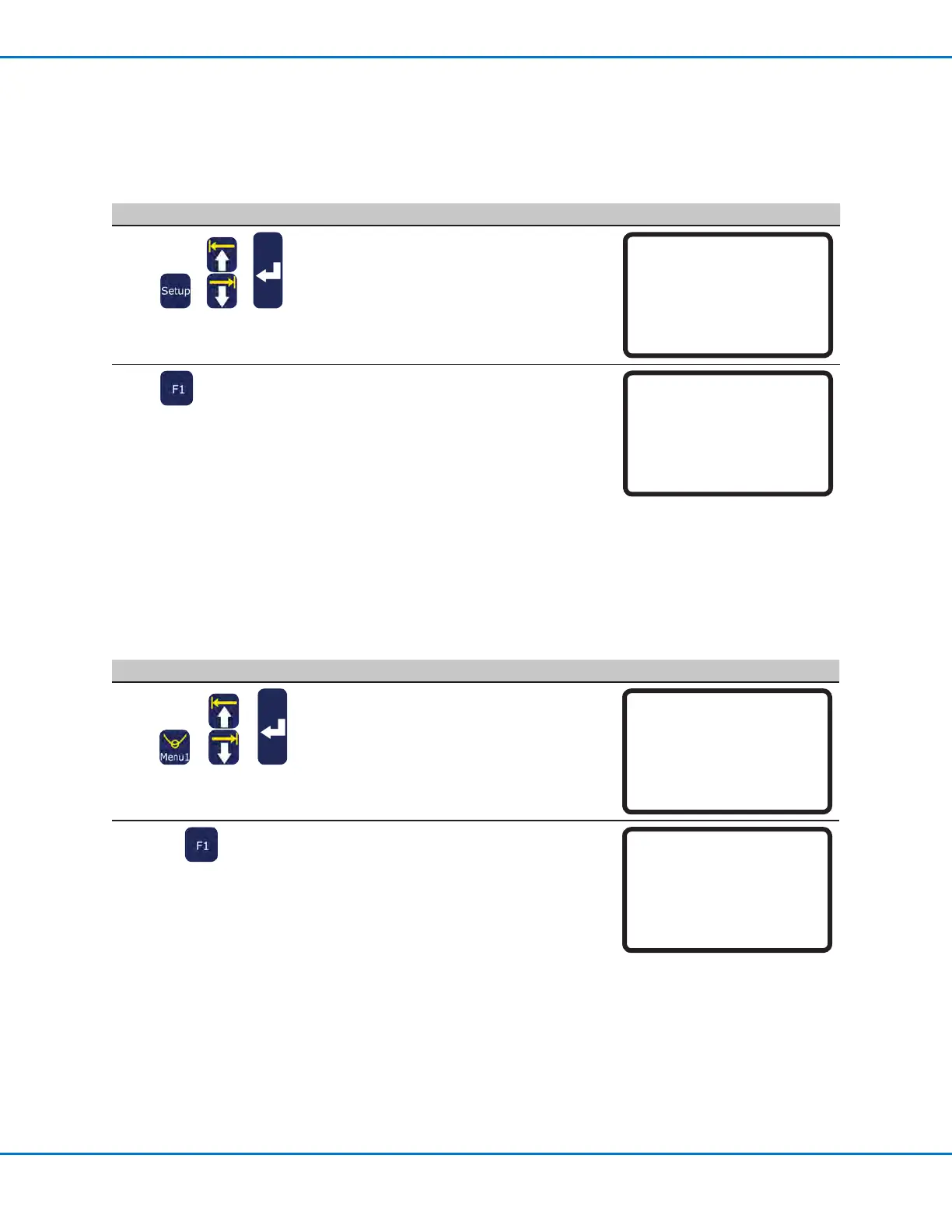
XY Move Speed or Z Move Speed
XY Move Speed is how fast the tip travels along the XY axis. Z Move Speed is how fast the tip moves up or down
the Z axis.
# Key Press Step Teach Pendant Display
1
> >
• Press SETUP.
• MOVE UP / DOWN to
XY MOVE SPEED
or
Z MOVE SPEED.
• Press ENTER.
[SETUP] 1/3
01*XY Move Speed
02 Z Move Speed
03 Point to Point Arc Jump
04 Park Position
05 Calibration Point
06 Mark Points
07 Program Output Status
2
• Enter the desired value.
- XY Move Speed range: 0–800 mm/s
- Z Move Speed range: 0–320 mm/s
• Press F1 to save or exit.
XY Move Speed
------------------------------
Current: 100.0 mm/s
New: _
[F1] OK
Setting System Parameters (continued)



 To Next Page