E Series Automated Dispensing System
69www.nordsonefd.com info@nordsonefd.com 800-556-3484 Sales and service of Nordson EFD dispensing systems are available worldwide.
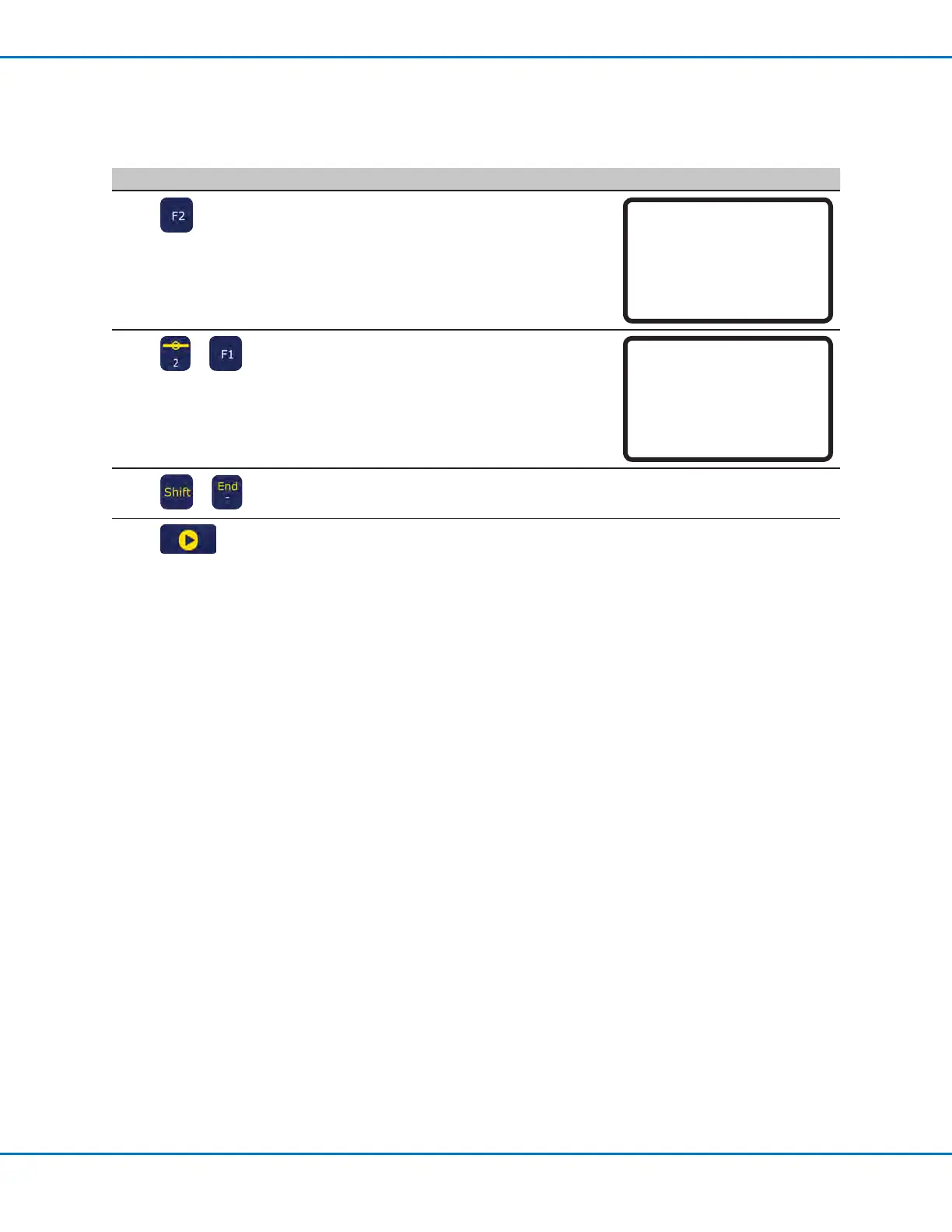
# Key Press Step Teach Pendant Display
6
• Press F2 to move to the next screen.
Step & Repeat 2D 1/2
----------------------------
Direction X(1)/Y(2): 1
X Offset: 1.00 mm
Y Offset: 1.00 mm
[F1] OK [F2] Next
7
>
• Enter 2 in the Column eld.
• Enter 2 in the Row eld.
• Enter the label number from step 1 for
Goto Label (in this example, 2).
• Press F1 to save and exit.
Step & Repeat 2D 2/2
----------------------------
Column (X): 2
Row (Y): 2
Path S(1)/N(2): 1
Goto Label: 2
[F1] OK [F2] Next
8
>
• Press SHIFT > END to register the end
of the program.
9
• Press START to test the program.
Creating Patterns (continued)
How to Make an Array of Dots (Step & Repeat) (continued)



 To Next Page