- 58 -
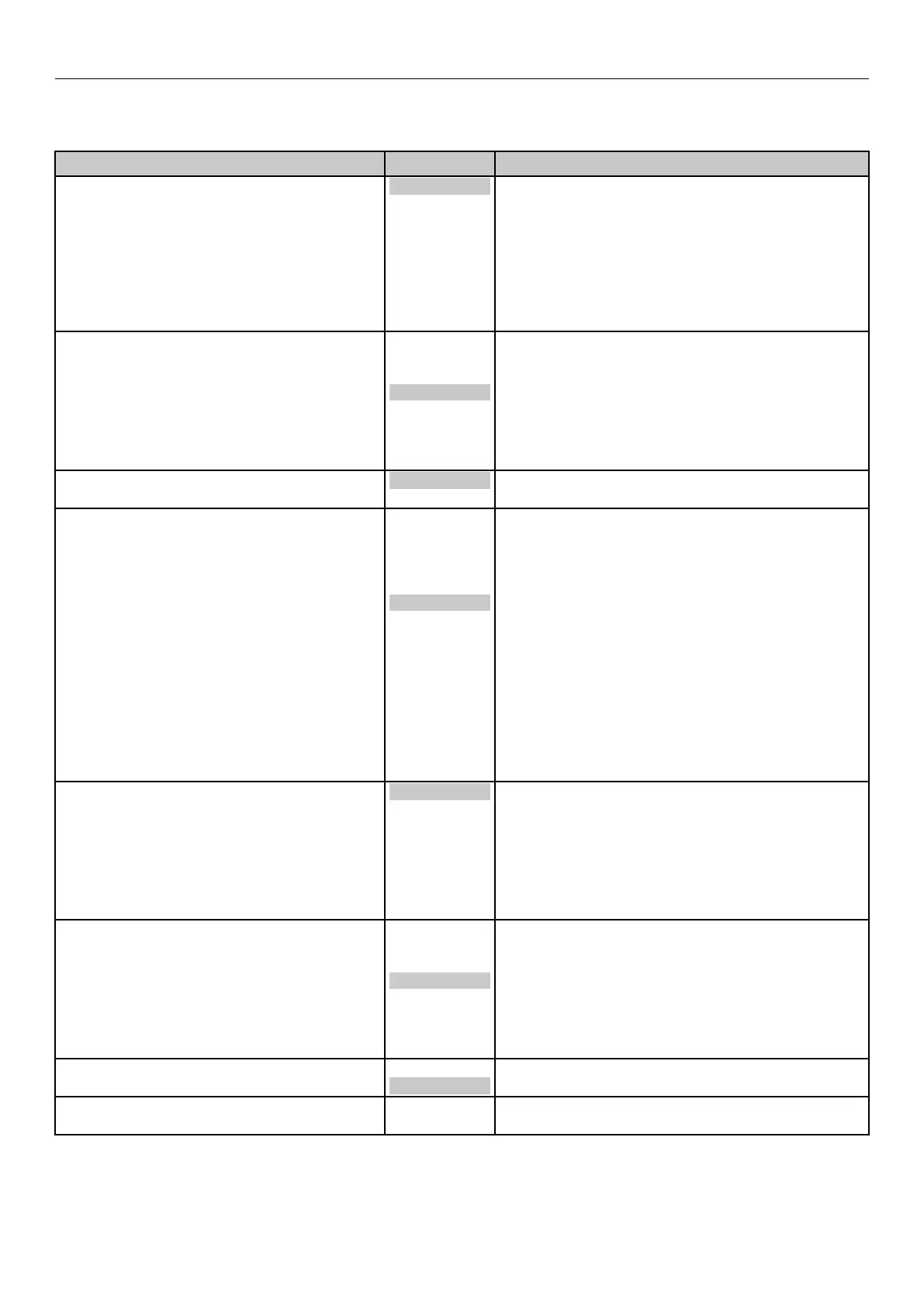
Table of Setting Items in the Control Panel Menu Screen
System Adjust
z
Shaded areas are factory-set values.
Item Value Description
Power Save Time 1 minute
2 minutes
3 minutes
4 minutes
5 minutes
10 minutes
15 minutes
30 minutes
60 minutes
Sets the time until the printer enters power save
mode.
Auto Power Off Time 1 hour
2 hours
3 hours
4 hours
8 hours
12 hours
18 hours
24 hours
Sets the time until the printer enters OFF mode
from stand-by status.
Clearable Warning ONLINE
Job
Sets the timing until clearable warning display turns
OFF.
Timeout InJob Off
5 seconds
10 seconds
20 seconds
30 seconds
40 seconds
50 seconds
60 seconds
90 seconds
120 seconds
150 seconds
180 seconds
210 seconds
240 seconds
270 seconds
300 seconds
Sets the time from loss of the receipt of data until
force-printing.
With PS, the job is canceled without printing.
Timeout Local 0 seconds
5 seconds
~
40 seconds
~
290 seconds
295 seconds
300 seconds
Sets the time for each port to be kept opened after
printing. (Excludes network)
Timeout Network 0 seconds
5 seconds
~
90 seconds
~
290 seconds
295 seconds
300 seconds
Sets the time for the network port to be kept
opened after printing.
Error Report On
Off
Specifies whether to print error reports when an
internal PCL or PS error occurs.
Hex Dump Execute Prints received data in QR code.
Turn off the power to stop printing the hex dump.



 To Next Page