- 59 -
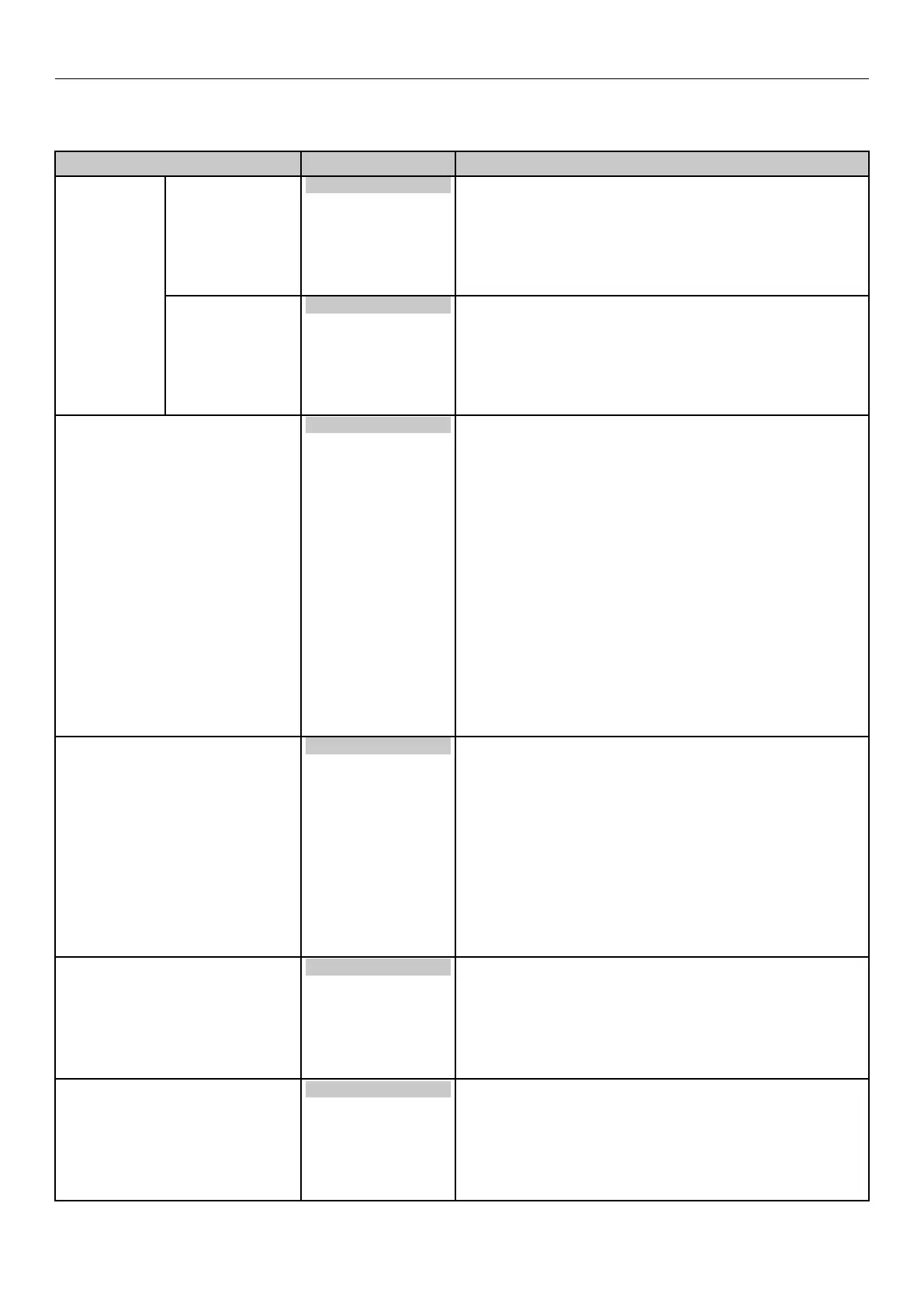
Table of Setting Items in the Control Panel Menu Screen
Print Adjust
z
Shaded areas are factory-set values.
Item Value Description
Print Position
Adjust
X Adjust 0.00 millimeters
+0.1 millimeters
~
+2.00 millimeters
-2.00 millimeters
~
-0.1 millimeters
Adjusts the overall image print position perpendicularly
(horizontally) in the direction of paper feed (0.1 mm
intervals).
Y Adjust 0.00 millimeters
+0.1 millimeters
~
+2.00 millimeters
-2.00 millimeters
~
-0.1 millimeters
Adjusts the overall image print position in the direction of
paper feed (vertically) (0.1 mm intervals).
Paper Edge Detect Mode Mode1
Mode2
Off
Set the action of the controls for the leading edge of the
media to avoid image skew and detection position skew
of the leading edge of labels.
Mode1:
For long leading edges, this setting automatically cuts/
outputs and then starts printing. For short leading
edges, printing just starts. (Applicable for the gap/
black mark setting)
Mode2:
For short or long leading edges, this setting
automatically cuts/outputs and then starts printing for
both situations.
(Applicable for the gap/black mark setting if the
leading edge is long. If the leading edge is short, then
only the gap setting is applicable.)
Off:
With this mode, the user straightens the leading edge
so paper is not wasted. (Applicable for the gap/black
mark setting)
Roll Paper End Detect Mode Auto
Stop
Forced Cut
Sets the control for ejecting the trailing edge of the
paper to auto, stop feeding, or forced cut.
Auto:
With this mode, the trailing edge is processed
appropriately according to the media.
Stop:
With this mode, feed is forced to stop when the trailing
edge of the paper is detected, regardless of the length
or type of media.
Forced Cut:
With this mode, the system is forced to cut and eject
the paper when the trailing edge of the paper is
detected, regardless of the length or type of media.
Media Transfer Setting Black 0
+1
+2
+3
-3
-2
-1
Performs fine adjustment if black is faded or tiny white
spots appear when printing with the black (K) print
cartridge only (when printing with the YMCW print
cartridges are raised).
Lower the setting value if there are only fewer white
spots, or raise the setting value if the high-density
portion is thinner.
Media Transfer Setting Color 0
+1
+2
+3
-3
-2
-1
Performs fine adjustment if colors are faded or tiny
white spots appear when printing with two or more print
cartridges or just the white (W) print cartridge.
Lower the setting value if there are only fewer white
spots, or raise the setting value if the high-density
portion is thinner.



 To Next Page