XZAC4219-05 Service Manual
7-17
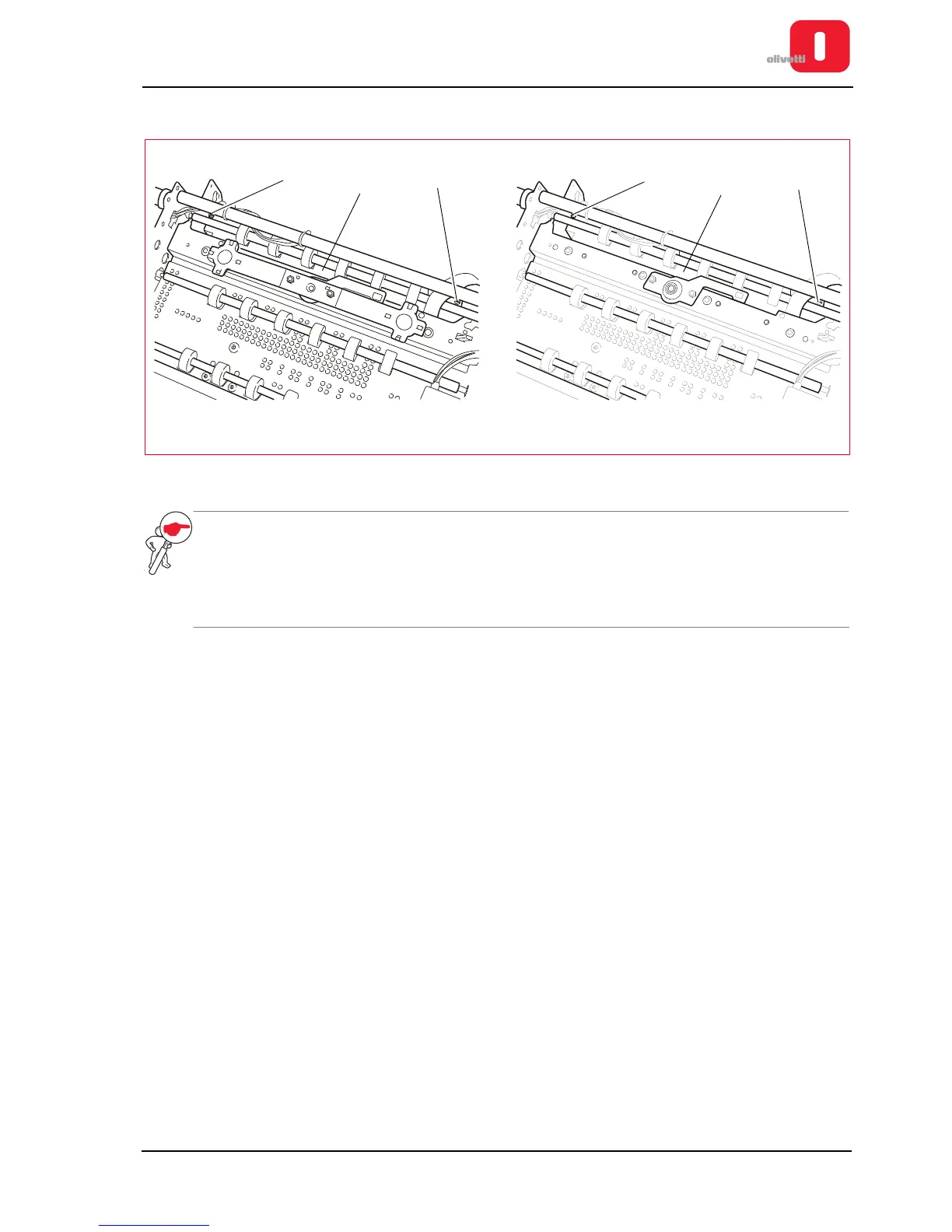
7. Back off the two lock-screws (9) of the photosensor support (10) and remove it.
Figure 7 - 21 Removing the photosensor support
NOTE: during reassembly, do not fix the photosensor support until the feeder unit is fixed, as the feeder
unit has two reference pins for the photosensor support. During the reassembly phase, you must
adjust the front pressure rollers.
See the section “Adjusting the front pressure rollers” on page 6 - 10.
At the end of these operations, carry out calibration of the photosensors. See the section
“CALIBRATING THE PHOTOSENSORS” on page 4 - 18.















 To Next Page