Lasair II Particle Counter Operations Manual Page M-1
Appendix M
Touch RAM
Touch RAM buttons are a hardware alternative to sampling recipes. A small metal
memory button is programmed with sampling parameters and a location name. This
is done by setting the desired sampling plan in the Lasair II particle counter, then
using the touch-wand to write this information to a memory chip in a data storage
button. Touch RAM supports the use of most but not all Lasair II particle counter
features. Statistical standards settings, for example, are not compatible with
Touch RAM.
The button can be permanently attached to the wall near a sample point location.
When the button is read with a special wand reader, the sampling parameters and
location information are loaded into the Lasair II particle counter, eliminating the
need to manually enter the data.
This eliminates operator error due to incorrectly setting the sampling parameters.
Perhaps the greatest benefit is preventing an operator from mistakenly using a
recipe for the wrong location.
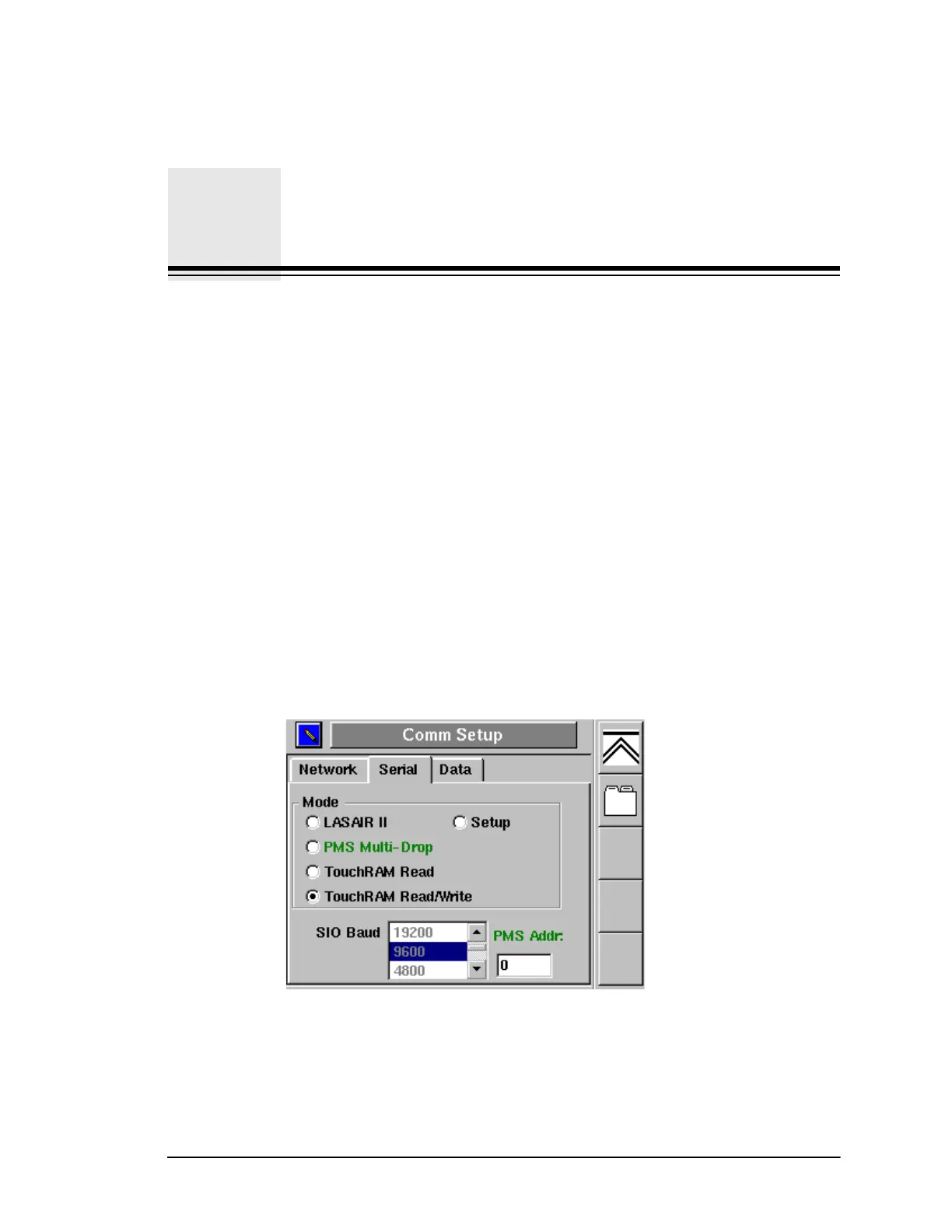
The TouchRAM feature is controlled from the Comm Setup-Serial screen.
TouchRAM Read — Select this “radio button” to enable Lasair II particle
counter to read Touch RAM buttons.
Figure M-1: Comm Setup-Serial Dialog Box



 To Next Page