P a g e | 102 P o o l C o p M a n u a l : V 4 2 EN
www.poolcop.com PCFR
Jetstream
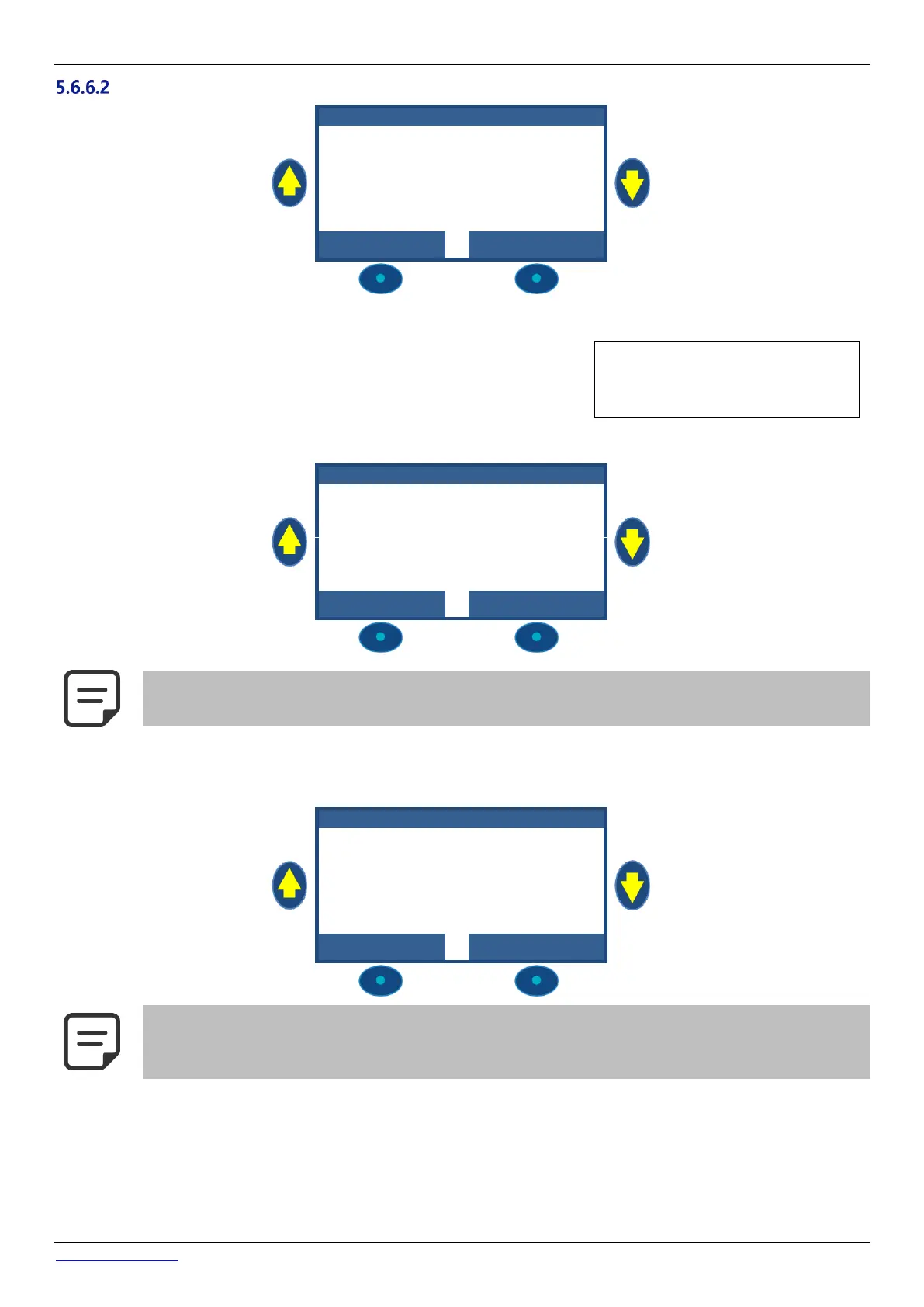
Set jet stream parameters
If INSTALLED: YES, PoolCop will be able to control a Jetstream either via the
pushbutton in the pool either via a direct command.
If set to NO, the Jetstream (if any) will be operated manually.
Text: Installed
Default: NO
Entries: YES;
NO
5.6.6.2.2 Setting Command (Aux13 settings)
When Jetstream is installed,
Aux13 (Pump command) is
preconfigured in pulse mode
with 60 minutes pulse
duration. These settings can
be changed from this view.
AU X13 : R srv'd J e t S t
NOTE:
If the pool has a cover and the cover is detected closed by PoolCop, then the Jetstream pump is forced OFF
for safety reasons. Jetstream pump is only allowed to run when the cover is not closed.
5.6.6.2.3 Setting push button (In9 settings)
When Jetstream is installed,
In(9) is preconfigured to
receive the push button
action. The settings can be
changed from this view.
NOTE:
The push button pneumatic signal must be converted into an electrical contact outside PoolCop using a
pressure switch. The contact will be then connected on In(9).



 To Next Page