P o o l C o p M a n u a l : V 4 2 EN P a g e | 65
www.poolcop.com PCFR
Understanding Pump Modes
I always take care of your pool in the most intelligent manner
possible, controlling the pump and filter.
Fundamental to understanding what is happening is for you to know
why the pump is running at this moment, and for that you simply
check which MODE is currently active.
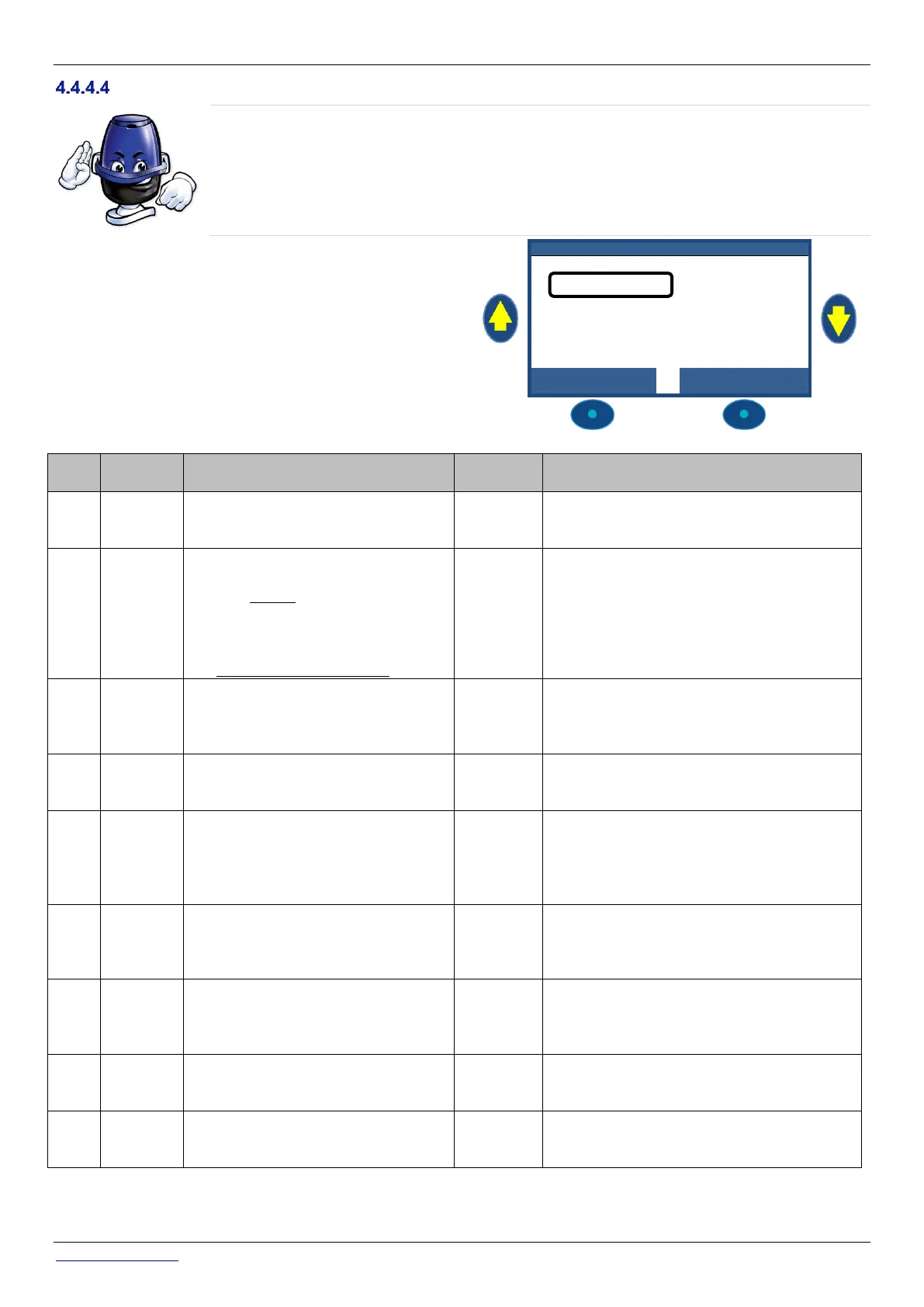
On the PoolCop main display, next to Pump you will see the
mode in which the pump and filtration are running, or OFF.
The mode that has started and/or is now causing the pump to
be on will be displayed. In this example, the pump is filtering in
AUTO (see below) and a pressure of 0.98 Bar is displayed.
1 2 : 4 6 : 0 1 0 1 / 0 6 / 2 0 1 4
The filtration pump is OFF. No filtration
cycles are defined.
The filtration will remain OFF as long as there is
no filtration cycle or no manual command to
start the pump.
The pump was started by the user, or by
the external run pump command, and is
running outside a programmed timer
period
Or
Pump is running inside a filtration cycle,
but valve is not in filter position.
PoolCop will revert to the programmed filtration
cycles (including repositioning the valve to Filter)
when the next timer starts.
Filtration was started by or has now
entered a Filtration Timer cycle using
user programmed timer settings in Cycle
1 and/or Cycle 2 in TIMER mode.
PoolCop will use fixed programmed timer
settings to start and stop the filtration.
Filtration was started by or has now
entered the Filtration Timer cycle and is
in an automatic mode (either ECO+).
PoolCop is optimizing the filtration duration
based on measured temperature, as well as pool
and pump data settings.
Filtration is in Mode Forced, which was
selected by the user in Manual
Operations.
Filtration will run for 23:00 per day for the
duration selected (24, 48 or 72 hours). PoolCop
will then revert to the programmed filtration
cycles (including repositioning the valve to Filter)
when the next timer starts.
PoolCop is detecting a freezing risk and
is running the filtration to use warmer
water from the pool to reduce the risk of
the pool or equipment freeing.
30min after freezing risk has cleared, PoolCop
will revert to the programmed filtration cycles
when the next timer starts.
Filtration is momentarily stopped
because a filtration cycle ends or a
manual command or an event stopped
the pump.
Filtration will automatically restart with the next
filtration cycle.
Filtration has been started because of an
external request. (An input is configured
to fulfil this behaviour)
Filtration will be running as long the external
request is present, although it will respect the 2 x
1/2h pause per day.
Filtration has been started because of
Very high level in buffer tank (infinity
pools only).
Filtration will be running until a water level
reduction is activated



 To Next Page