P o o l C o p M a n u a l : V 4 2 EN P a g e | 67
www.poolcop.com PCFR
4.4.4.5.7 Forced Filtration: 24h, 48h or 72h
PoolCop normally runs on timers and on automatic modes, adjusting the filtration duration as required. When required however,
forced running of the pump in Filter can be selected. This allows a fixed length filtration duration which is useful under certain
conditions.
FORCED mode changes Filtration Timer Cycle 1 times. When the forced duration is completed, previous settings for Cycle 1 are
restored. This mode does not affect Cycle 2 settings.
FORCED mode is only available for the valve position Filter; activating the mode will reposition the valve to Filter.
In FORCED mode, the maximum daily duration is limited to 23:00; with either one or two stopped periods to allow for PoolCop
measurement functions and daily self-test to occur. Normal automatic filter cleaning may occur during FORCED mode. Water
treatment is active during this mode.
The time remaining in Forced mode is displayed in whole hours on the pump Manual Control screen and on Filtration Mode screen.
Any active forced filtration mode is deactivated when the duration has expired, and the Filtration Timer cycles will resume normal
control as programmed.
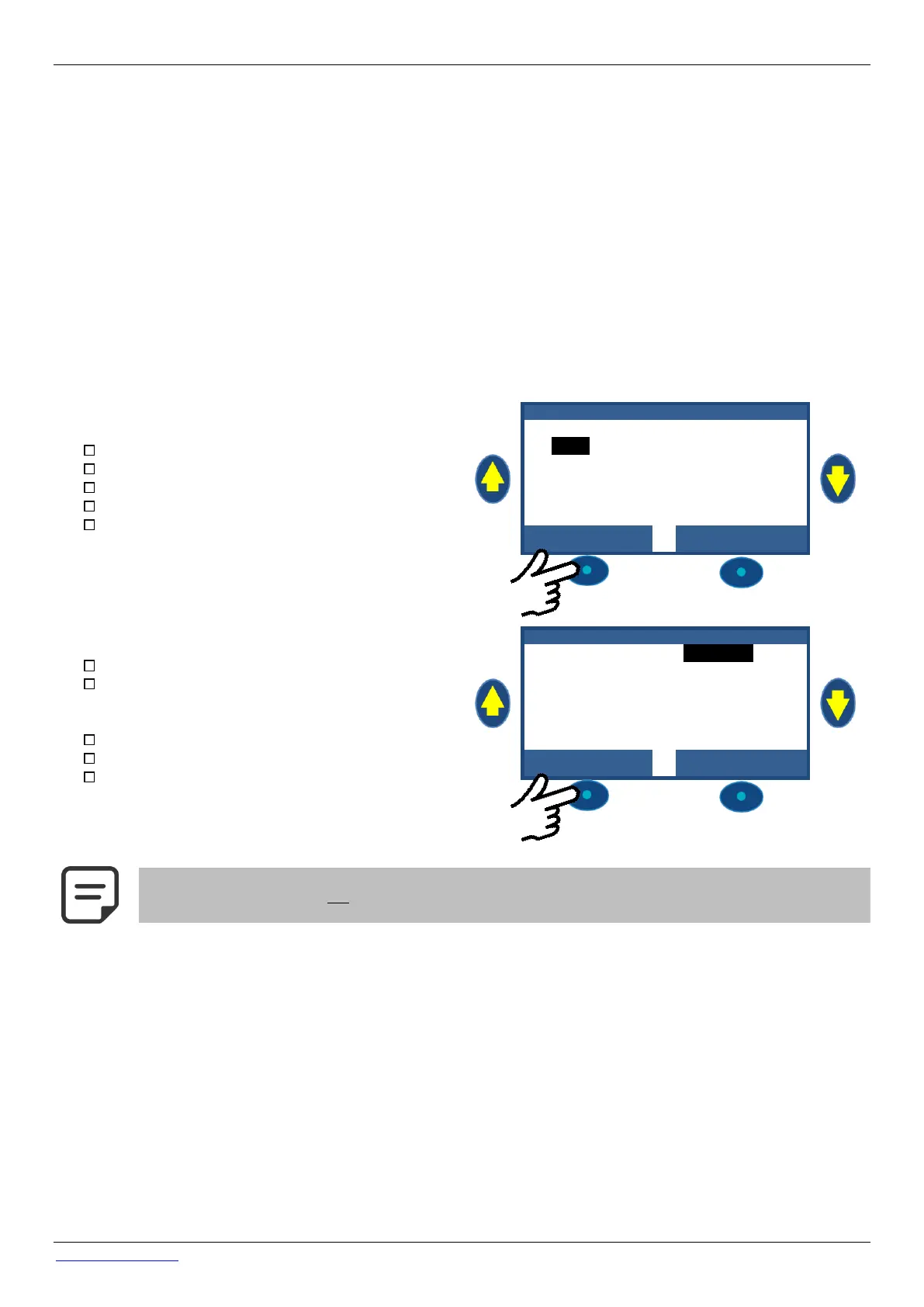
Forced mode can be stopped either by stopping the pump manually either by changing the filtration mode.
Pump stops
Navigate to PUMP in the MANUAL CONTROL menu.
The pump will be ON, and pressure will be displayed.
Press SELECT (PUMP is preselected).
Press SELECT (PUMP: OFF will display).
Press SELECT. The pump will stop, and pressure will
reduce.
Navigate to MODE in the FILTRATION MODES menu.
The mode will be FORCE, remaining time (18 Hours
here) and the return mode (ECO+ here) will be
displayed.
Press SELECT (MODE is selected).
Use the ARROWS to change mode.
Press SELECT to validate the new mode.



 To Next Page