Operator’s Manual LTV
®
Series ventilator Page 11-11
p/n 10664, Rev. Y
Vent Inop Alarm Test (cont)
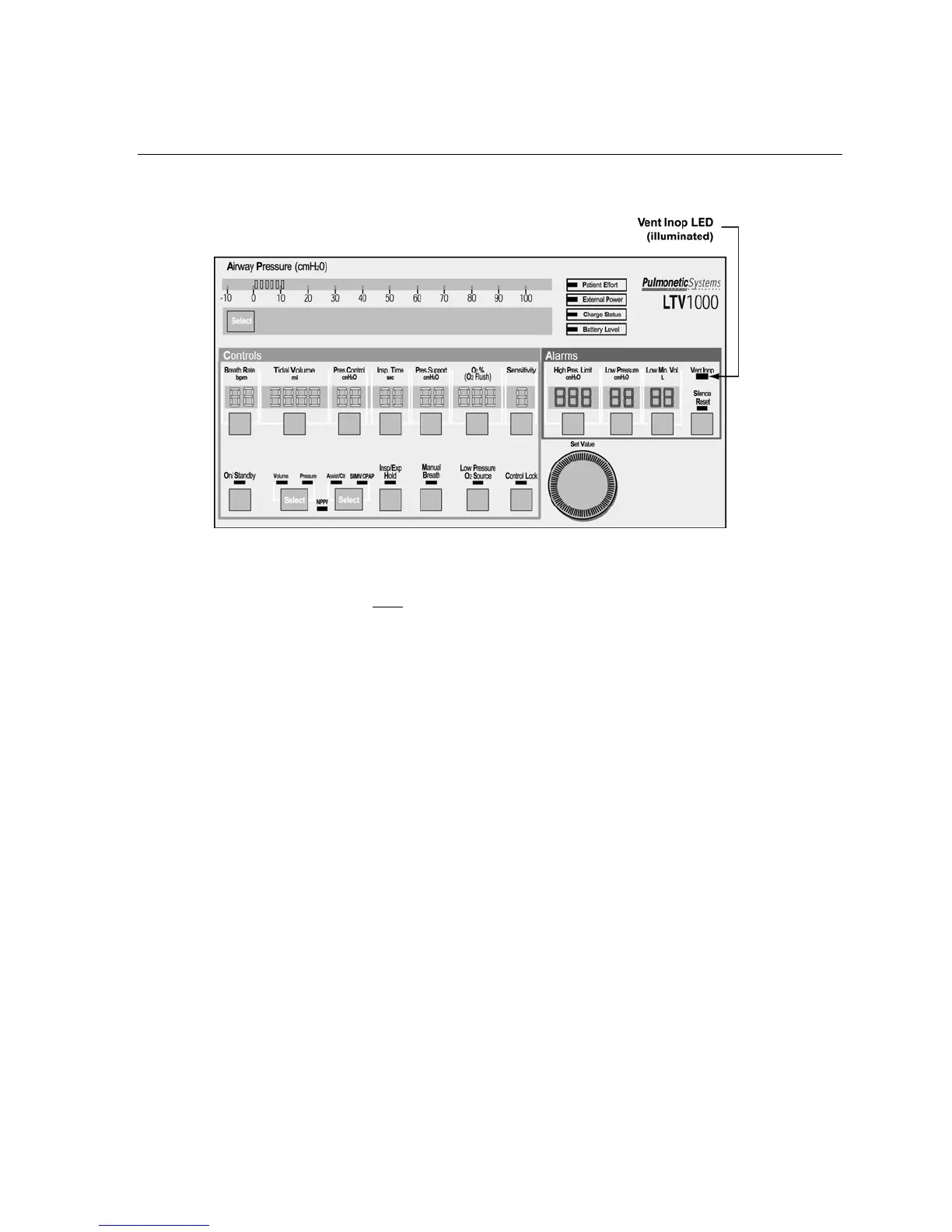
4) For all ventilators, verify that both of the following conditions existed;
• The alarm tone sounded continuously for the full 15-second duration.
• The Vent Inop LED illuminated continuously for the full 15-second duration.
5) If a Patient Assist Call System or Remote Alarm is connected via the ventilator’s Patient Assist
Port, verify the device also activates (audible/visual), as specified by its manufacturer.
6) Silence the alarm by pressing the Silence/Reset button.
7) Verify the following;
• A confirming audible chirp occurred after the alarm was silenced.
If the Inop Alarm fails the test, discontinue use of the ventilator and immediately contact a certified
Pulmonetic Systems’ service technician.



 To Next Page