Operator’s Manual LTV
®
Series ventilator Page 13-3
p/n 10664, Rev. Y
Cleaning or replacing the Inlet Filter
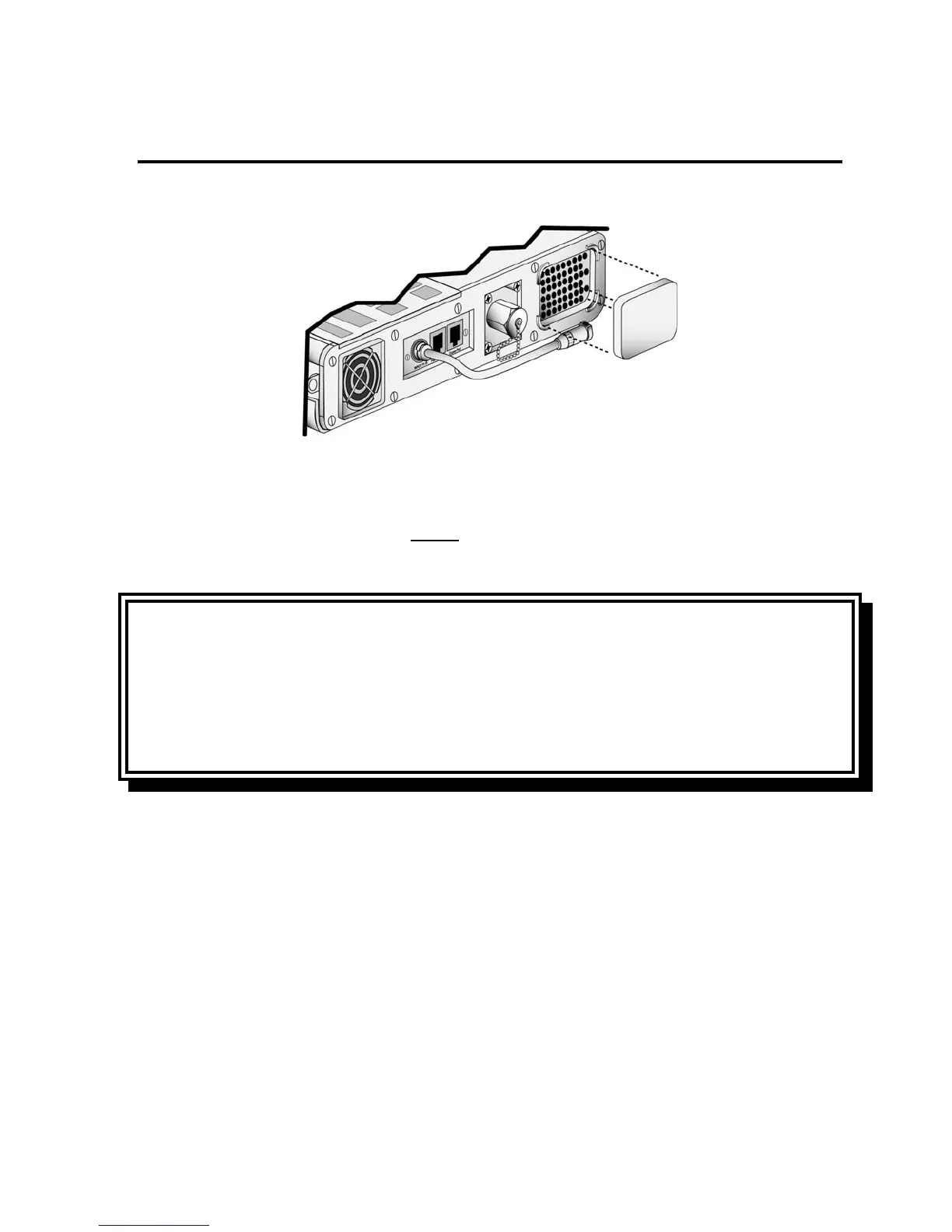
To clean the Inlet Filter:
1) Remove the Inlet Filter by squeezing the foam filter gently with your fingers and pulling it out.
2) Gently bathe the filter in a solution of mild detergent and warm water.
3) Rinse thoroughly in warm water.
4) Examine the filter for excessive wear or damage. Discard and replace with a new filter if
necessary.
5) Allow the filter to thoroughly air dry before
reinstallation.
6) Reinstall the filter.
CAUTION
Wet or Damp Filters - Do not install a wet or damp filter into the LTV
®
Series ventilators. This could
damage the ventilator.
ATTENTION
Filtres mouillés ou humides - Ne pas installer des filtres mouillés ou humides dans les ventilateurs
de la série LTV
®
. Cela pourrait endommager le ventilateur.



 To Next Page