Operator’s Manual LTV
®
Series ventilator Page 4-3
p/n 10664, Rev. Y
CPAP Mode
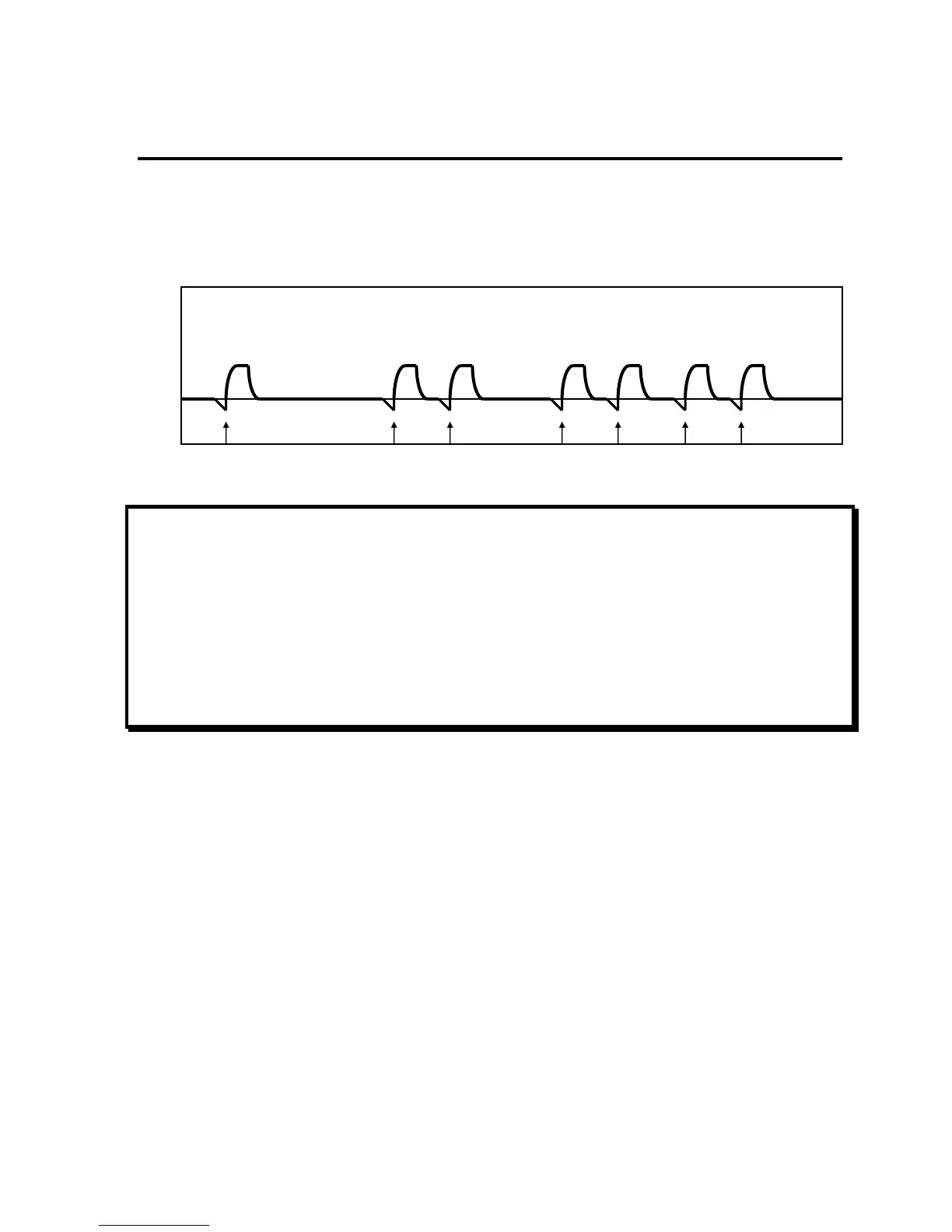
CPAP mode is selected when SIMV / CPAP is selected and Breath Rate is set to dashes “—”. In
CPAP mode, when a patient trigger is detected, a patient breath is given. Breaths will be Pressure
Support or Spontaneous breaths according to the Pressure Support setting.
NOTE
LTV
®
ventilators provide an Apnea Backup mode of ventilation. When the set Apnea Interval
(maximum time allowed between the beginning of one breath and the beginning of the next breath) is
exceeded, the APNEA alarm is generated and the ventilator will enter Apnea Backup ventilation
mode.
REMARQUE
Les ventilateurs LTV
®
procurent un mode de ventilation de secours pour l’apnée. Lorsque l’intervalle
de l’apnée établi (durée maximum allouée entre le début d’une respiration et le début de la respiration
suivante) est excédé, l’alarme APNEA est générée et le ventilateur entre en mode de ventilation de
secours pour l’apnée.
P
aw
Pressure Support Patient Breaths
Pressure
Support
Pressure
Support
Pressure
Support
Patient Triggers
Pressure
Support
Pressure
Support
Pressure
Support
Pressure
Support



 To Next Page