Operator’s Manual LTV
®
Series ventilator Page C-15
p/n 10664, Rev. Y
Communications Port
The Communications Port on the LTV
®
Series ventilator allows for attachment to, and communication
with, accessories such as graphics monitors or printers. Currently the printer option is only available
for use by service personnel.
Use the Communications Setting option in the Extended Features menu to modify the
communications protocol (see Chapter 10 - Extended Features, Communications Setting for
instructions).
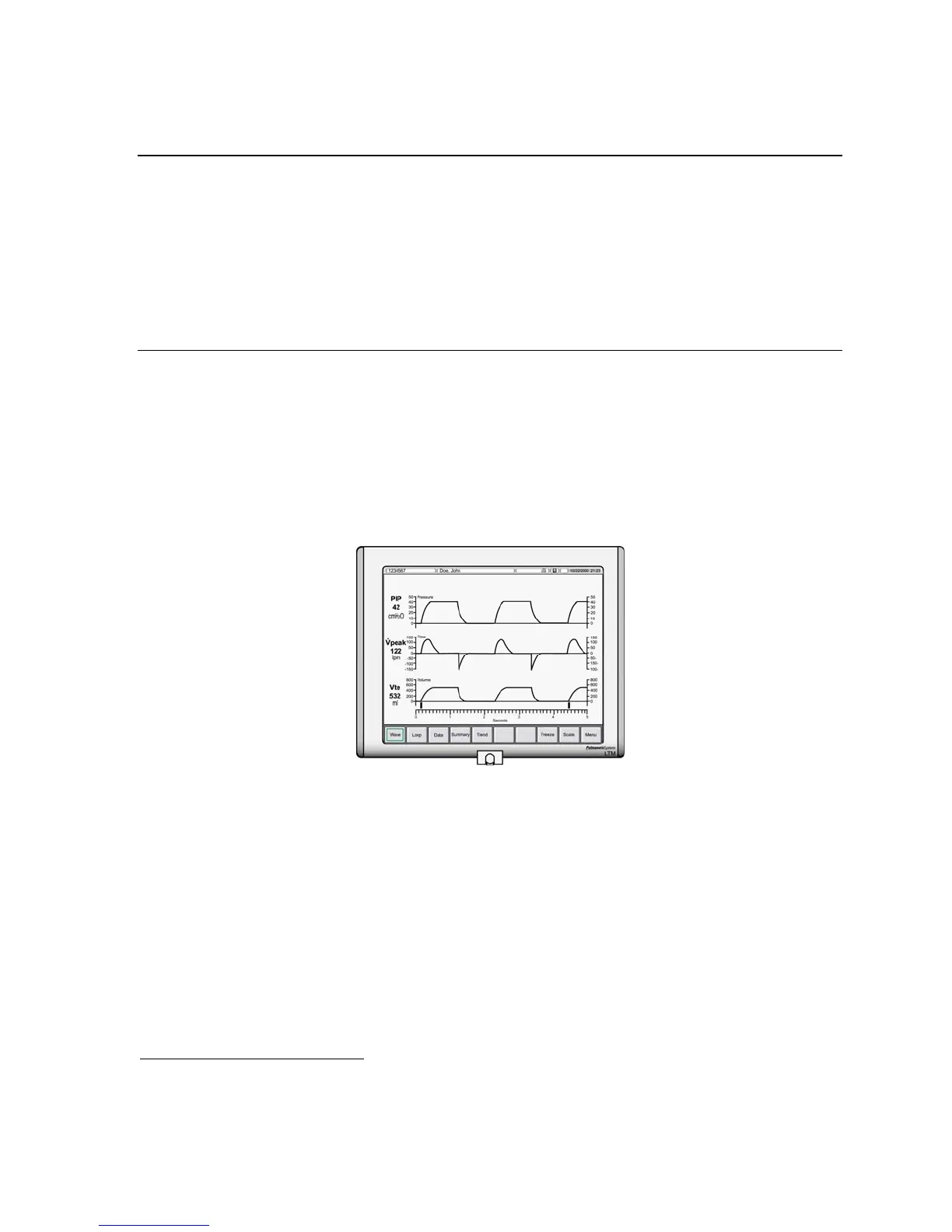
LTM™ Graphics Monitor
The LTM™ Graphics Monitor is a thin, lightweight color graphics monitor accessory for LTM
compatible
92
LTV
®
900, 950 and 1000 ventilators.
• To upgrade an LTV
®
Series ventilator to LTM Graphics Monitor compatibility, a certified
Pulmonetic Systems’ service technician must replace both the internal Analog PCBA and
Memory PCBA with LTM compatible components.
• For additional information regarding the LTM Graphics Monitor, contact Pulmonetic Systems.
To install and setup an LTM Graphics Monitor, refer to the LTM Graphics Monitor Operator’s Manual
included with your LTM Graphics Monitor.
92
LTM Graphics Monitor compatibility can be verified by pushing the Select button when the LTV Model
Number is displayed in the Extended Features menu. The message LTM will be displayed if the ventilator was
originally manufactured or upgraded by Pulmonetic Systems to accommodate the LTM Graphics Monitor.



 To Next Page