Operator’s Manual LTV
®
Series ventilator Page 11-3
p/n 10664, Rev. Y
Alarm Test
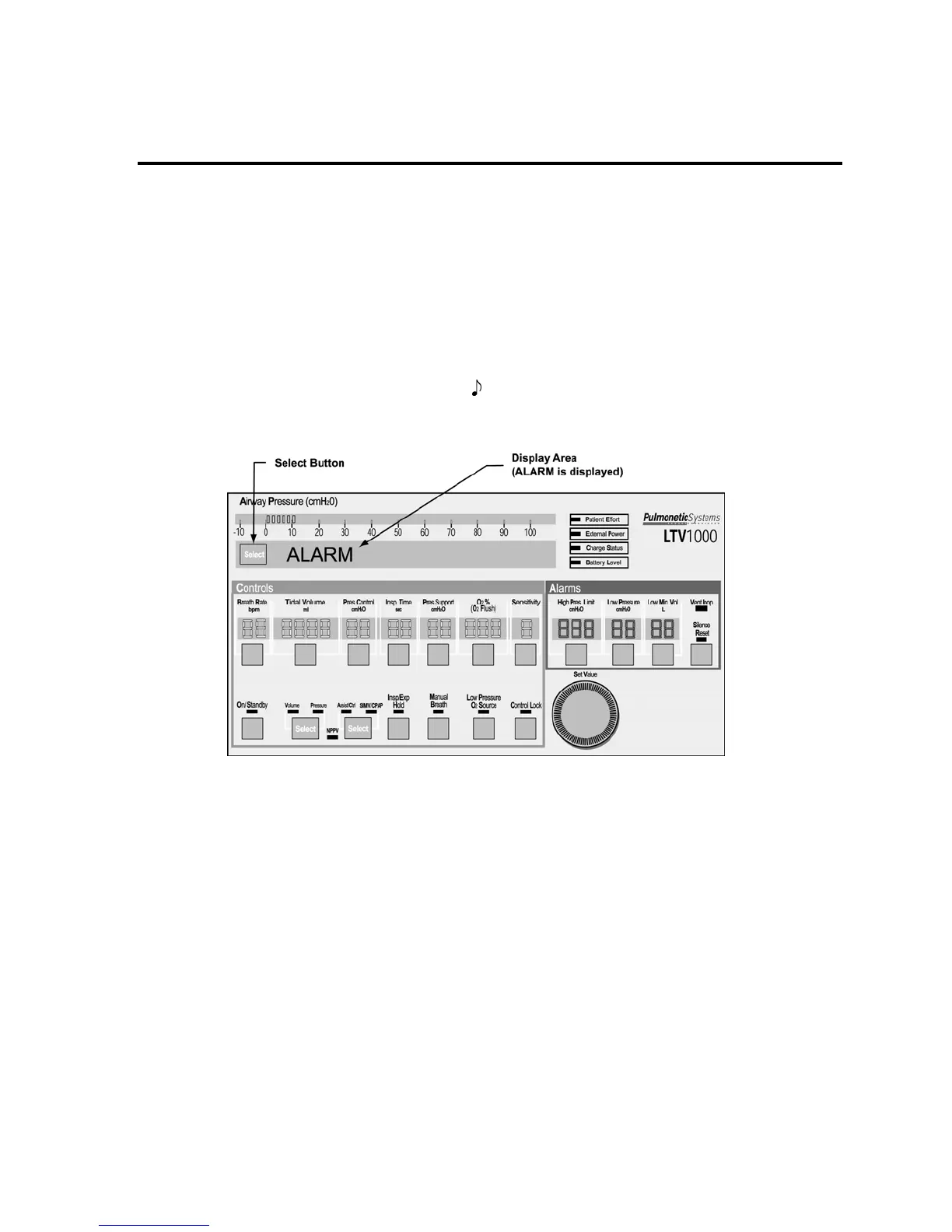
Use the Alarm Test to verify that the audible alarm is working correctly.
To run the Alarm Test:
1) Push the Select button while ALARM is displayed.
2) Verify that the audible alarm is sounded.
• If a Patient Assist Call System or Remote Alarm is connected via the ventilator’s Patient
Assist Port, verify the device also activates (audible/visual), as specified by its manufacturer.
3) When the alarm has sounded for at least 2 seconds, push the Select button again.
• The audible alarm is silenced and the next menu item is displayed.
4) For ventilators with an audio sound symbol (
) on the back panel label, verify a confirming audible
chirp occurs after the alarm is silenced.
If the Alarm Test fails, see Chapter 15 - Troubleshooting for more information.



 To Next Page