Operator’s Manual LTV
®
Series ventilator Page 6-23
p/n 10664, Rev. Y
Pressure Control (LTV
®
1000 & 950 Only)
This optional control establishes the target pressure above 0 cmH
2
O for Pressure Control breaths
23
.
The inspiratory time for the Pressure Control breath is determined by the Inspiratory Time setting.
The ventilator controls inspiratory flow to maintain the set circuit pressure for the set time.
To set the Pressure Control level:
1) Push the Pressure Control button.
2) Change the setting using the Set Value knob.
To select Pressure Control:
1) Toggle the Volume/Pressure mode to select Pressure ventilation
24
.
Range: 1 - 99 cmH
2
O
Flow Termination for Pressure Control breaths may be enabled under Extended Features
25
. If flow
termination is enabled, the Pressure Control display will flash briefly after each flow terminated
breath.
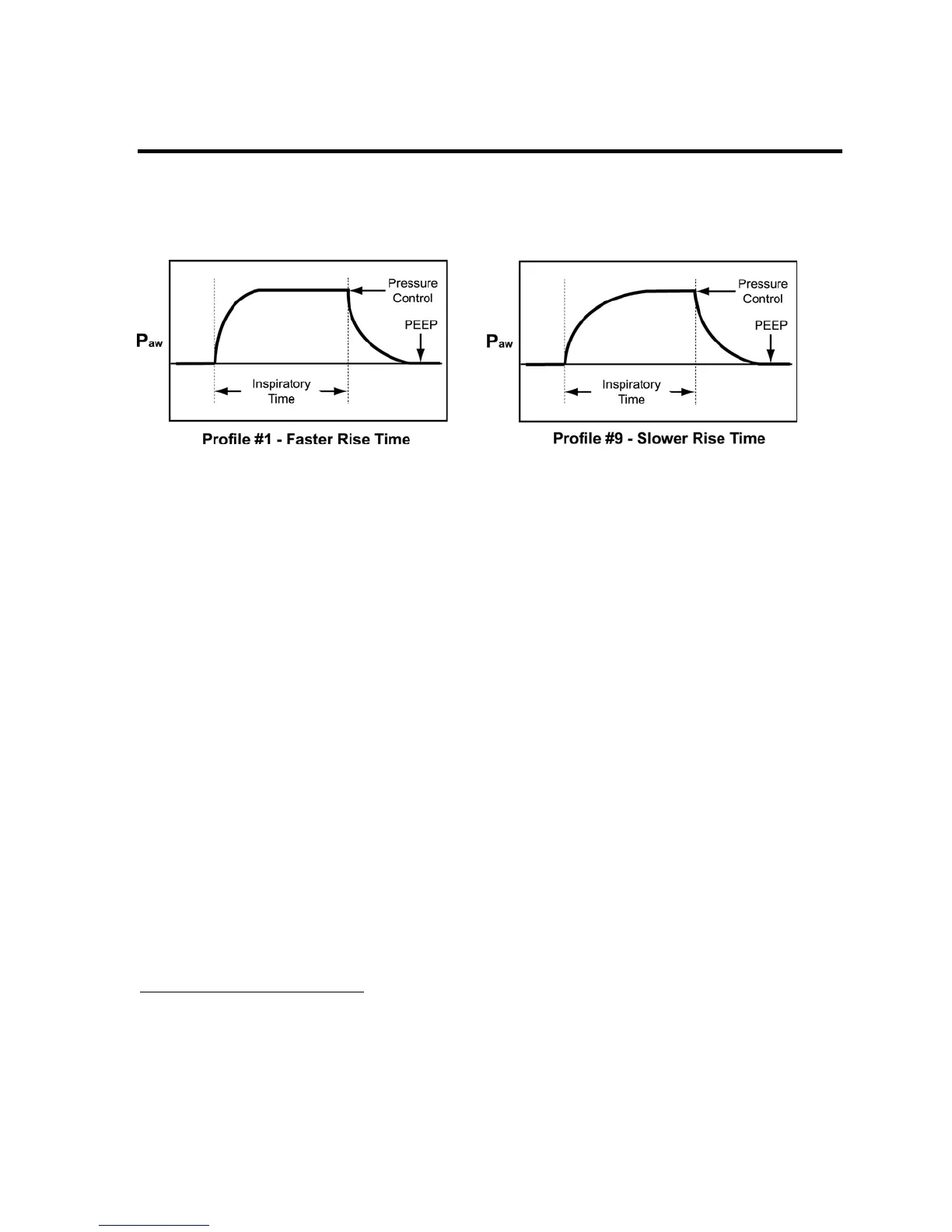
The Rise Time profile for Pressure Control breaths may be selected under Extended Features
26
.
23
Pressure Control and Pressure Support breaths do not compensate for PEEP. Delivered pressure is controlled
by the Pressure Control setting and is not affected by the PEEP setting. i.e.; A Pressure Control setting of
20cmH
2
O and a PEEP setting of 10cmH
2
O results in a maximum delivered pressure of 20cmH
2
O.
24
See Chapter 6 -Controls for more information on how to select Pressure ventilation.
25
See Chapter 10 - Extended Features for how to set the Variable Flow Termination percentage and enable
Flow Termination for Pressure Control breaths.
26
See Chapter 10 - Extended Features for how to set the Flow Rise Time profile.



 To Next Page