Operator’s Manual LTV
®
Series ventilator Page C-17
p/n 10664, Rev. Y
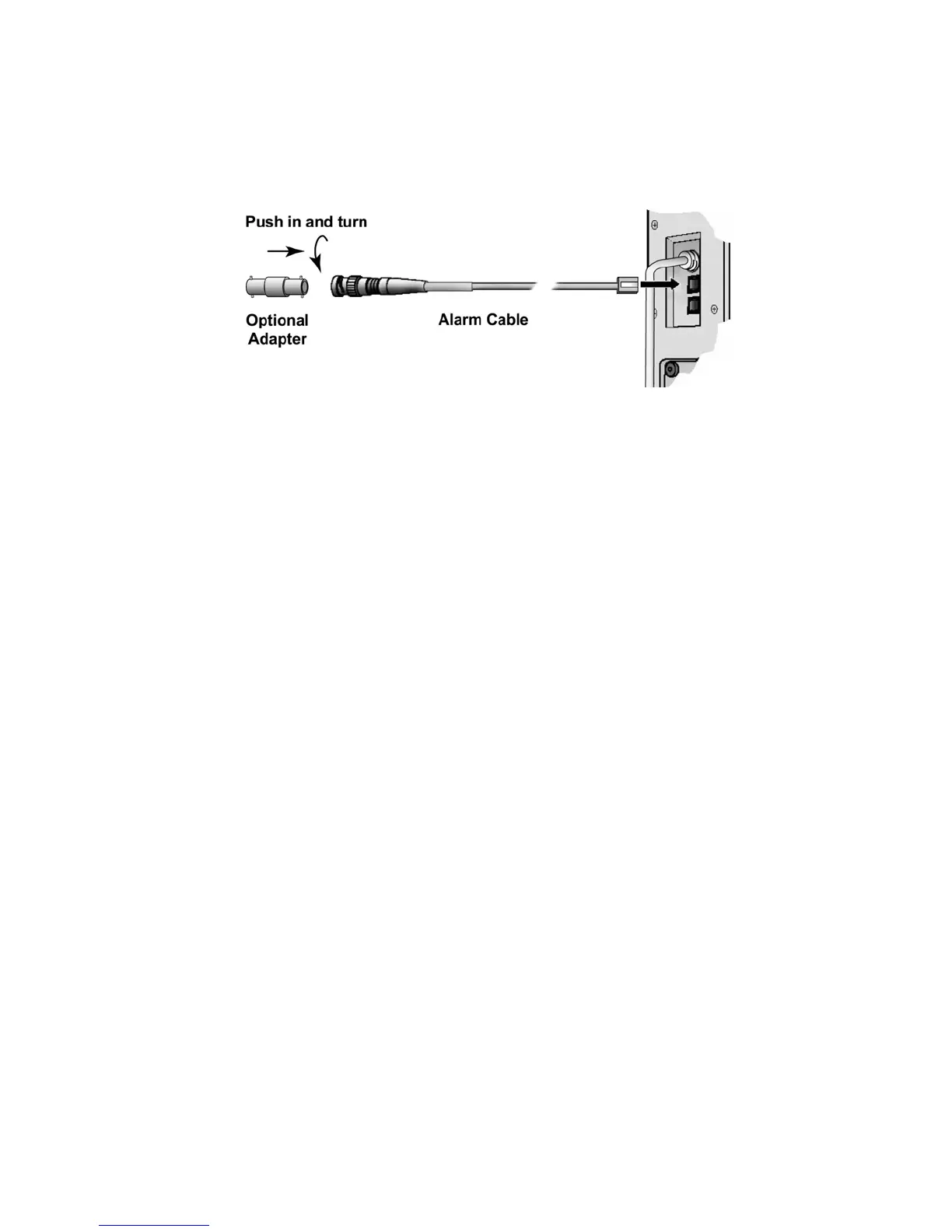
3) If the remote alarm has a male BNC plug, insert the included BNC adapter into the cable's
connector and twist to secure. Then connect the adapter to the remote alarm's input cable or
connector.
4) Create an alarm condition at the ventilator and verify that the remote alarm reflects the alarm
state properly.
5) Clear the ventilator alarm condition and verify that the remote alarm reflects the alarm state
properly.



 To Next Page