RadioLink Electronic Limited
www.radiolink.com
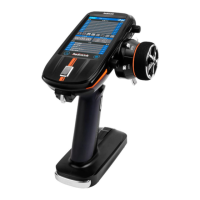
Setting steps: turn on the RC8X, into home page, click the button at the left bottom of
RC8X into System menu, click into Racing curve menu, click the blue select box named
Throttle curve into the menu to set the throttle curve type. The vertical cursor line moves in
conjunction with the operation of the steering wheel.
Reset: click Reset will make the value back to the default number.
Back: click the button or short press the power button to return to the previous menu.
2.5.3 Brake curve
This function makes the throttle brake side direction servo operation quicker or milder. It has
no effect on the servo maximum operation amount.
Brake curve type: three kinds of curves that EXP, VTR, Multiple point curve can be selected.
If Ratio is set to Forward 100: Brake 0 with the trigger function in Throttle mode (Trigger)
menu, the brake side will not operate. Since the setting method of each curve is the same as the
throttle (forward) side curve, please refer to 2.5.2 Throttle curve





 To Next Page

