90 • Operating Instructions SAM4S SPS-300 Series Electronic Cash Register AU
Deposit or Part Payment of the Table (Account)
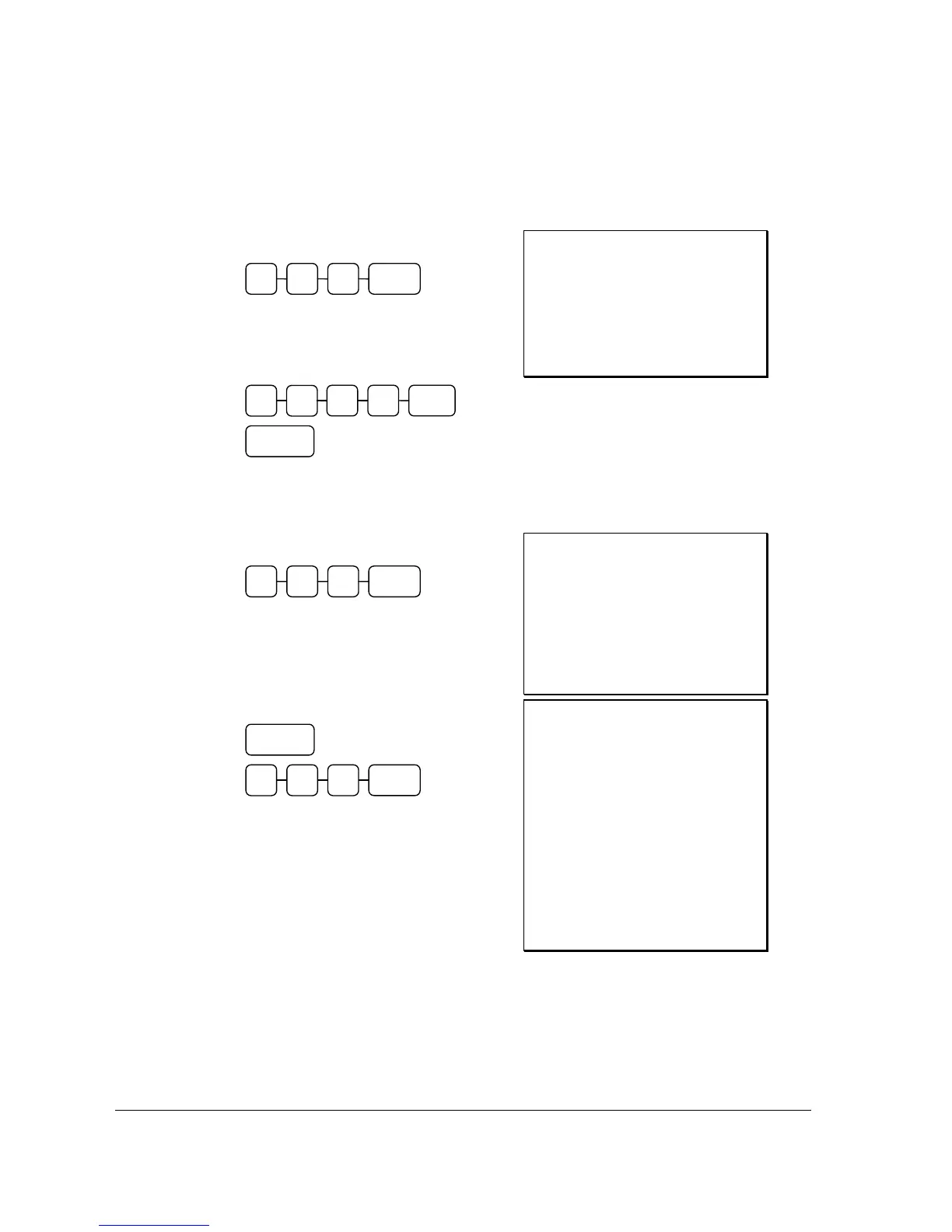
1. Enter the number of the guest check,
press the Table# (CHECK#) key:
2. To enter a Deposit or Account payment,
simply enter the amount given and press
the tender type followed by the New
Balance (SERVICE):
Receipt Example:
DATE 01/05/2012 TUE TIME 08:30
TABLE#
#123
** PAYMENT **
CASH $15.00
NEW BALANCE $0.00
BFWD
$4.00
GST $1.73
CLERK 1 No.000070 00001
Finalise the Table to Close Account
1. Enter the number of the guest check,
press the Table# (CHECK#) key:
2. Press the FINALISE key then enter
amount tendered as you would normally
tender a transaction, with CASH,
CHECK, or one of the CHARGE keys.
If the tender is greater than the balance
due, change is displayed.
Receipt Example:
DATE 01/05/2012 TUE TIME 08:30
TABLE #
#123
CHECKS PAID $19.00
TOTAL $19.00
PAYMENT
$15.00
CASH $5.00
CHANGE $1.00
GST $1.73
CLERK 1 No.000071 00001
DATE 01/05/2012 TUE TIME 08:30
TABLE #
#123
CHICKEN $7.00
STEAK $10.00
GARLIC BREAD $2.00
CASH $15.00
CHANGE $0.00
CHECKS PAID $19.00
TOTAL $19.00
PAYMENT $15.00
CASH $5.00
CHANGE $1.00
GST $1.73
CHECK # : 2
CLERK 1 No.000071 00001
TABLE#3 1 2
CASH 0 0 5
FINALISE
NEW
BALANCE
TABLE#3 1 2
1
0 CASH 0
5



 To Next Page