94 • Operating Instructions SAM4S SPS-300 Series Electronic Cash Register AU
Opening a New Table (Account)
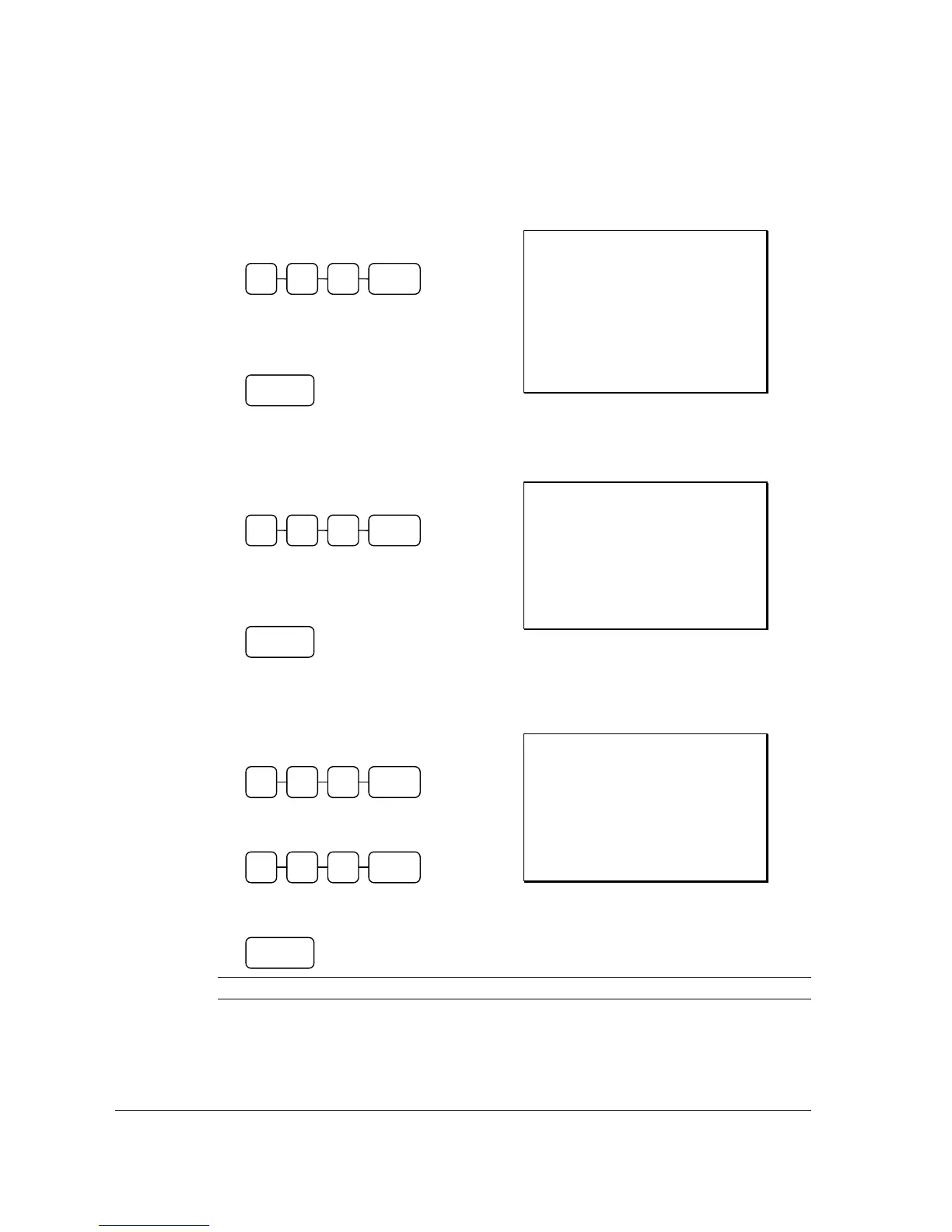
1. Enter the number of the Table, press the
New Table (MACRO) key:
2. Register the items you wish to sell.
3. To total the posting, press New Balance
(SERVICE):
Receipt Example:
DATE 01/05/2012 TUE TIME 08:30
CHECK #
#1
TABLE
#123
CHICKEN $7.00
STEAK $10.00
NEW BALANCE $17.00
BFWD
$17.00
GST $1.55
CLERK 1 No.000066 00001
Re-Open the Table (Account) and Add More Items
1. Enter the number of the Table, press the
Table (TABLE) key:
2. Register the next items you wish to sell.
3. To total the posting, press New Balance
(SERVICE):
Receipt Example:
DATE 01/05/2012 TUE TIME 08:30
CHECK #
#1
TABLE
#123
GARLIC BREAD $2.00
NEW BALANCE $2.00
BFWD
$19.00
GST $1.73
CLERK 1 No.000067 00001
To Transfer a Table
1. Enter the number of the Table, press the
Table (TABLE) key:
2. Enter the number of the New Table, press
the Table (TABLE) key:
3. To store this Table Transfer, press New
Balance (SERVICE):
Receipt Example:
DATE 01/05/2012 TUE TIME 08:30
CHECK #
#1
TABLE
#123
TABLE
#105
NEW BALANCE $0.00
BFWD
$19.00
GST $1.73
CLERK 1 No.000067 00001
NOTE : After Transfer Table, the account has to open with new table number.
TABLE 5 1 0
NEW
BALANCE
TABLE 3 1 2
NEW
BALANCE
NEW
BALANCE
NEW
TABLE
3 1 2
TABLE 3 1 2



 To Next Page