SAM4S SPS-300 Series Electronic Cash Register AU Program Mode Programming • 161
NOTE: The PLU entry methods do not have to be the same, as far as the PLU number
entered in Step 3 is always smaller then the PLU number entered in Step 4.
5. Press ENTER (CASH) to delete the PLU; press ESC (CLEAR) to return to the PLU
DELETE screen without deleting any PLU.
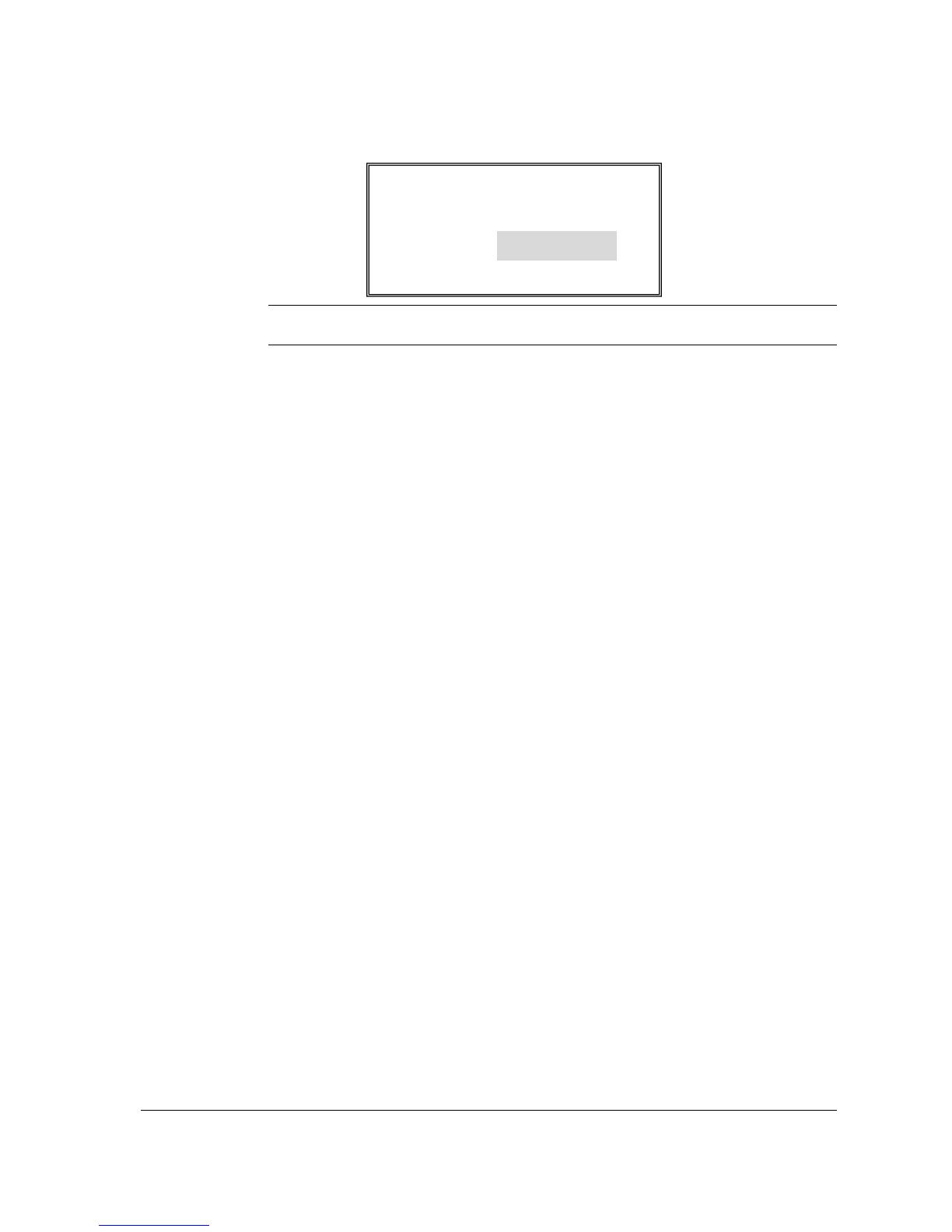
CONFIRM DELETE
ARE YOU SURE YOU
WISH TO DELETE PLU#
2 TO
5
CASH=DELETE



 To Next Page