USER MANUAL (Instruction for Use) SW 6.1
Service Procedures and Functions
Version 6.1.6 dated 2020-01-31 EN Page 136 of 201
7.11 Printout and Video (Export of Treatment PDF and Video)
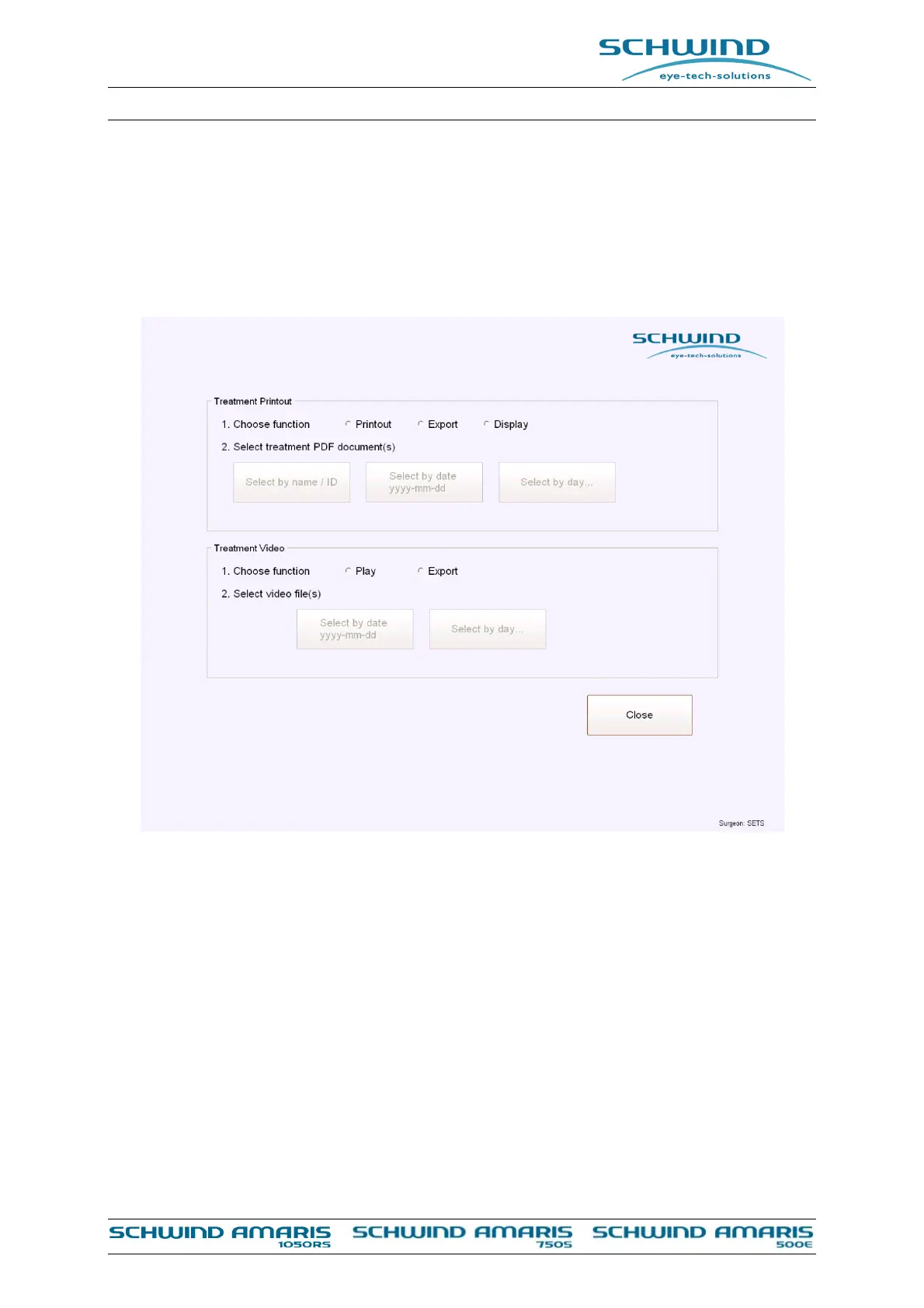
Under the sub menu Treatment Printout treatment PDF files of the performed treatments can
printed or exported at any time.
Figure 7-30: Printout and video
The user can select if he wants to printout, export or display the treatment pdf files. It is possible
to choose the files for export and printout by Patient Name/ID, to select the file by treatment date
or to select all treatments from a specific day.
A dialog will be opened and the file for printout or export can be selected. There will be the option
to make a manual selection, to export or print all files from today or to define a time period in
which all available treatment files shall be printed, shown or exported.
In case the user wants to print all treatments of the day (e.g. when the treatment day is finished)
please select <Treatment Printout> and the option <Select by day>. A dialogue will be shown
(see Figure 7-30, Figure 7-31) in which it is possible to select the specific day.



 To Next Page