USER MANUAL (Instruction for Use) SW 6.1
Treatment Selection
Version 6.1.6 dated 2020-01-31 EN Page 142 of 201
If this path is not existent while pressing the button <Import>the program will automatically
select the path D:\EXPORT_SCHWIND_CAM.
The SCHWIND CAM software will be started automatically and the user will have the possibility
to change the treatment parameter.
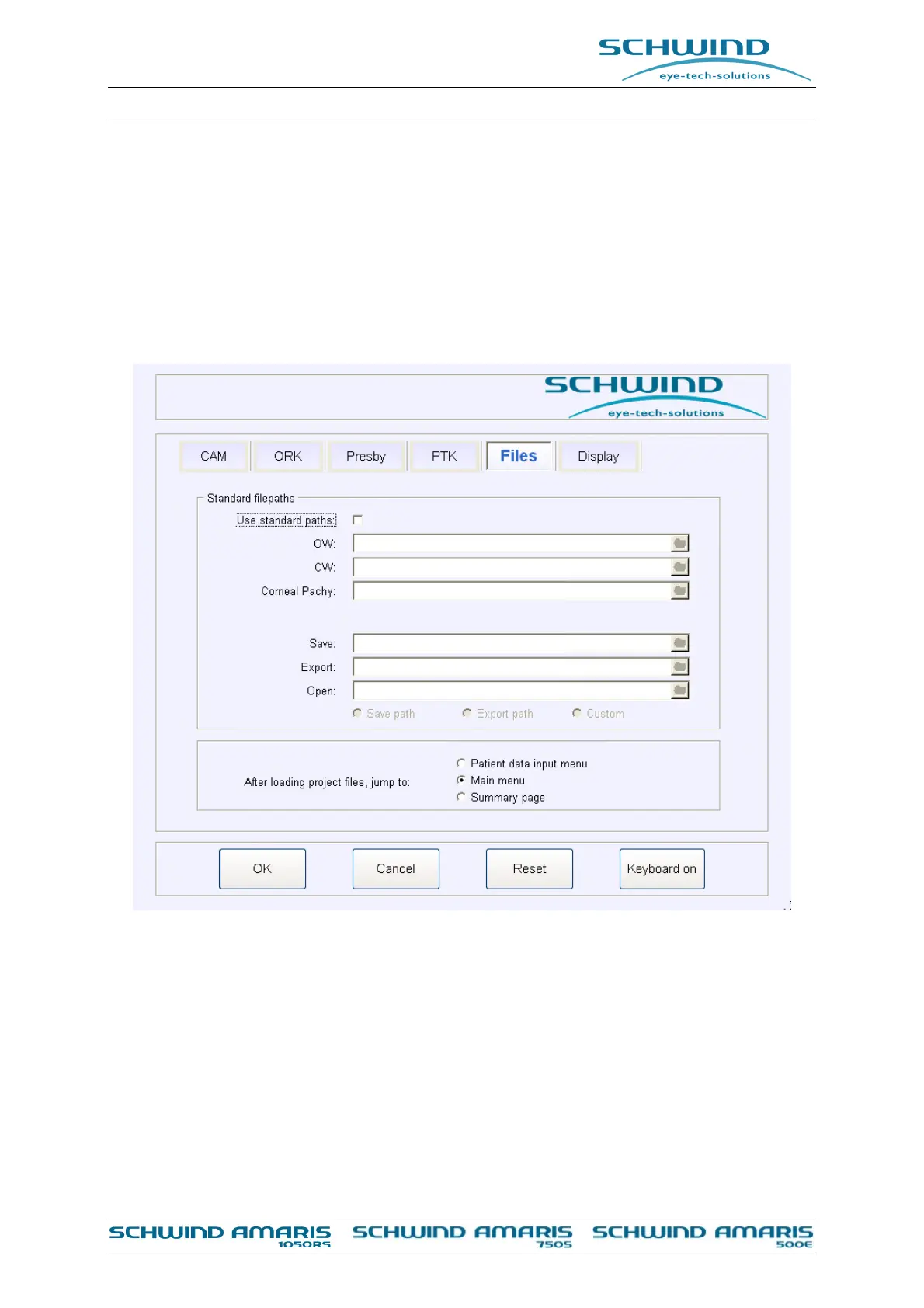
In the settings of the SCHWIND CAM software the user can define which part of the program the
software shall jump to when a project file is opened. You may select “Patient data input menu”,
“Main menu” or “Summary page”.
Figure 8-2: Project file loading settings SCHWIND CAM
If for example “Summary page” is selected the software will automatically jump to the summary
page directly when a treatment is loaded pressing the button <Import>.



 To Next Page