USER MANUAL (Instruction for Use) SW 6.1
Device Control and Operation
Version 6.1.6 dated 2020-01-31 EN Page 93 of 201
6.2 Control System
The control system is located inside the device. It includes all voltage delivery units, fuses, and
the control computer.
You can easily interact with the AMARIS through the keyboard, with a touch pad and touch
screen monitor and a re-sterilisable pen for the touch screen. Inputs into the computer are menu
controlled so that input mistakes can be easily avoided. Release of treatment procedure is
accomplished by pressing the foot switch. Secondary functions, such as illumination settings,
can be controlled with a key pad beside the microscope. A dot-matrix display gives you additional
information about the status of the device.
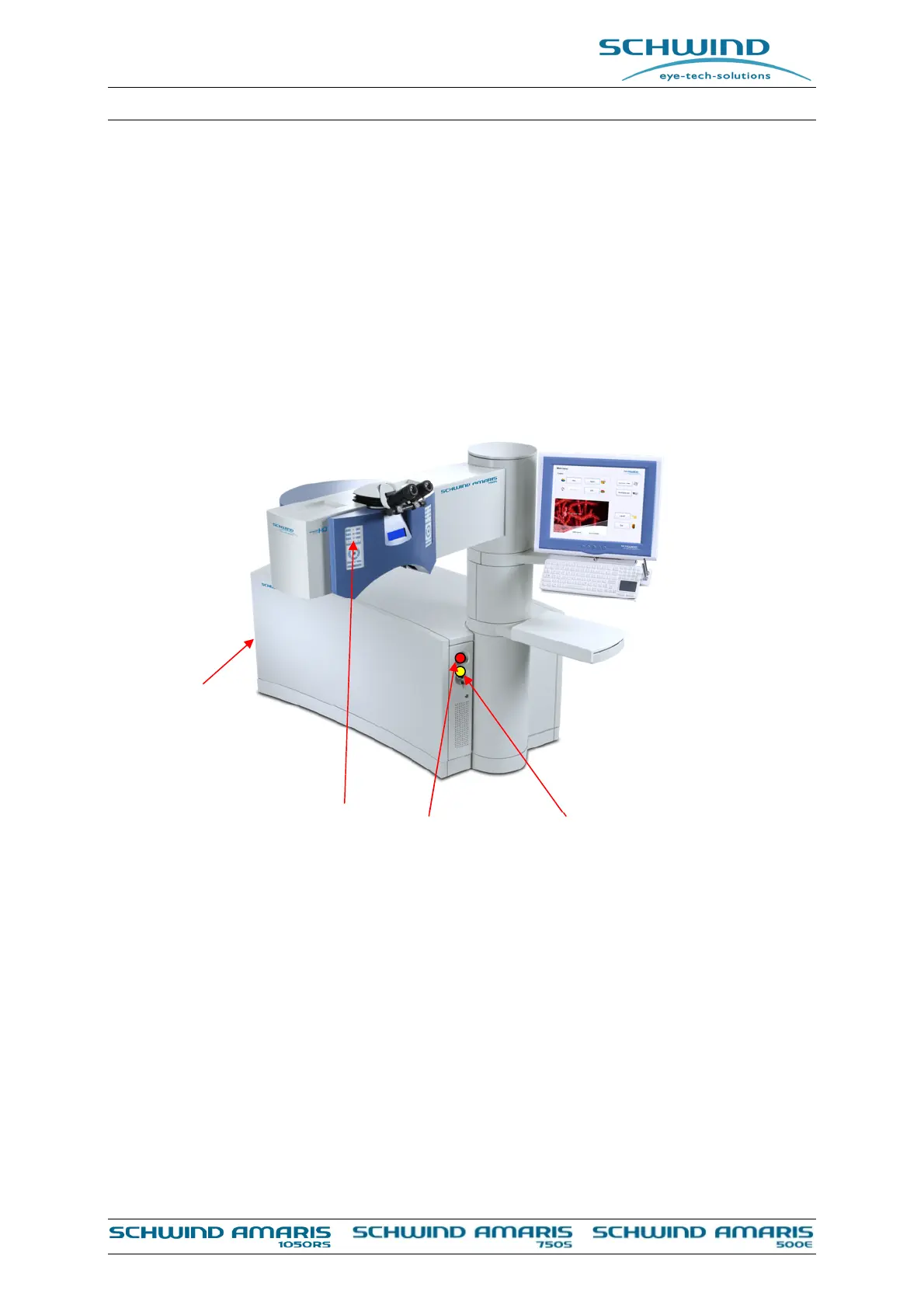
Figure 6-1: AMARIS / AMARIS 750S/ AMARIS 1050RS with key switch and emergency stop
Main Switch
Emergency Stop Key Switch
Control Panel



 To Next Page