USER MANUAL (Instruction for Use) SW 6.1
Treatment Selection
Version 6.1.6 dated 2020-01-31 EN Page 153 of 201
After initial eye tracking initialisation and before starting the laser ablation by
pressing the foot switch, please subjectively check the correct position of the
green cross. It should be located at the pupil center.
The hot zone is marked with a RED CIRCLE in the live video.
The software releases the laser for treatment only if the GREEN CROSS, which marks the center of
the ablation, is within the range of the RED CIRCLE.
IMPORTANT NOTE
If the eye tracking is active, the <Eye Tracker> button is surrounded by a green
border.
If there is a bad tracking signal or the pupil is out of the eye tracking range, the
button will be surrounded by a red border. The laser treatment is interrupted.
As soon as the center of the pupil can be detected again or is again in the
treatment area with the foot switch pushed, the treatment continues
immediately from the interrupted position.
Very short interruptions in the way of milliseconds are barely noticeable;
merely the sound of the laser pulse may change slightly.
It is possible to switch OFF the eye tracking completely during the treatment by pressing the <Eye
tracker>button. A message will appear in which the user has to confirm the deactivation of the
eye tracking system. The eye tracker may be switched off in cases when the eye pupil is
irregularly shaped, i.e., it is non-round and therefore, its detection becomes not possible. For
example, it may be difficult to detect the pupil, or maybe it is not clinically advisable, of patients
with congenital or gained eye defects, etc, coloboma of the iris. Please note, that the detection of
the pupil is possible if the pupil diameter varies in the range between 1,5 mm and 8,5 mm. If the
pupil diameter is less than 1,5 mm or exceeds 8,5 mm, a corresponding message appears
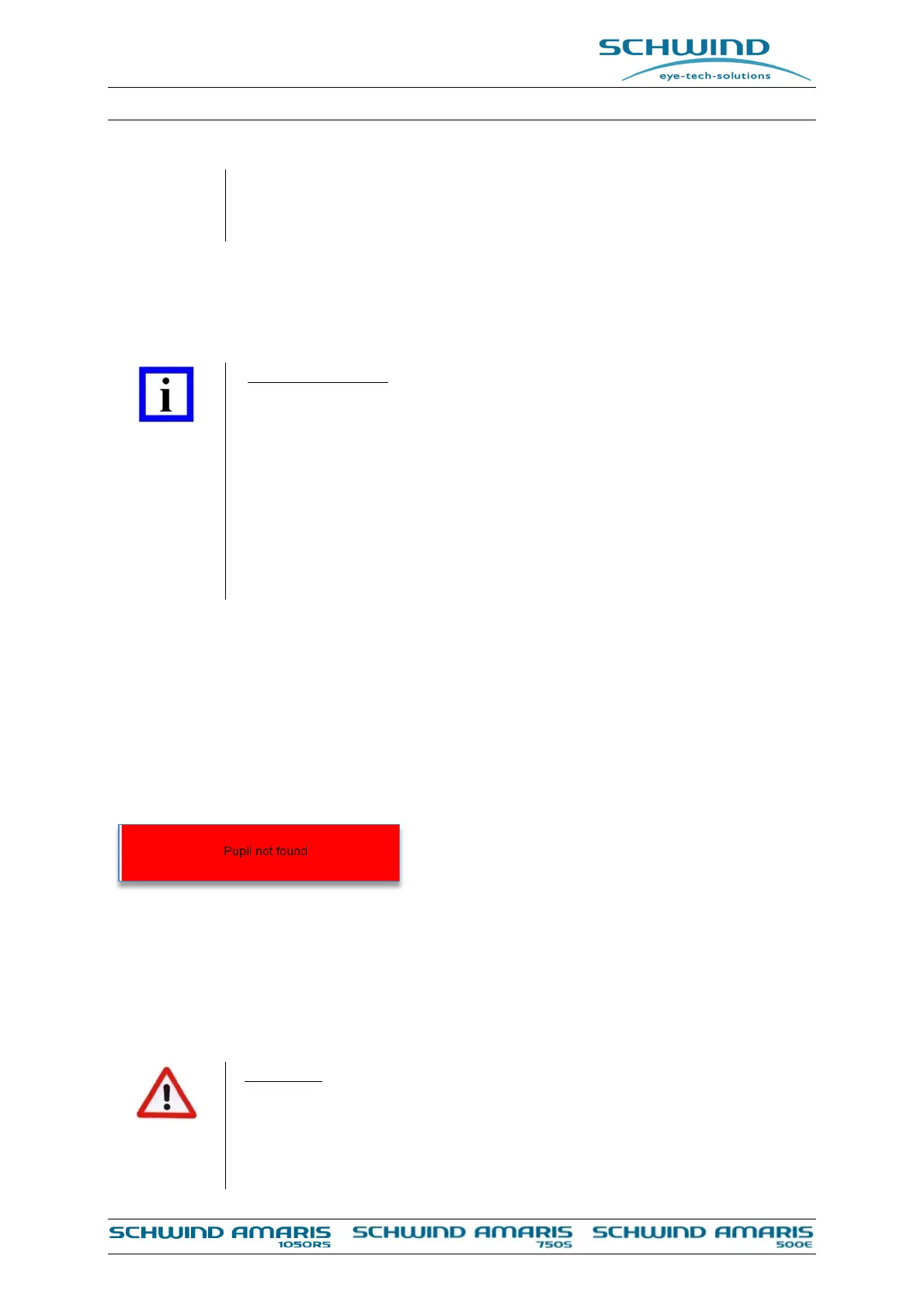
informing about the pupil not being found (see Figure 8-11).
Figure 8-11: Message “Pupil not found”
For all the aforementioned cases, when the eye-tracker is switched off, the user should ensure a
proper centration and a stable monitoring of the patient eye. For a centration reference the
surgeon may use the red circle seen in the live image of the eye tracking infrared camera on left
side of the AMARIS treatment screen (Figure 8-9).The patient pupil and the red circle must be
concentric to each other during the whole ablation.
WARNING
Incorrect treatment results!
Opaque bubble layers or bubbles in anterior chamber caused by femtosecond
laser application, iris naevi, etc. located in the pupil area or surgical
instruments covering the limbus area may have negative influence on the



 To Next Page