USER MANUAL (Instruction for Use) SW 6.1
Treatment Selection
Version 6.1.6 dated 2020-01-31 EN Page 154 of 201
successful and correct eye tracking initialisation. Please check and confirm the
correct initialisation subjectively and restart the tracker manually, if necessary.
Please take into account that in this case the pupil center will be found as a
new value and may differ from the previously measured value. Therefore, it is
recommended first to check that the infrared reflections and the pupil are not
covered.
IMPORTANT NOTE
If the eye tracking system was switched off during the treatment, pressing the
<Eye Tracker> button again can reactivate it.
The system will then start to measure the eye position again. If the Eyetracking
is active, the eye tracker button will be surrounded by a green border.
If the eye tracker cannot recognize the pupil and must be deactivated, the
aiming laser can be used for centration of the patient (refer to chapter 4.5.2,
Aiming Laser, for detailed description).
It is also possible to center the pupil to the yellow cross in the eye tracker live
video.
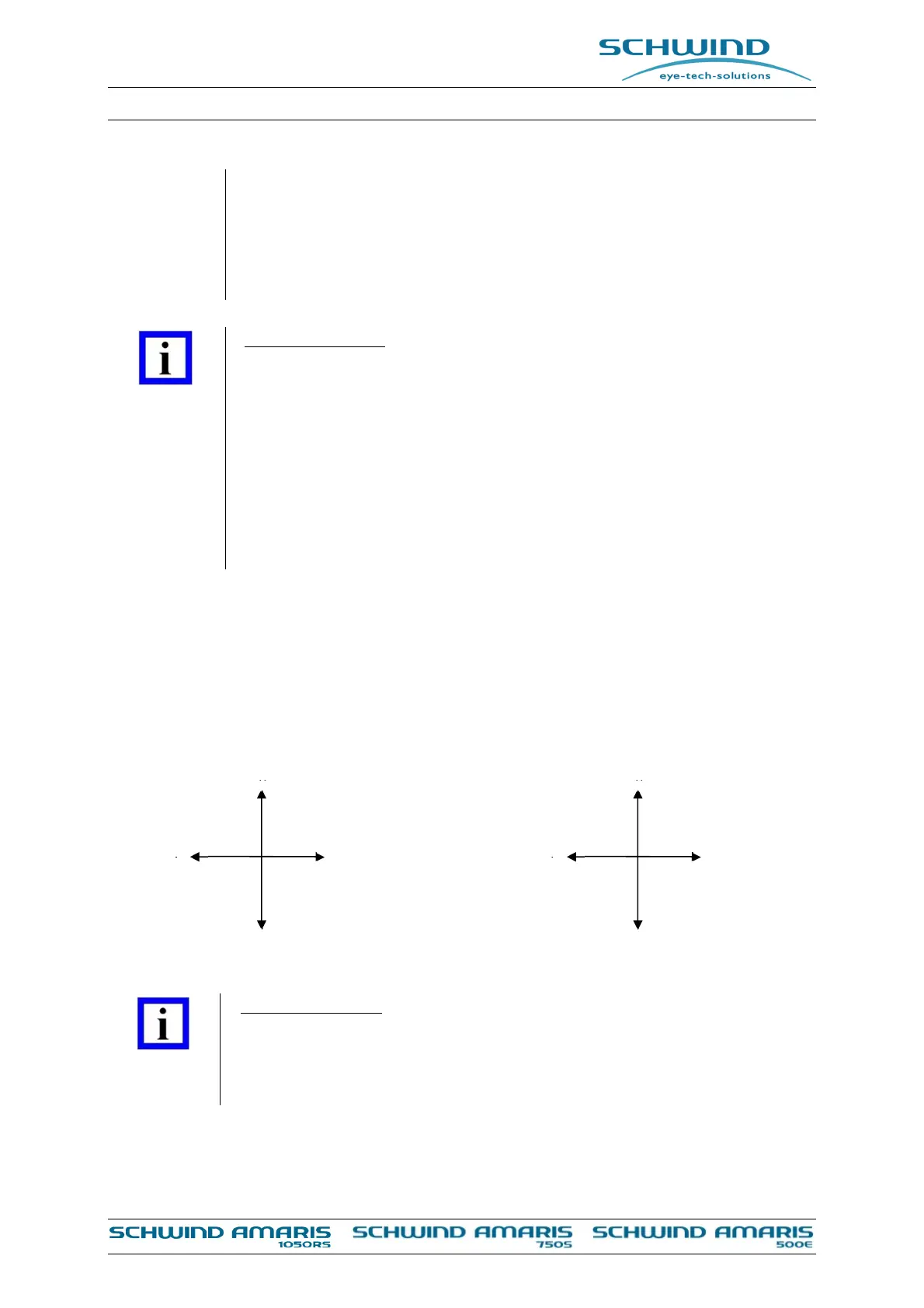
8.5.1 Eye Tracking Coordinates Orientation
The orientation of the values displayed in the diagrams is explained in Figure 8-12: Eye tracking
orientation.
With reference to eye tracking center (black colour)
With reference to the patients eye (red colour)
Figure 8-12: Eye tracking orientation
IMPORTANT NOTE
Orientation for DCC and SCC Values:
Positive numeric value rotation counter clockwise
Negative numeric value rotation clockwise
+Y
-Y
+X -X
S
I
T
N
+Y
-Y
+X -X
S
I
N
T
OS:
OD:



 To Next Page