USER MANUAL (Instruction for Use) SW 6.1
Cleaning and Maintenance
Version 6.1.6 dated 2020-01-31 EN Page 174 of 201
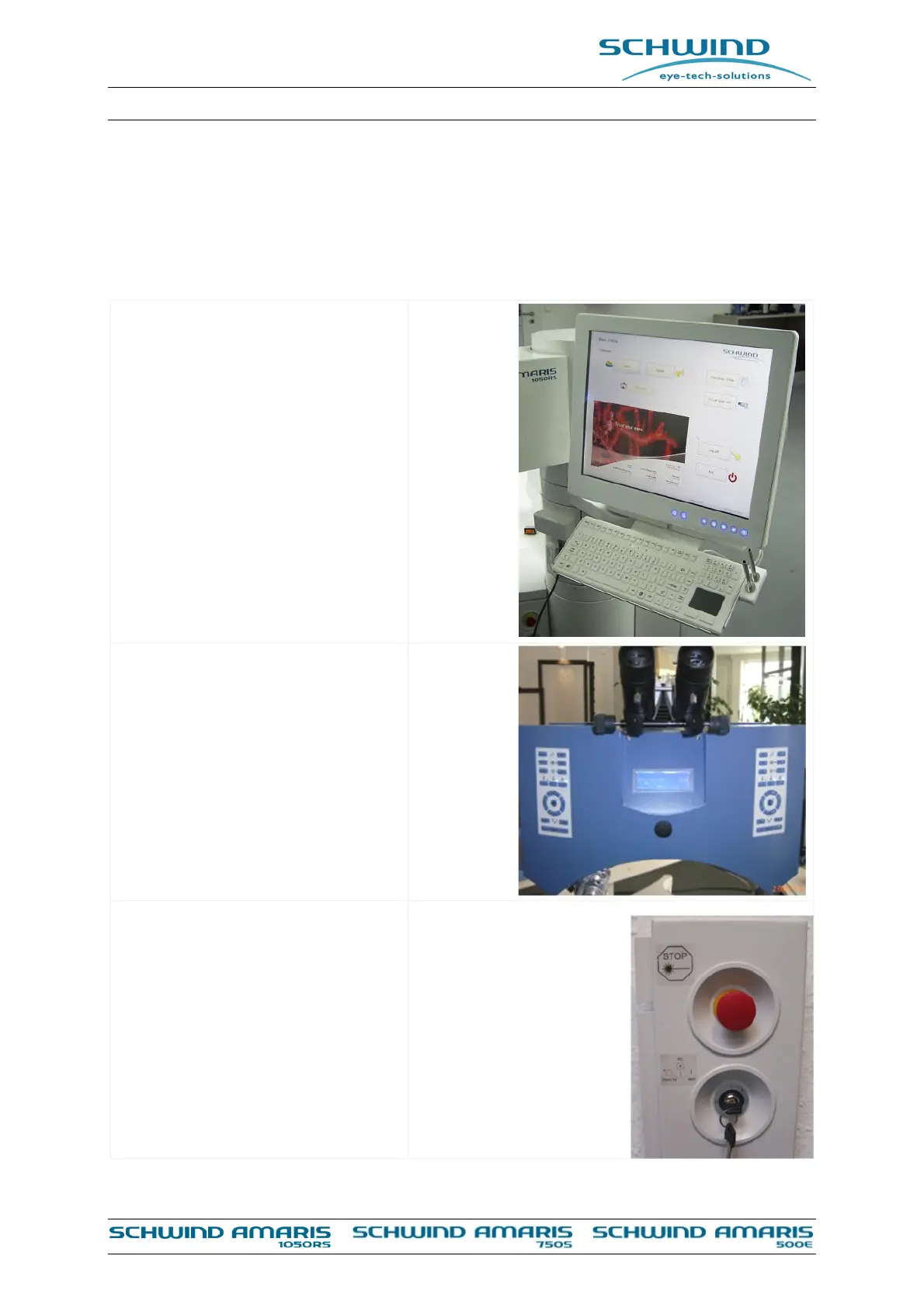
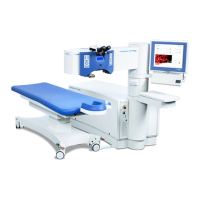
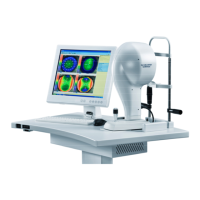
9.2.3 Cleaning of Touch Screen and Keyboard with Touch Pad, Control Panel,
Control Elements
If necessary, wipe all surfaces of the parts as listed below with a lint-free cloth dampened with
disinfection solution.
Touch screen and keyboard with
touch pad.
Control panel
Control elements (key switch,
emergency stop switch)



 To Next Page