USER MANUAL (Instruction for Use) SW 6.1
Device Control and Operation
Version 6.1.6 dated 2020-01-31 EN Page 95 of 201
6.2.2 USB Connectors
CAUTION
Damage of device!
Do not remove the cover from
the USB port.
Connector shall not be used
(for service purposes only).
Figure 6-4: Panel PC ONYX – USB
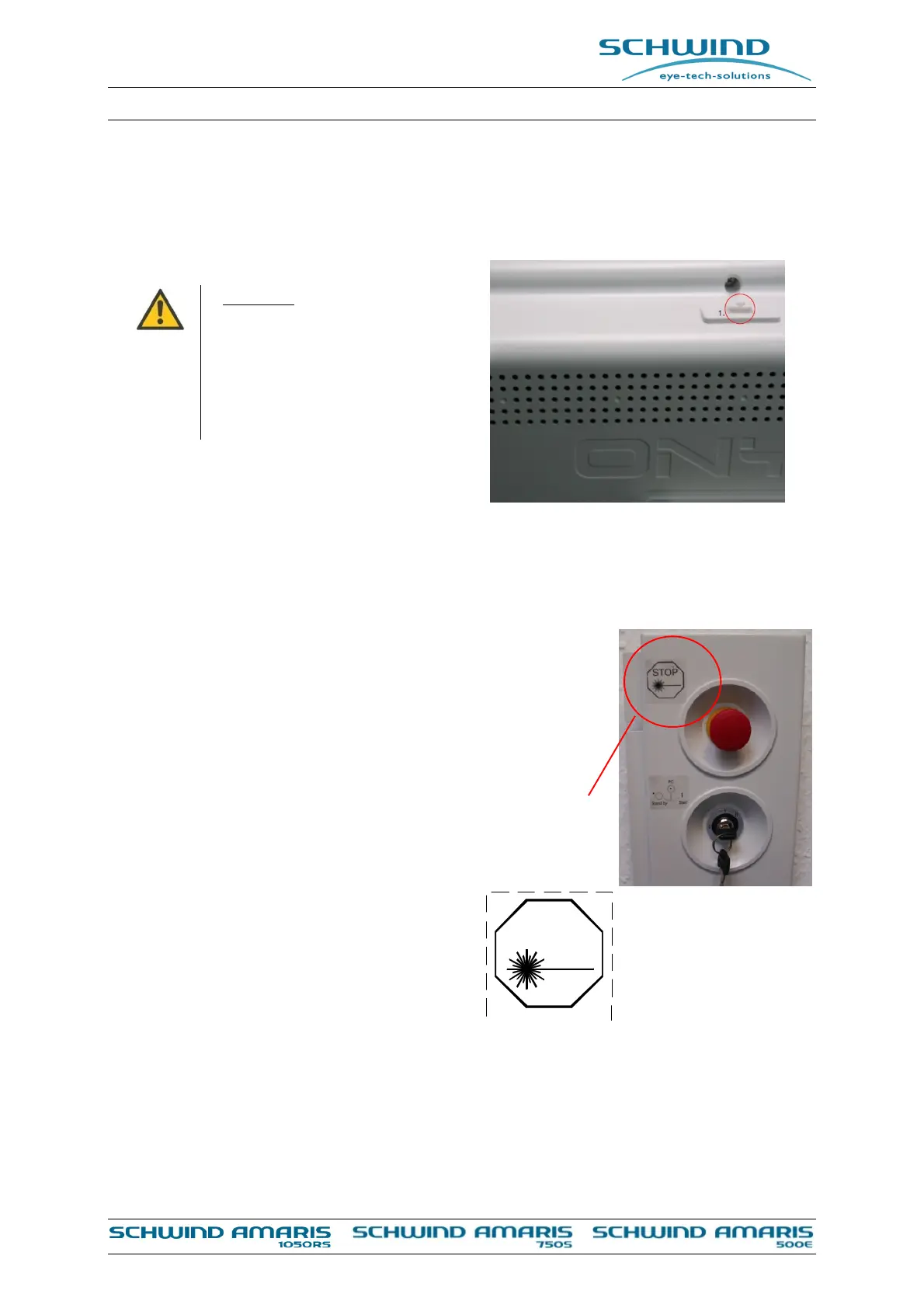
6.3 Emergency Stop Switch
The emergency stop switch is located left of the laser tower for easy
accessibility. If the emergency stop switch is pressed, the laser
source and other components will be switched off by the start-up
circuit. The control unit and the Panel-PC, however, will remain in
power.
To use the emergency switch, simply push the red button.
Release the button by turning it either clockwise or counter
clockwise.
After that, switch off the AMARIS with the key
switch (Position Standby) and switch on the
AMARIS with the key switch (Position Start).
Figure 6-5: Label for laser stop
STOP



 To Next Page