USER MANUAL (Instruction for Use) SW 6.1
Device Control and Operation
Version 6.1.6 dated 2020-01-31 EN Page 96 of 201
6.4 Switch ON the Device
6.4.1 Main Switch
The main switch is located behind the door of the gas
compartment at the backside of the AMARIS base unit.
Open the door to gain access to the main switch.
Be sure that the emergency stop button is not pressed.
Otherwise, the system will not start.
IMPORTANT NOTE
With the main switch switched on, the device is in standby mode, providing
power for the start-up circuit.
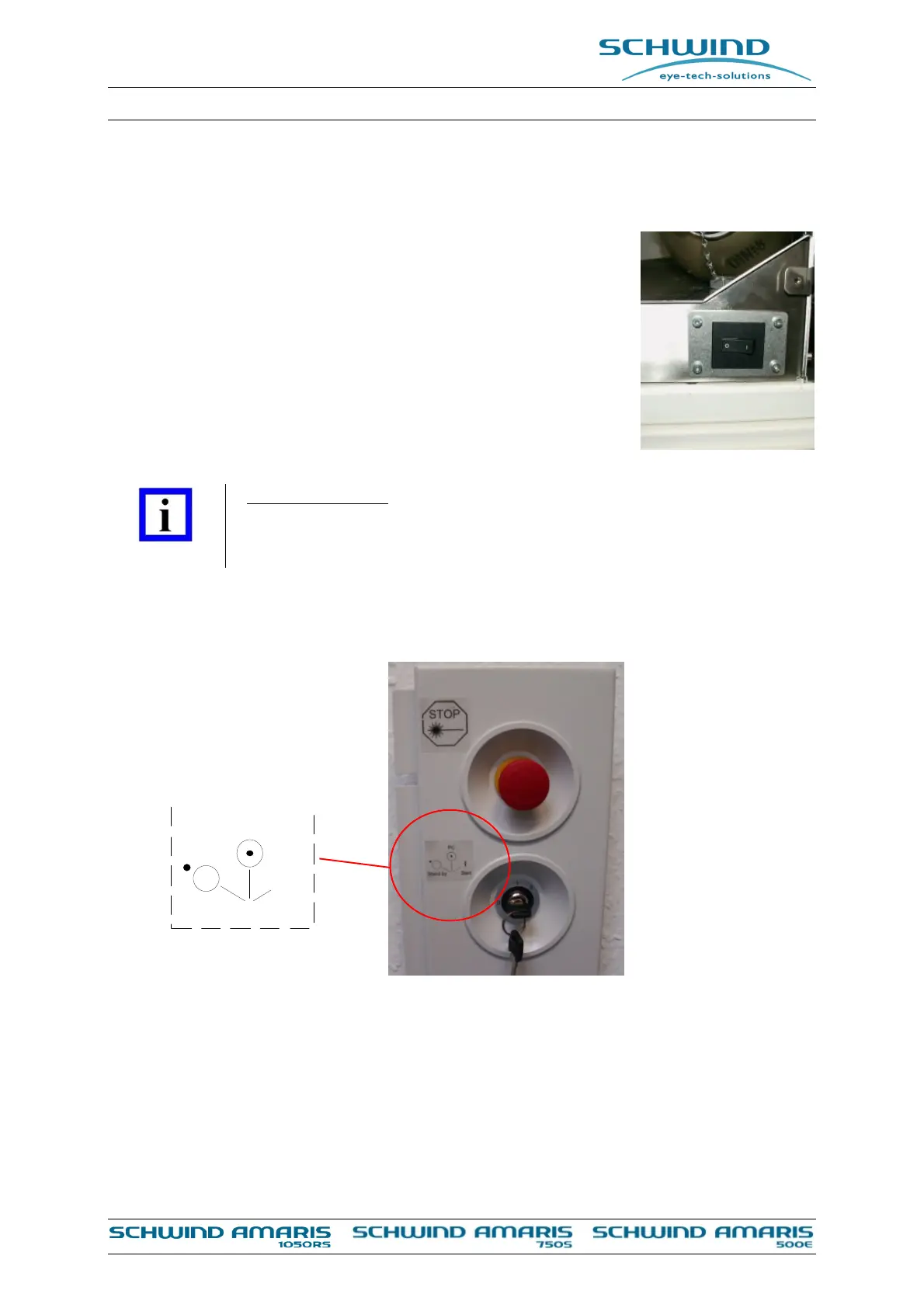
6.4.2 Key Switch
Figure 6-7: Key switch
To start up the device, turn the key switch to the “PC“ position. The computer and the control
system are then switched on. After the boot sequence of the Panel-PC and start of the application
software, it is possible to make data entries and to perform treatment planning.
Meanwhile, the control system waits for the key switch “START” position to switch on the
components.
I
Stand by Start
PC
Figure 6-6: Main switch



 To Next Page