USER MANUAL (Instruction for Use) SW 6.1
Treatment Selection
Version 6.1.6 dated 2020-01-31 EN Page 143 of 201
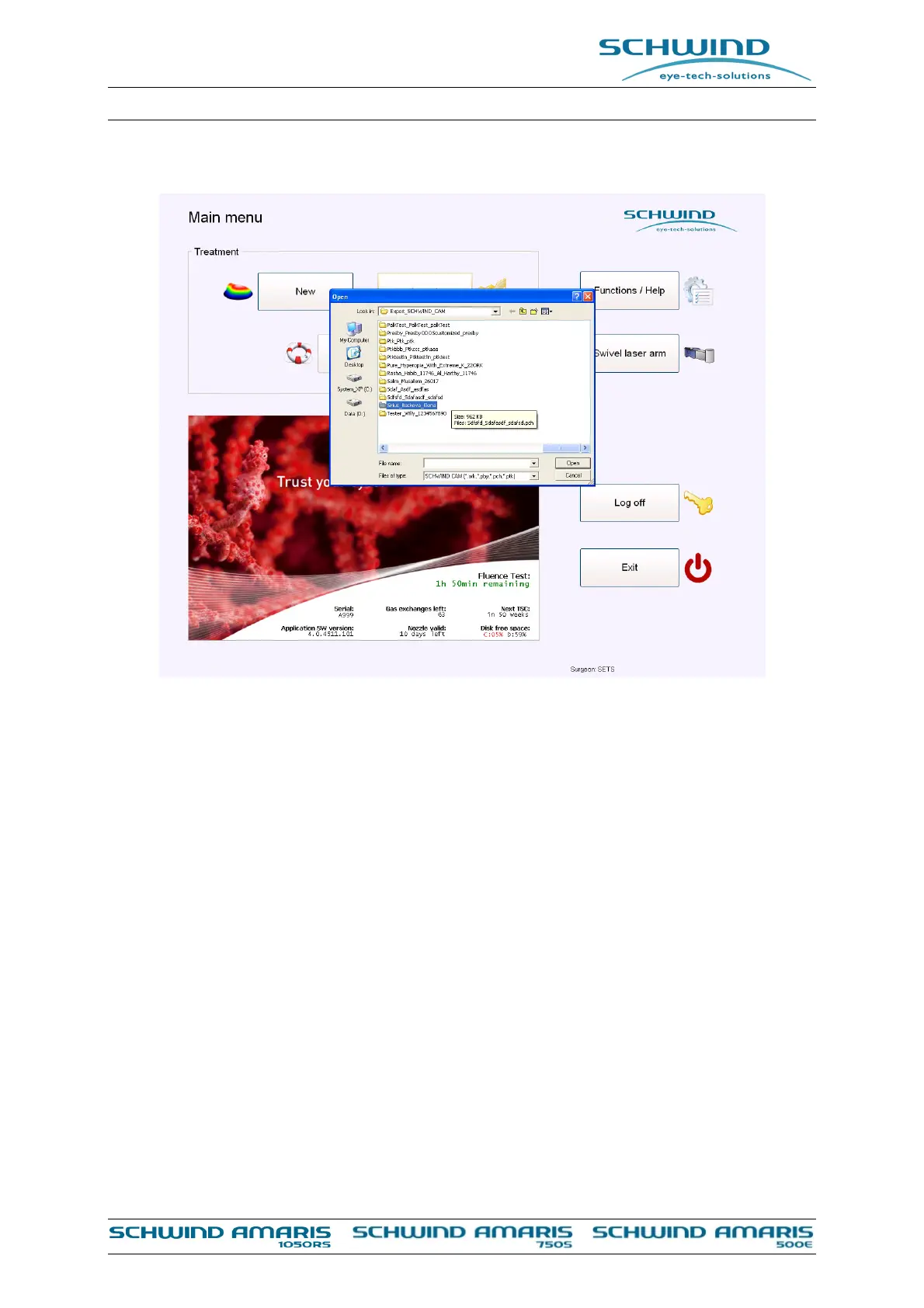
Figure 8-3: Selection of SCHWIND CAM import file (folder)
The reading of the SCHWIND CAM file can take some seconds. Please be patient.
After confirming the input values, the selected part of the software in the SCHWIND CAM settings
e.g. “Summary Page” is displayed automatically. This page displays all relevant data of the
patient (see Figure 8-4: Summary page).
There is the possibility to directly proceed to the treatment screen of the AMARIS software. By
pressing the button <Cancel> the user can go back to the main menu of the concerned SCHWIND
CAM module.



 To Next Page