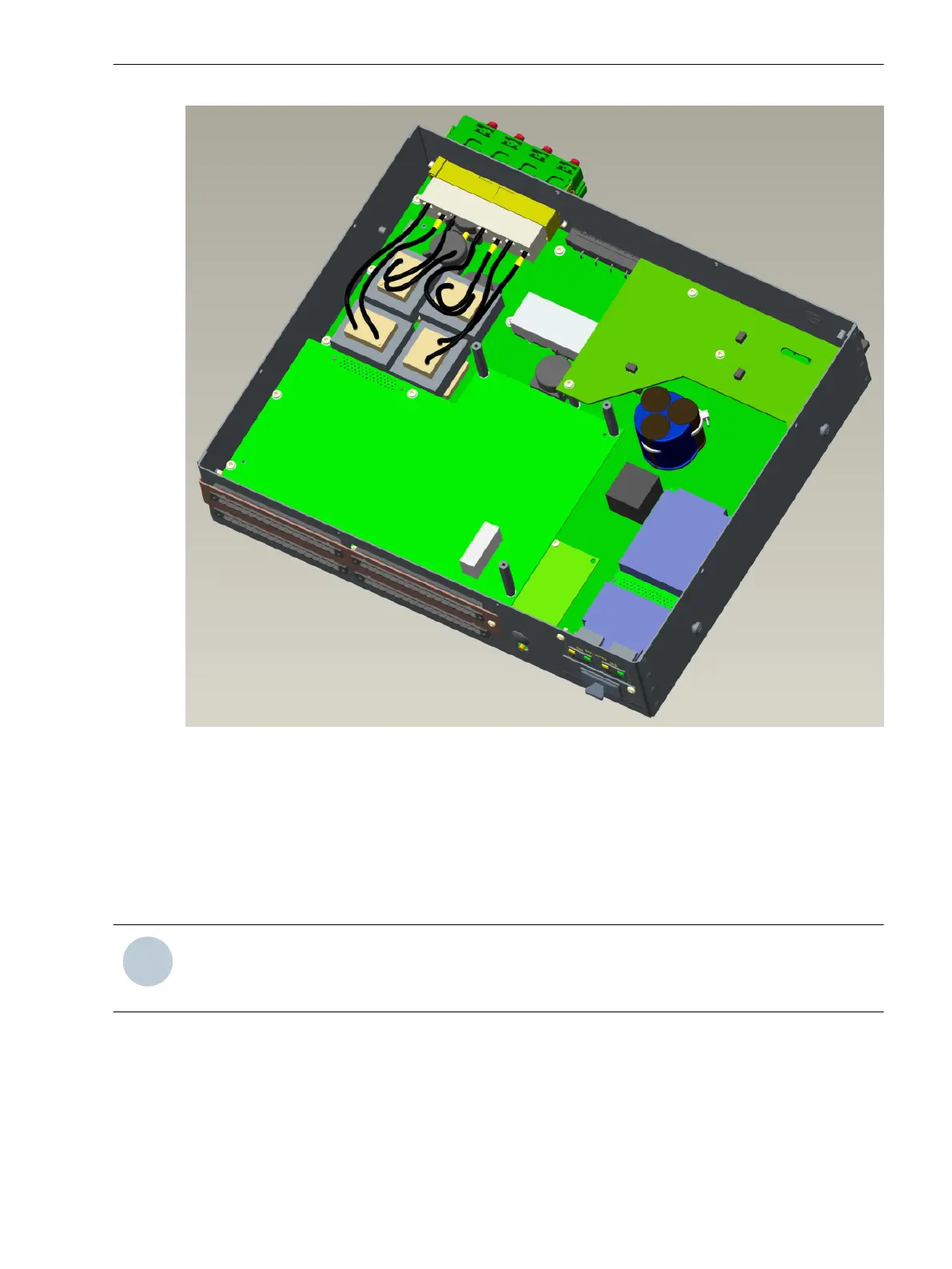
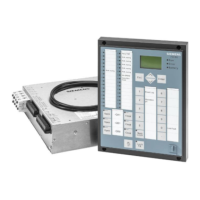
[SC_7sc80-dd_with_extension-io, 1, --_--]
Figure 3-9
Module fixing
Only use original spare parts to replace the modules.
Reassembly
For assembly, perform the steps of the disassembly section in reverse order.
Install the device in the substation again. Slide the battery compartment back into the device.
Observe the following:
NOTE
Insert the current and voltage terminal blocks again and lock them in place!
Additionally fix the process terminals with the fixing elements or screws.
Installation
General
To install the 7SC80 device in a rack or cabinet, the two mounting brackets included in the delivery are
required.
3.1.2.5
3.1.3
3.1.3.1
Mounting and Commissioning
3.1 Mounting and Connections
SIPROTEC Compact, 7SC80, Manual 461
E50417-G1140-C486-A8, Edition 07.2017



 To Next Page