Ionics Instruments 2004 Page 6-14 DLM 30007-08 Rev. A
PRINTING CONSUMABLES
ENTER
CLEAR
PRINTING RESULTS
PLEASE WAIT
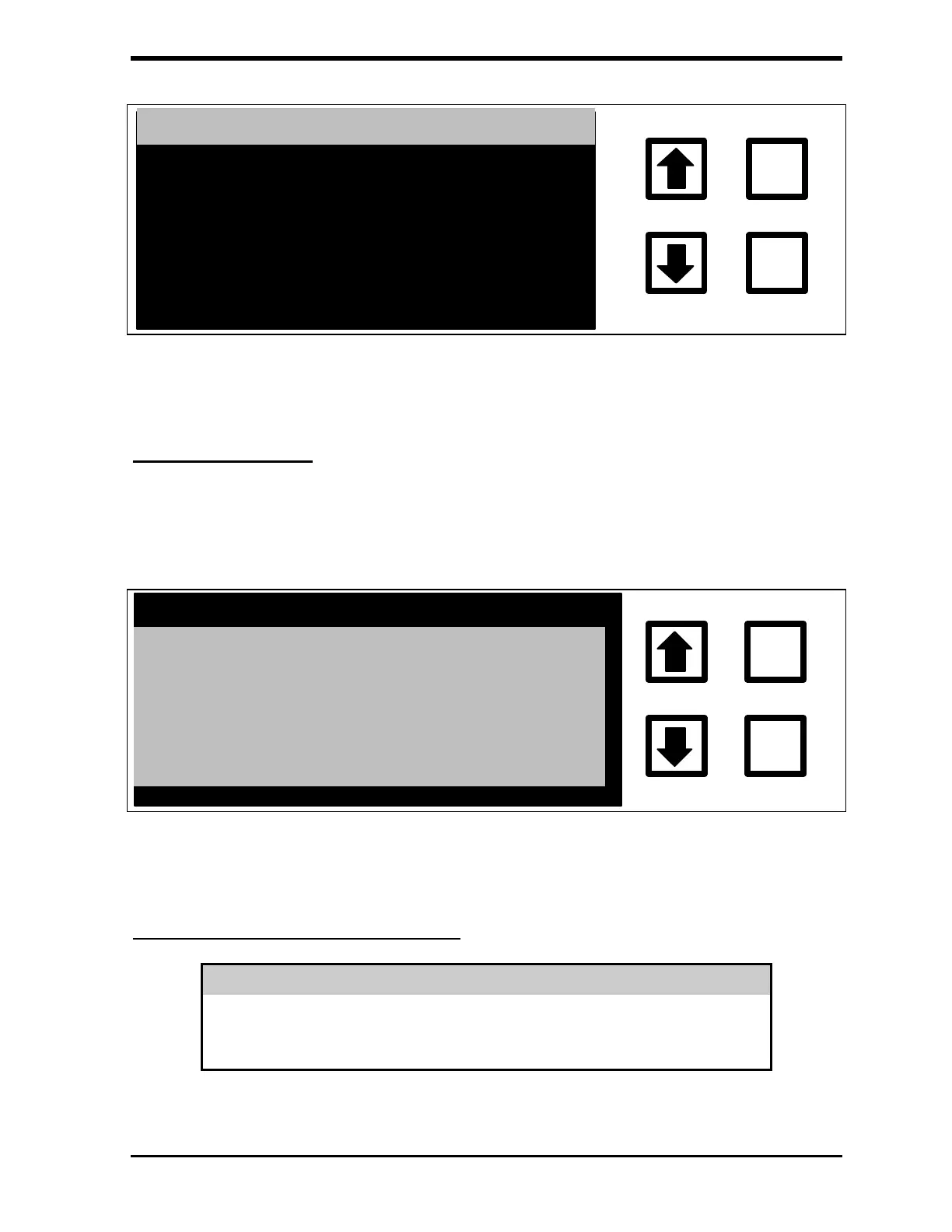
FIGURE 6-17: Consumables Report Screen
Fatal Error Display
An internal microprocessor monitors the analyzer's operation. If a serious
problem is detected, the analyzer stops TOC measurements and displays a
screen similar to that shown below:
FATAL ERROR #31 HAS
OCCURRED. MACHINE IS
HALTED. PRESS ANY KEY
ND CORRECT ERROR
ENTER
CLEAR
FIGURE 6-18: Fatal Error Display
Turning Off Power to the Analyzer
WARNING
Always stop TOC measurements before turning off or unplugging the analyzer.
Turning off the analyzer while it is writing to the RAM Card may damage the
card.



 To Next Page