Ionics Instruments 2004 Page 7-16 DLM 30007-08 Rev. A
Table 7 shows the fields of each audit trail entry.
Table 7. RS-232 Audit Trail Output Format
Field # Field Contents Format/Notes Example
1 User ID 11 alpha-numeric characters (columns 1-11) ADMIN 01
2 Entry ID Number 9 numeric characters (columns 13-21) 693090237
3 Date dd MMM yyyy (columns 23-33) 17 OCT 2001
4 Time hh:mm:ss (columns 35-42) 15:02:27
5 Operation 20 alpha-numeric characters (columns 44-63) PASSWORD SET
6 Data Alpha-numeric characters (columns 65-end of line) QUALITY 01
After all of the audit trail entries have been exported, the instrument will send
the characters “AT” to indicate that the audit trail is complete. After the audit
trail is exported or aborted, the AUDIT TRAIL menu displays.
Reset Audit Trail
To reset the current audit trail, use the arrows ( or ) to highlight RESET
AUDIT TRAIL, then press ENTER.
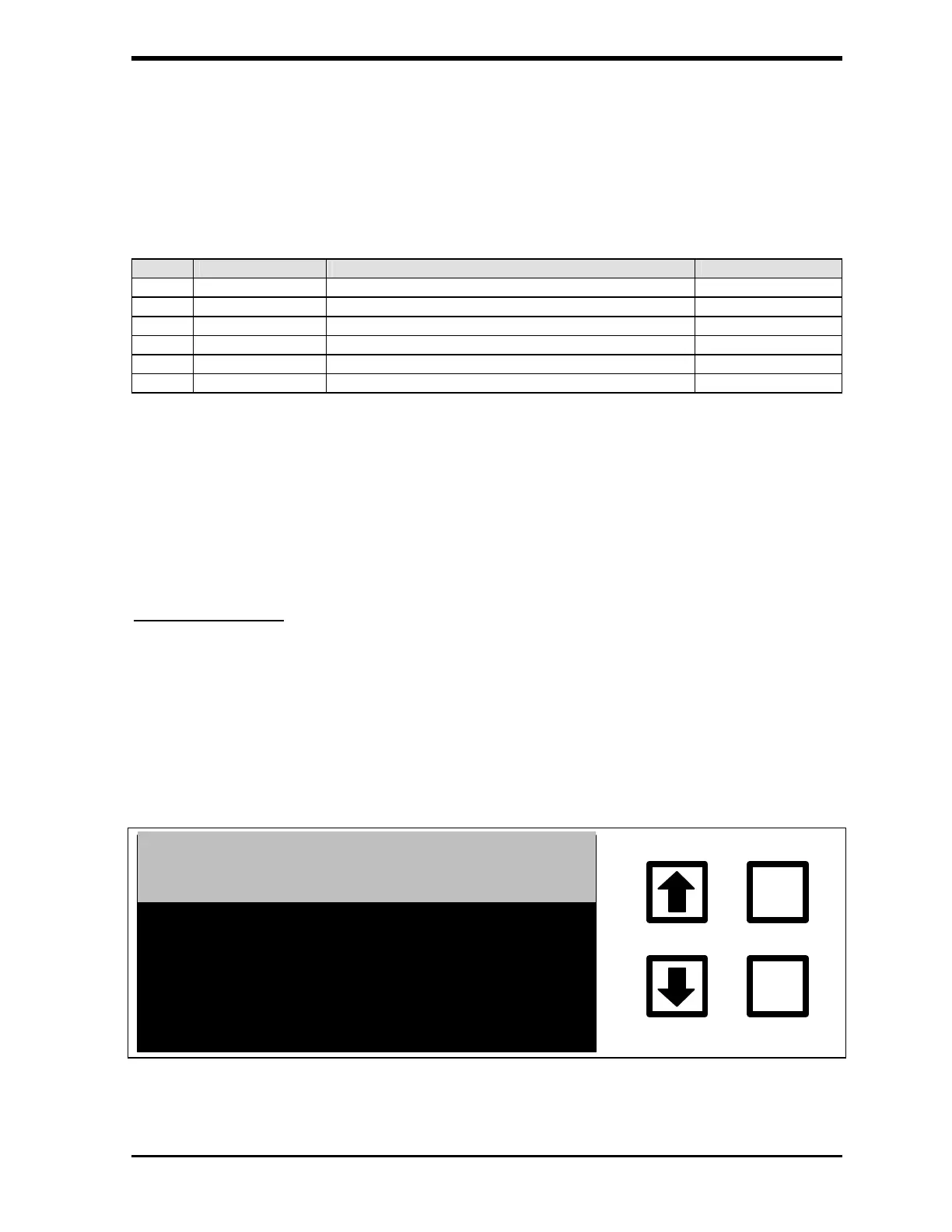
If the audit trail has not been archived, the RESET AUDIT TRAIL WARNING
screen displays:
WARNING! AUDIT TRAIL
NOT ARCHIVED
ENTER
CLEAR
PRINTED OR EXPORTED
BEFORE RESET
UDIT TRAIL MUST BE
FIGURE 7-19: RESET AUDIT TRAIL WARNING Screen



 To Next Page